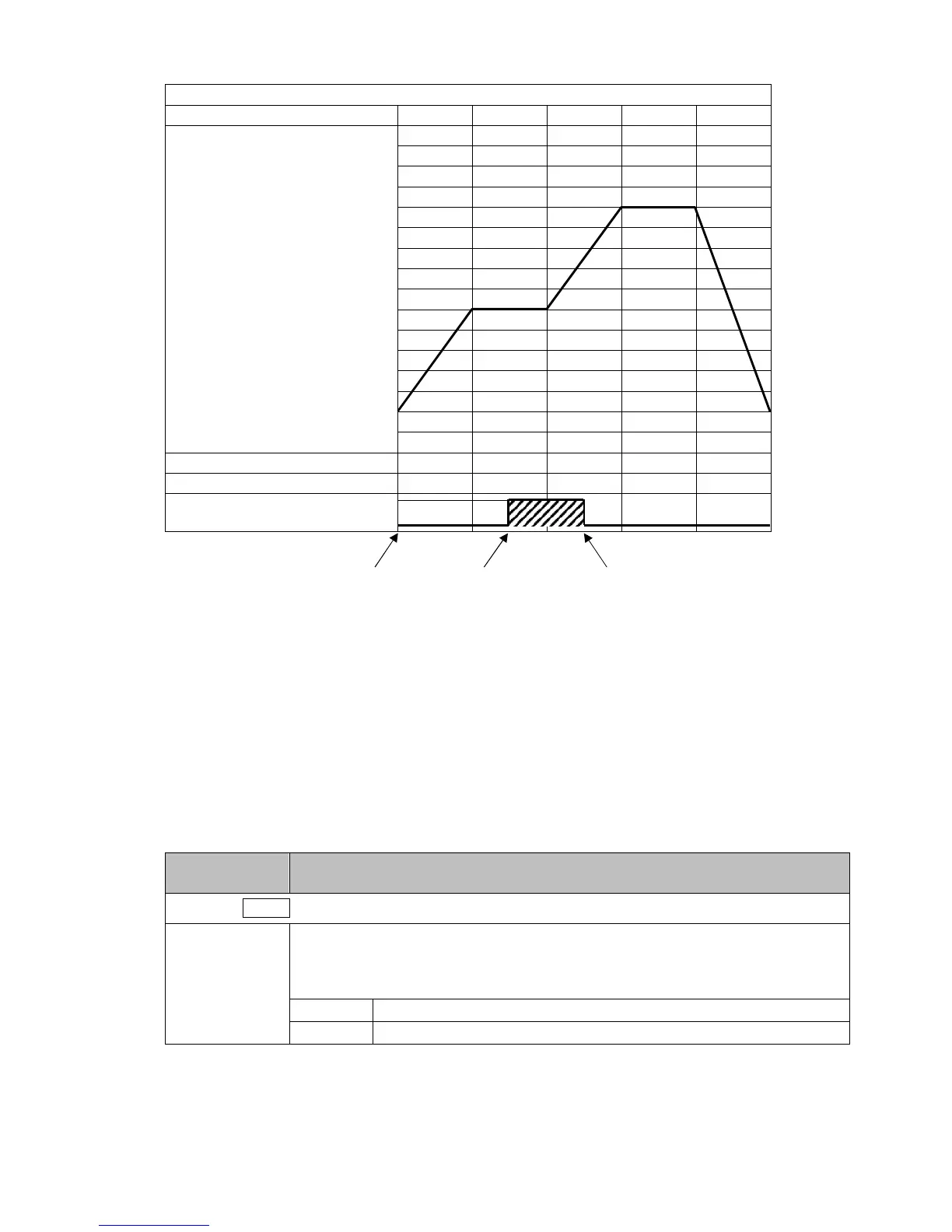
(e.g.) Time signal output setting
Time signal output OFF time: 1 hour
Time signal output ON time: 50 minutes
(Fig. 6-13)
Explanation of Time signal output
In the above program pattern example, Time signal output turns ON one hour after program control
RUN starts (30 minutes after the unit entered Step 2). Time signal output turns OFF 50 minutes
after Time signal output turned ON (20 minutes after the unit entered Step 3).
Factory Default
Setting Item, Function, Setting Range
Press the MODE key multiple times until the following characters appear.
m_s/
/ min/
Step time unit
• Selects the Step time unit.
• Selection item:
min/ Hours : Minutes
sec/ Minutes : Seconds
0
500
1000
Program control RUN ON after 1 hour OFF after 50 minutes



 To Next Page