Section 4: Cable Carrier Installation • May 2, 2016
© Copyright 2016 ShopBot Tools, Inc. page 4-6
X-Axis Cable Carrier
X-axis cable carriers are included with PRSalpha and PRSstandard tools with
table sides 96” and up. Table congurations with 48” and 60” are not shipped
with X-axis cable carrier kits.
The rst steps are to assemble the trough for the cable carrier to ride in, and to
attach the support to the end plate of the gantry.
Attach one end of the cable carrier to the trough at the midpoint of the table,
and the other end attached to the support on the gantry.
Diagrams of where to place the brackets for the troughs for different sized
tools are found at the end of this section.
Install Trough Brackets for ShopBots with 6” Z’s
Depending on the length of the machine, the number of trough brackets needed can vary from 2-4.
The hardware called for here will reect the mounting of a single trough bracket for a tool with a 6” Z.
Note: Tools congured for 12” and 24” Z’s have dual side plates and require different mounting brack-
ets.
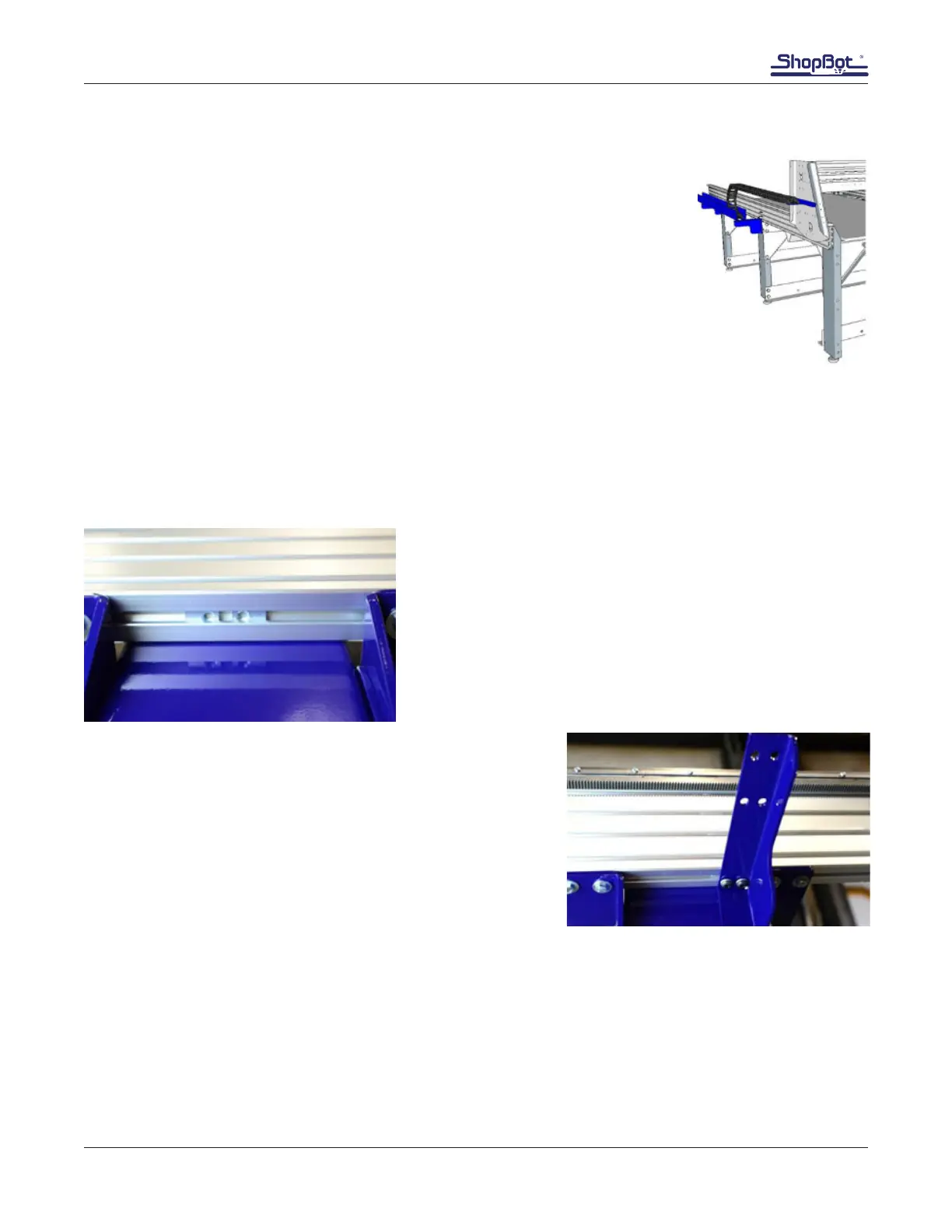
Place ball and spring pivot inserts into slot on bottom of the
rail in in line with the middle table leg.
Inserts will need to be positioned so the holes are turned
toward each other to match the hole spacing of the trough
bracket.
Loosely install the cable carrier trough bracket with button
head screws, lock washers, and washers.
Mount additional trough brackets as needed. Most often, the
middle leg and the back leg (farthest from the 0, 0 home po-
sition) are used. See diagrams at the end of the document for
common congurations of the brackets and trough.



 To Next Page