Section 12: Setup and Fine Tuning • May 2, 2016
© Copyright 2016 ShopBot Tools, Inc. page 12-6
ShopBot Setup
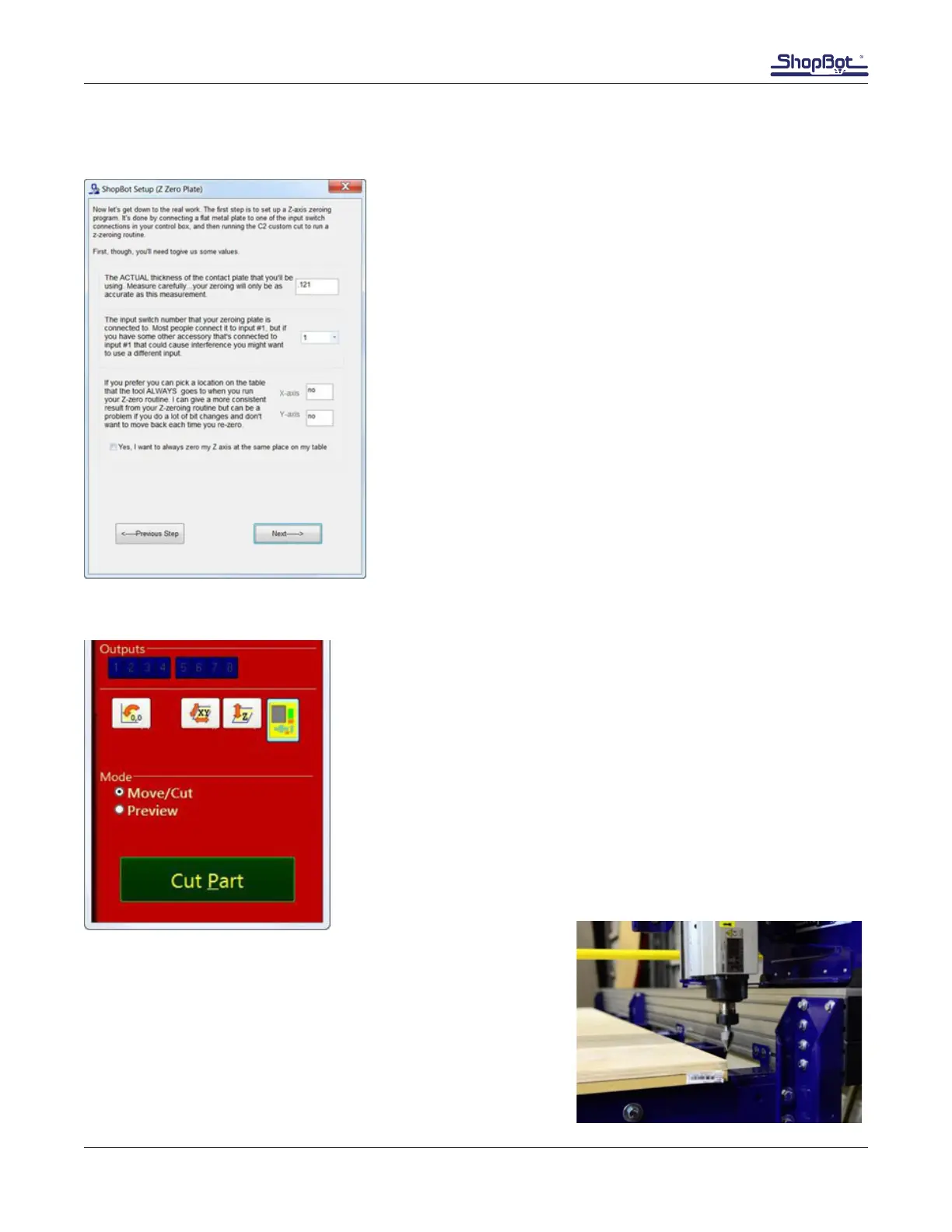
Z Zero Plate
Zeroing the Z-axis is performed by placing the Z Zero plate on
the zeroing surface under the bit and attaching the clip to the
bit or collet. When the bit touches the plate a simple circuit is
created, telling the tool to stop and record the location. This
action is done using the Z zeroing program which can be run
using the “Z” button in the red position window.
Z zeroing determines the zero position by adding the thickness
of the zero plate to its position when the circuit is complete. By
default this value is 0.121” (or 3.0734 mm). For critical applica-
tions, this value can be changed to exactly match the thickness
of the plate supplied with the tool.
XY Zeroing Point
By default, the XY zeroing point will be the corner of the table near-
est the control box. There is a program that will repeatedly and ac-
curately nd this point using the X and Y proximity switches. The XY
zeroing program can be run by clicking on the “XY” button in the red
position window. This is sometimes called a C3 routine, as entering
C3 into the command line also runs this program.
Make sure the tool is clear and the Z-axis will not collide with any
objects when moving toward the XY zero point. Click the “XY” but-
ton to run the XY zeroing routine. The machine will move along each
axis until it stops at the proximity switch. It will then back off each a
set distance to the XY zero location.
By default the offset from the proximity switches to the zero point is
1/2” (or 12.7 mm).
Move the corner of the plywood base board at this point and
then square it with the table sides. This is the proper position for
the spoil board and will allow maximum tool coverage.



 To Next Page