Section 6: Spindle and VFD Installation • May 2, 2016
© Copyright 2016 ShopBot Tools, Inc. page 6-2
Hardware
Part Name Quantity ShopBot Part Number Notes
Yaskawa V1000 VFD 1 Part numbers vary based on the
options available. Refer to paper
work to determine model.
VFD Mounting Kit V1000 1 003065
FHSCS 1/4-20x5/8 2 003064
BHSCS 1/4-20x3/4 4 002135
at washer 1/4 USS Z G5 6 000534
Nylock hex nut 1/4-20 Z 6 000454
VFD mounting strap 2 003036
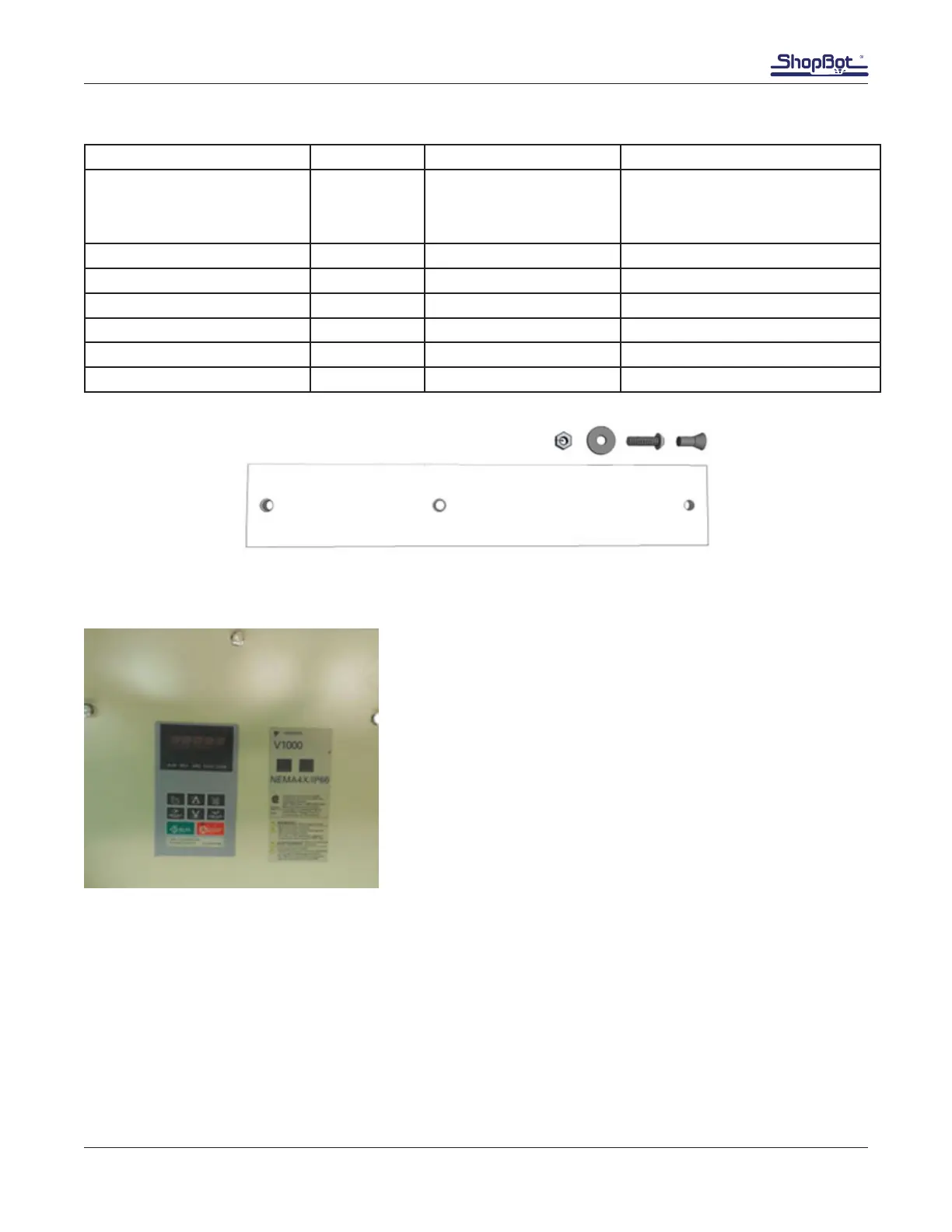
Determining the VFD Model
There are two main types of VFDs, a 10” model and a 16”
model. These can be easily differentiated by their size and
model numbers. Model numbers are found on the front of the
VFD underneath the “RUN” and “STOP” buttons as shown on
left.
There are ve different amperage congurations. These will
not impact installation, but it may be benecial information for
tech support.
Voltage Amperage (Determines Size)
An example model number is shown below.
The model number is CIMR–VU2A0040GAA.
The rst bold and underlined number in the written example is the voltage.
2 = 200-240 Vac, 3-phase
4 = 380-480 Vac, 3-phase



 To Next Page