Section 10: PRS Alpha Control Box Wiring • May 2, 2016
© Copyright 2016 ShopBot Tools, Inc. page 10-2
Computer Recommendations
A PC running Windows XP/Vista/7/8 (Home Premium / Business, or higher) is required. The equivalent
of a dual core or higher, Pentium processor, and a minimum of 4GB RAM (8GB preferred) is recom-
mended.
A graphics display of 1024 x 768 will provide a good display, although a higher resolution may be pref-
erable.
Computer Configuration
Important: Some programs and features will interrupt the proper installation of ShopBot 3 control soft-
ware. To ensure trouble free installation and operation, ShopBot recommends performing the following
actions before installation.
_____ Install program using administrative account.
_____ Set User Account Control (UAC, not applicable to Windows XP) to “Never Notify.”
_____ Disable network connection.
_____ Disable security and antivirus software.
_____ Make sure the USB cable from the ShopBot is not plugged in.
Install ShopBot 3 Control Software and VCarve Pro Software
Refer to “Installing ShopBot Applications” section in “Uninstalling and Reinstalling ShopBot and
VCarve Software” document found at http://www.shopbottools.com/ShopBotDocs/les/SBG%20
00441%20Uninstalling%20and%20Reinstalling%20ShopBot%20and%20VCarve%20Software.pdf.
Software Overview
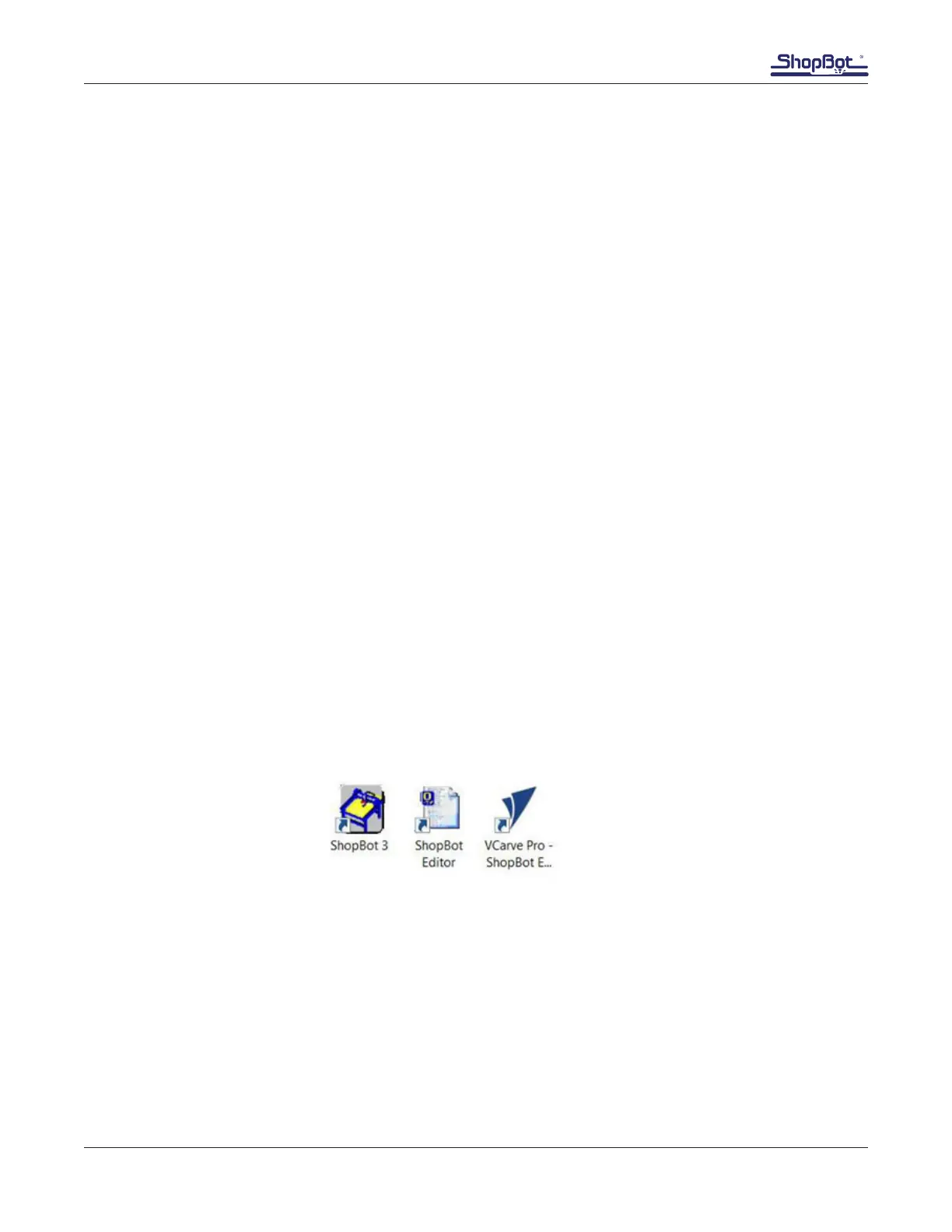
All programs included with the ShopBot are now installed. The icons below represent how they will
appear on the computer desktop.



 To Next Page