Section 10: PRS Alpha Control Box Wiring • May 2, 2016
© Copyright 2016 ShopBot Tools, Inc. page 10-5
In ShopBot 3, select “Utilities,” then “Install Control Box Firm-
ware.”
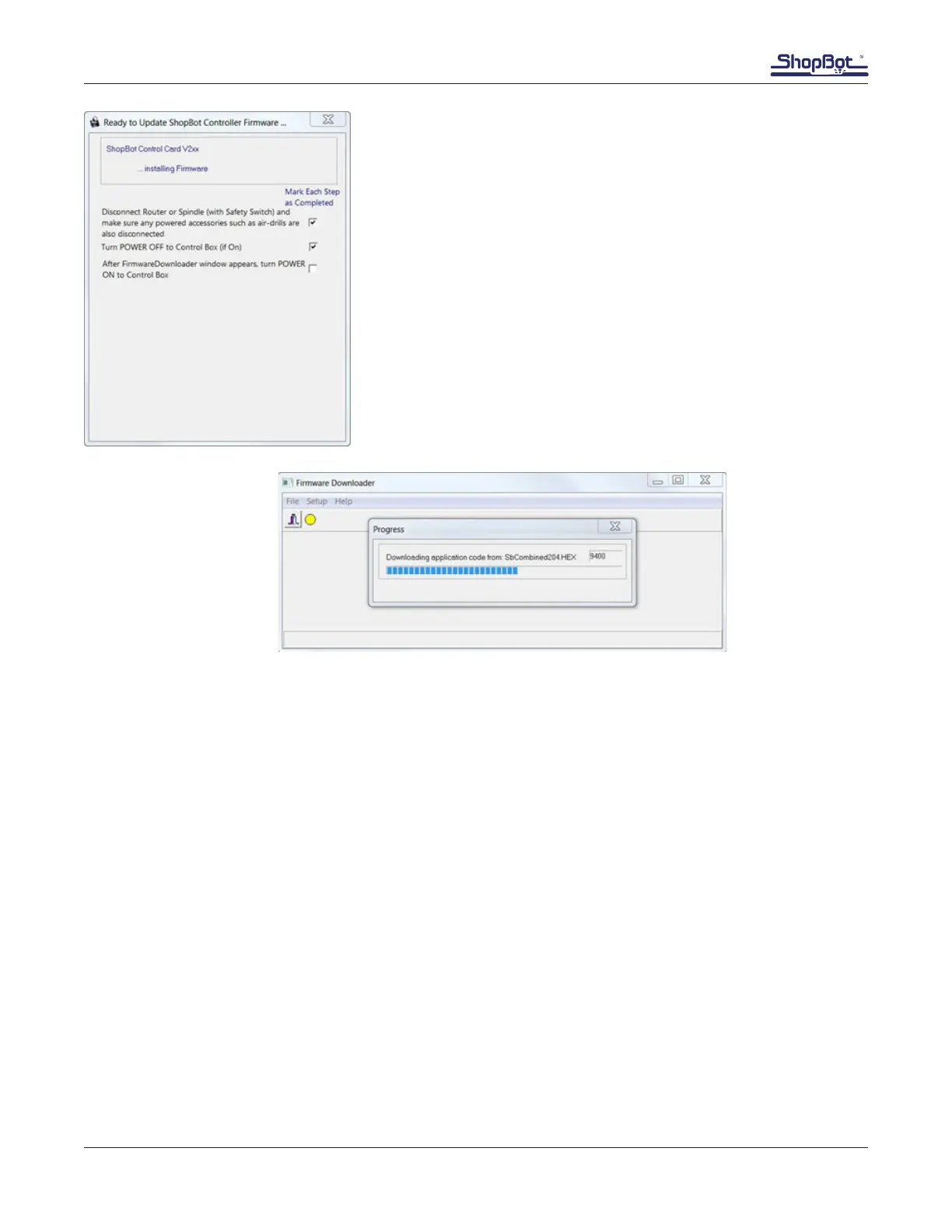
Follow the prompts in the window that appears, checking the box
as each step is completed.
After the control box is turned on, the progress bar below should
pop up. It will take about 10 seconds to complete.
Once this progress bar completes, the rmware has been loaded
on the control box. If progress bar does not appear, conduct the
rmware downloader operation again.



 To Next Page