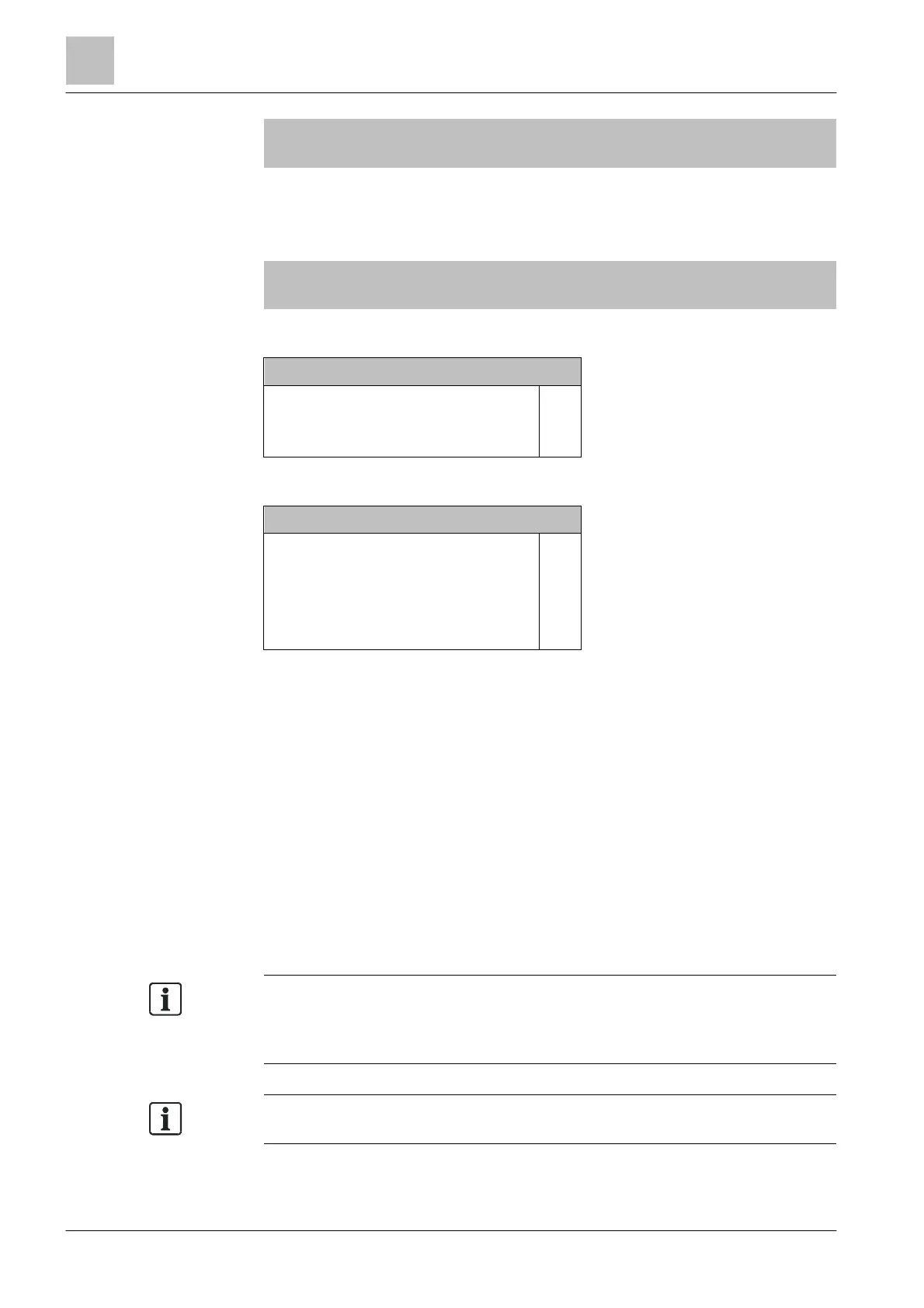
Enabling / Disabling Cerberus Remote
5
96 | 184
007 Elements
C-NET line card (onboard/FCL2001)
Module 2
Line
Line
Line
Line
1
21
22
31
Line
Line
Line
Line
Upper
level
Lower
level
More
Options
κ Select 'Line 1', continue with 'More Options' <softkey 3>
Selecting option
Execute commands
Show details
(3)
(5)
κ Select 'Execute commands', continue with <ok>
Select command
Read in installed devices
Detector line OFF
Auto-configure line
Set customer text
Accept replaced devices
(1)
(2)
(3)
(4)
(6)
κ Select 'Auto-configure line', continue with <ok>
The line is auto-configured.
5.19 Enabling / Disabling Cerberus Remote
Using Cerberus-Remote, you can represent the ↑ Person Machine Interface of a
↑ 'Station' on the PC. Depending on the mode, you can display the Person
Machine Interface or display and operate. The 'Station' that is to be represented
with Cerberus-Remote must be enabled.
You can grant the enable from all 'Stations' that have the 'Station' for which
enabling is required in their ↑ visibility.
You can also enable Cerberus-Remote permanently in the configuration with
Cerberus-Engineering-Tool.
license key must be installed on
the 'Station'. The license key must support the Cerberus-Remote function.
Without a license key, no commands are available on the Cerberus-Remote
element.
You will find more information about
See chapter 'Applicable documents'.



 To Next Page