Parameter description
AG06
Date: 07.02.2018 Art. No. 85674 Mod. status 055/18 Page 31 of 114
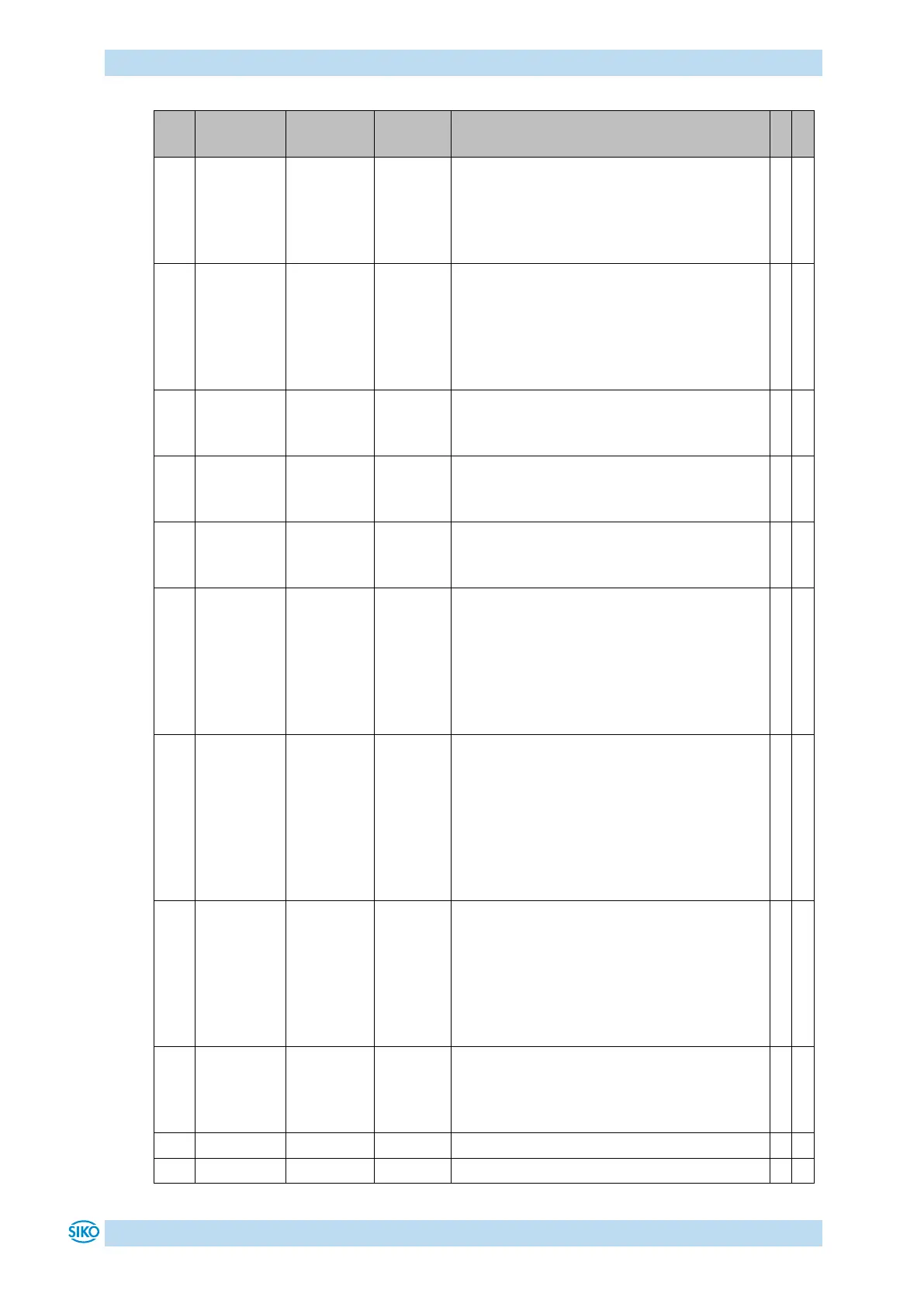
Display / key control:
Time in seconds the asterisk key must be
held down until menu can be entered or the
set point specification is enabled via
display.
Display / key control:
The access to inching mode 2, positioning
mode and rotational speed mode functions
via keys can be set with this parameter.
0 = all functions via key enabled
1 = all functions via key disabled
LED 2 orange function:
0 = Off
1 = Bus operation indication
Red LED 1 function:
0 = Off
1 = Indication of the operating status
Green LED 1 function:
0 = Off
1 = Indication of the operating status
Display:
Input of decimal places
0 = 0
1 = 0.0
2 = 0.00
3 = 0.000
4 = 0.0000
Display:
Divisor by which the display accuracy is
reduced compared with the measurement
resolution.
0 = 1
1 = 10
2 = 100
3 = 1000
Direction
indication
function
Display:
The direction indicators show the key to be
pressed to arrive at the set position
window.
0 = On
1 = Inverted
2 = Off
Display:
Display orientation
0 = 0°
1 = rotated by 180°


 To Next Page