Parameter description
AG06
Date: 07.02.2018 Art. No. 85674 Mod. status 055/18 Page 30 of 114
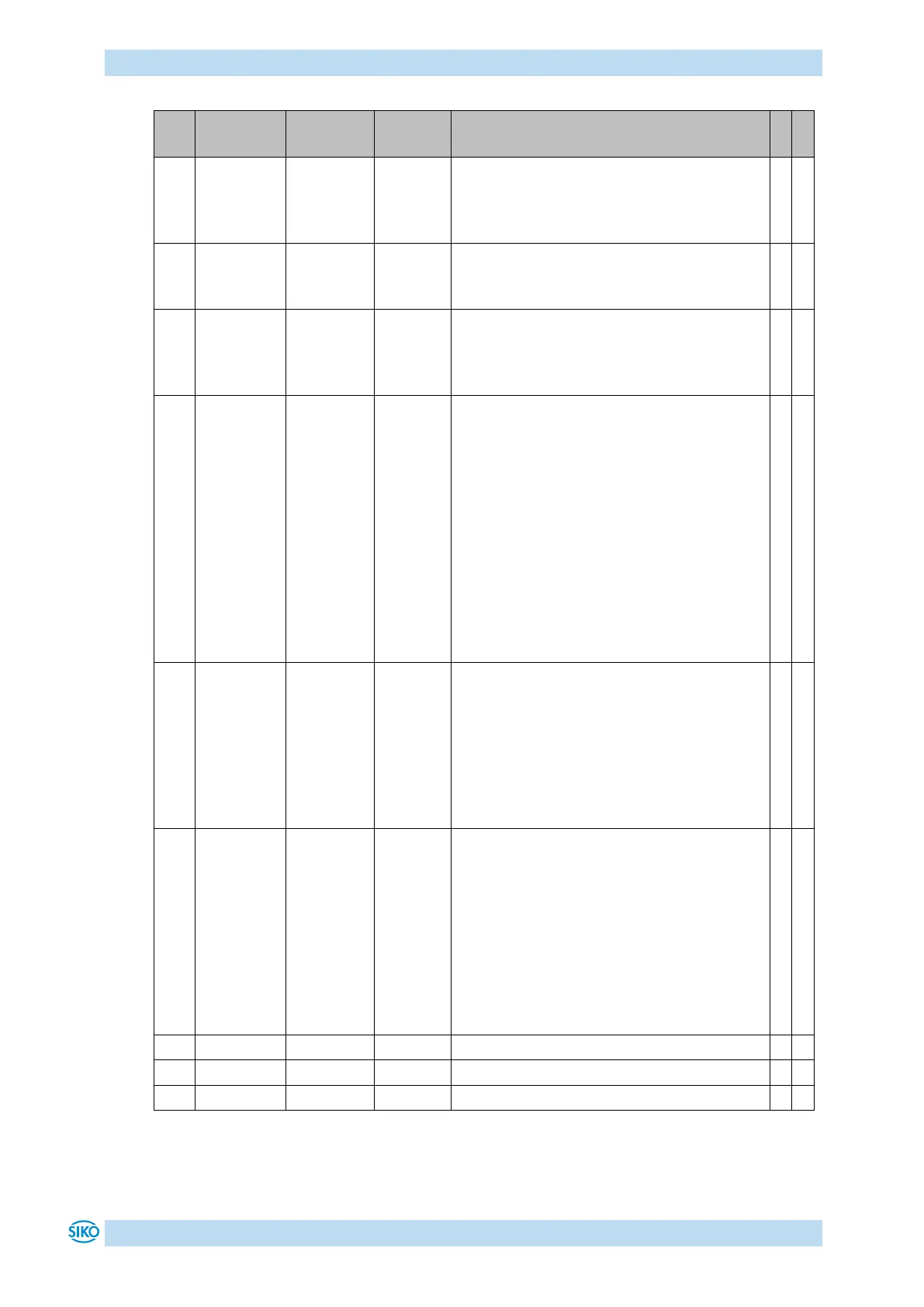
Contouring error limit:
Exceeding the contouring error limit during
ongoing positioning results in a "Contouring
error" fault.
Current limiting:
Limiting of surge current. Figures indicate
percentage of nominal current
Inching operation 2:
The inching speed in Inching operation 2
can be influenced via this parameter Values
in percentage of parameter no. 9.
Type of
accelera-
tion
Inching
mode 2
Inching operation 2:
The type of acceleration can be set with this
parameter.
0 = static acceleration
Acceleration to final speed in one step as
defined under parameter no. 8.
1 = incremental acceleration
Acceleration to final speed as defined under
parameter no. 8 with the following
increments:
4 s to 20 % of final speed
2 s to 50 % of final speed
1 s to 100 % of final speed
Offset value
Changes to the offset value are immediately
entered in the calculation of the position
value.
The following equation is applied in case of
calibration:
Position value = 0 + calibration value +
offset value
Baud rate of the CAN interface:
1 = 1 Mbit/s
2 = 800 kbit/s
3 = 500 kbit/s
4 = 250 kbit/s
5 = 125 kbit/s
6 = 50 kbit/s
7 = 20 kbit/s
Parameter changes become active only after
cold start or software reset.


 To Next Page