User Manual For - CONTROLLER/DATA RECORDER MultiCon CMC-99/141
Files management:
The second button on the
File management
menu is the
Configuration files
button.
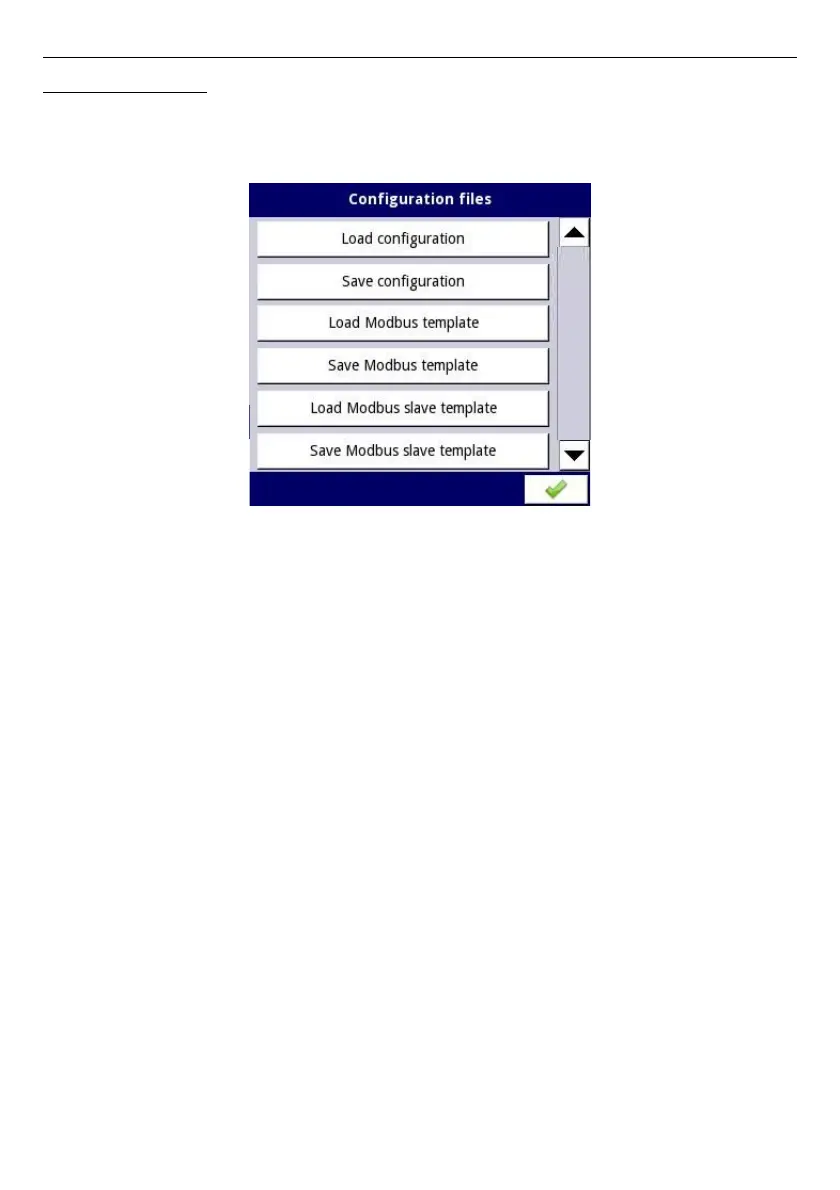
Pressing this button, will open the menu shown in
Fig. 7.20
, which allows the user to
load/save the configuration and Modbus templates.
Fig. 7.20. View window when the configuration changes
Load/save configuration
will load/save the configuration defined by the user, which includes:
– general settings (see
Chapter 7.7. GENERAL SETTINGS
),
– logical channel settings,
– built-in, external inputs settings,
– built-in, external output settings,
– Modbus protocol settings,
– profile/timer settings,
– control settings,
– network settings,
– group settings,
Load/save Modbus templates
allows the user to load/save the configuration of the Modbus
MASTER protocol, e.g.:
– name,
– configuration of the device channels (the list of inputs and outputs)
– configuration of register blocks (block list) - see
Chapter 7.15.3. Modbus - MASTER
mode
,
Having saved these Modbus templates means the user can at any time quickly establish a
connection between the MultiCon and the SLAVE devices, needing only to choose the
appropriate address of the SLAVE devices (more about templates in
Chapter 7.15.3.
Modbus - MASTER mode,
).
50



 To Next Page