User Manual For - CONTROLLER/DATA RECORDER MultiCon CMC-99/141
◦
Num. of point
– read only parameter, in displays number of points that
currently are defined in characteristic,
◦
Edit points
– submenu that defines point in characteristic:
–
Input value
– point value before scaling,
–
Output value
– point value after scaling,
–
Add point
button – adds new point, behind currently displayed,
–
Delete point
button – deletes currently displayed point, parameter
is inactive when number of points in characteristic is
2
,
The arrows placed in the upper right corner of the screen allows to
switch between points. The middle button allow direct selection of a
particular point from the list.
For 2 points the user characteristic works like a linear process (see subsection
b)
).
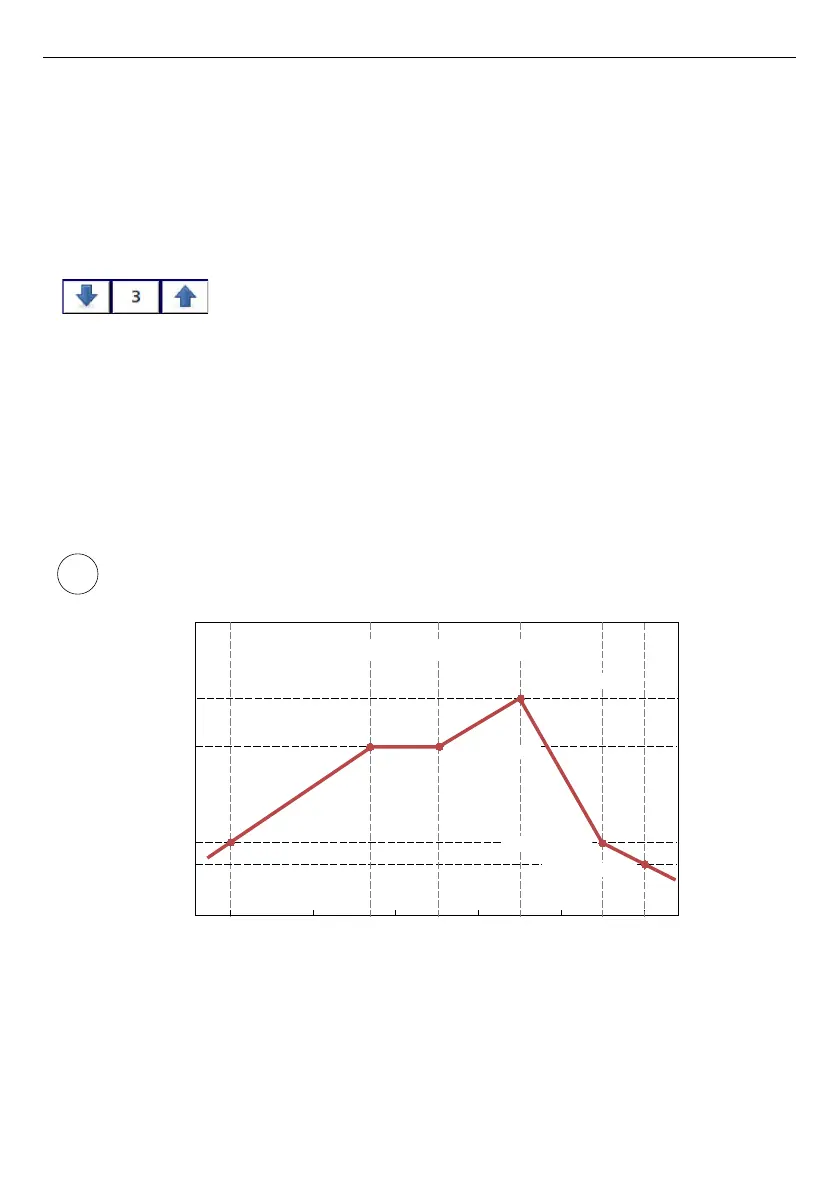
For more than 2 defined points the user characteristic is a composite of the line
characteristics therefore for input value
'x'
the user obtain an output value
'y'
which is
described by the relationship:
,where
'slope'
and
'offset'
are coefficients of a segment contained between two points
(see
Fig.
7.34
), and
n = 1, 2 ..
is the number of the segment.
If the input exceeds the extreme
'x'
values of the designated points of
P
n
, the output
value is scaled by the functions defined at the extreme segments.
Fig. 7.34. Example of user characteristic
71



 To Next Page