11. System configuration
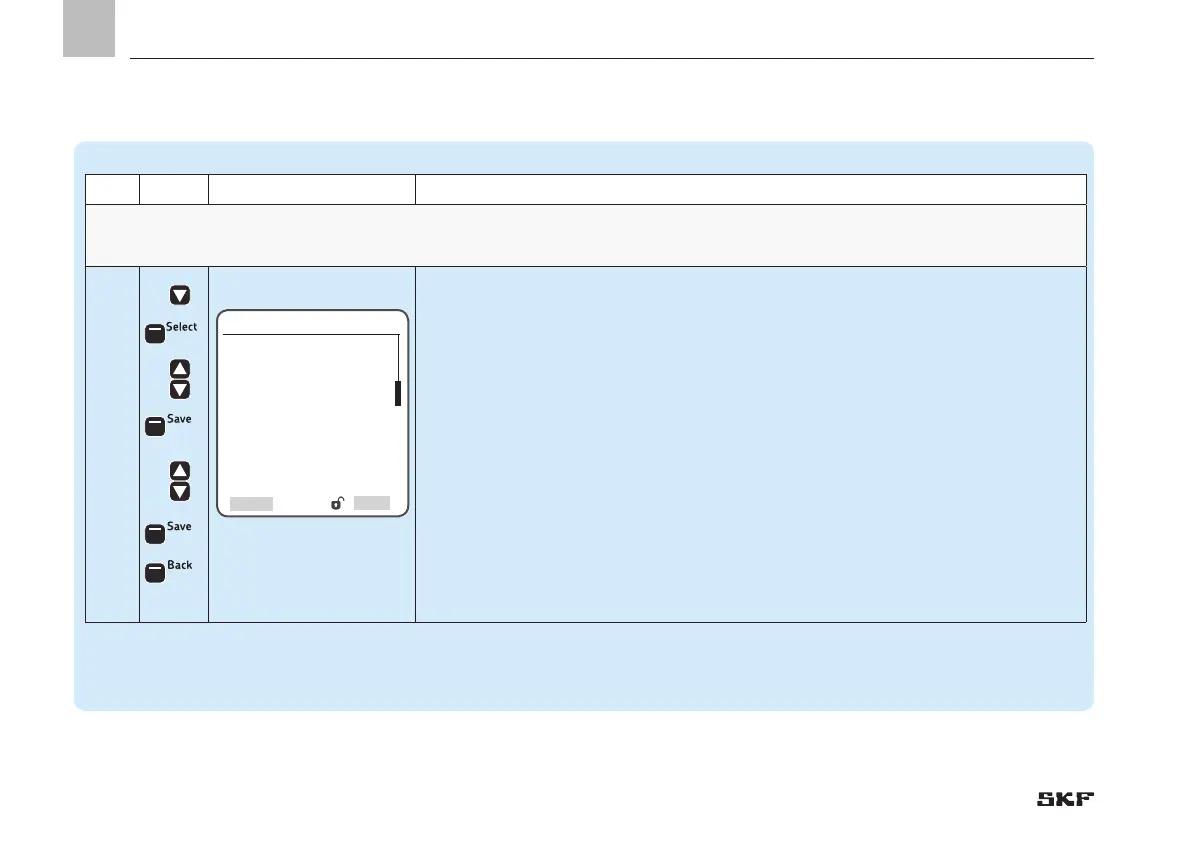
Pump settings => Pump settings => Filling/Low Level =>Timings
Step Key Display Description
Timings
Set the delay time for low level signal and fillingThe individual menu items depend on the settings in the Monitoring menu
5.4
• Press <OK control key>
)You will enter the Timings menu
• Press <Select control key>
• Use <down/up arrow key> to enter the value for detection of empty time
• Press <OK control key>
• Press <Save control key>
)Depending on the monitoring configuration:
• Use <down/up arrow key> to enter the value for empty pump time
or:
• Use <down/up arrow key> to enter the value for empty lubricating cycles
• Use <down/up arrow key> to enter the value for detection of empty time
• Press <OK control key>
• Press <Save control key>
• Press <Back control key>


 To Next Page
 Loading...