DMS-1200 Release 6 Operations Manual
Section 1 – DMS-1200 Release 6 Overview 11
1.3 Quick Start
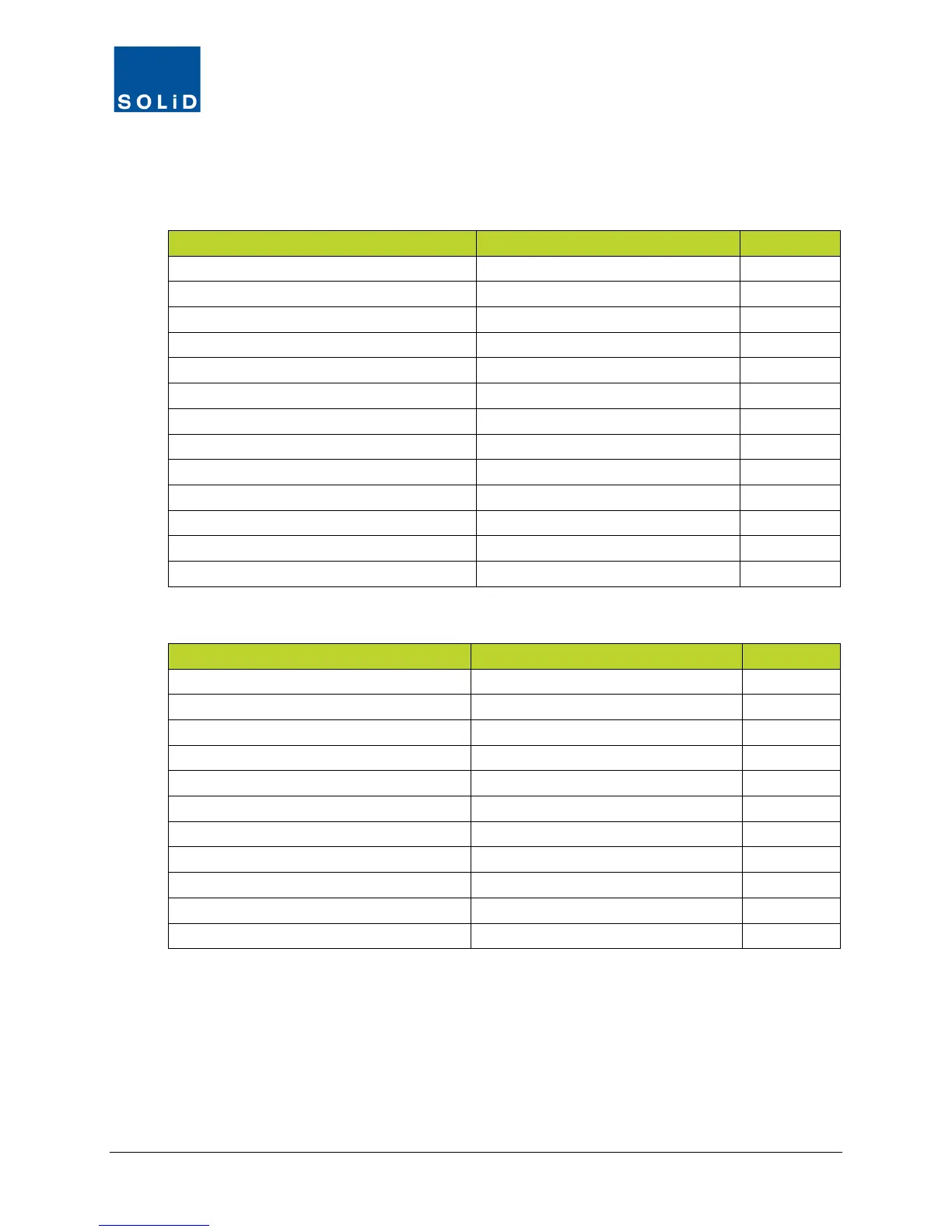
Several of the DMS-1200 features will be used for initial setup of the DMS and DAS, while others
are used for ongoing maintenance. Links to common tasks are shown in the following tables:
Connect the DMS to the DAS - 14
Set Up DMS for remote or local login
Enter Site Information Site Info 27
Set up the Event log Network > System 30
Set up NOC Access and SNMP features
Set up Email Notification
Management > User Management
Management > Alarm Control
Commission the DAS using EasySet
Table 1.5 – Using the DMS-1200 for Initial Setup
Ongoing Monitoring and Maintenance
Upgrade DMS software
Network > System
33
View / Change DAS device settings
Control > Command
Backup and restore device settings
Available in all device setup screens
Upgrade DAS firmware
Control > Firmware Download
83
Management > User Management
Shut down remote units for emergencies
Main Menu Bar > Emergency button
Management > Active Alarm
Event Log
Control > Trend
Get SNMP trap information
Table 1.6 – Using the DMS-1200 for Ongoing Monitoring and Maintenance



 To Next Page