DMS-1200 Release 6 Operations Manual
Section 8 – System Commissioning with EasySet 92
8.4 Restoring Factory Defaults
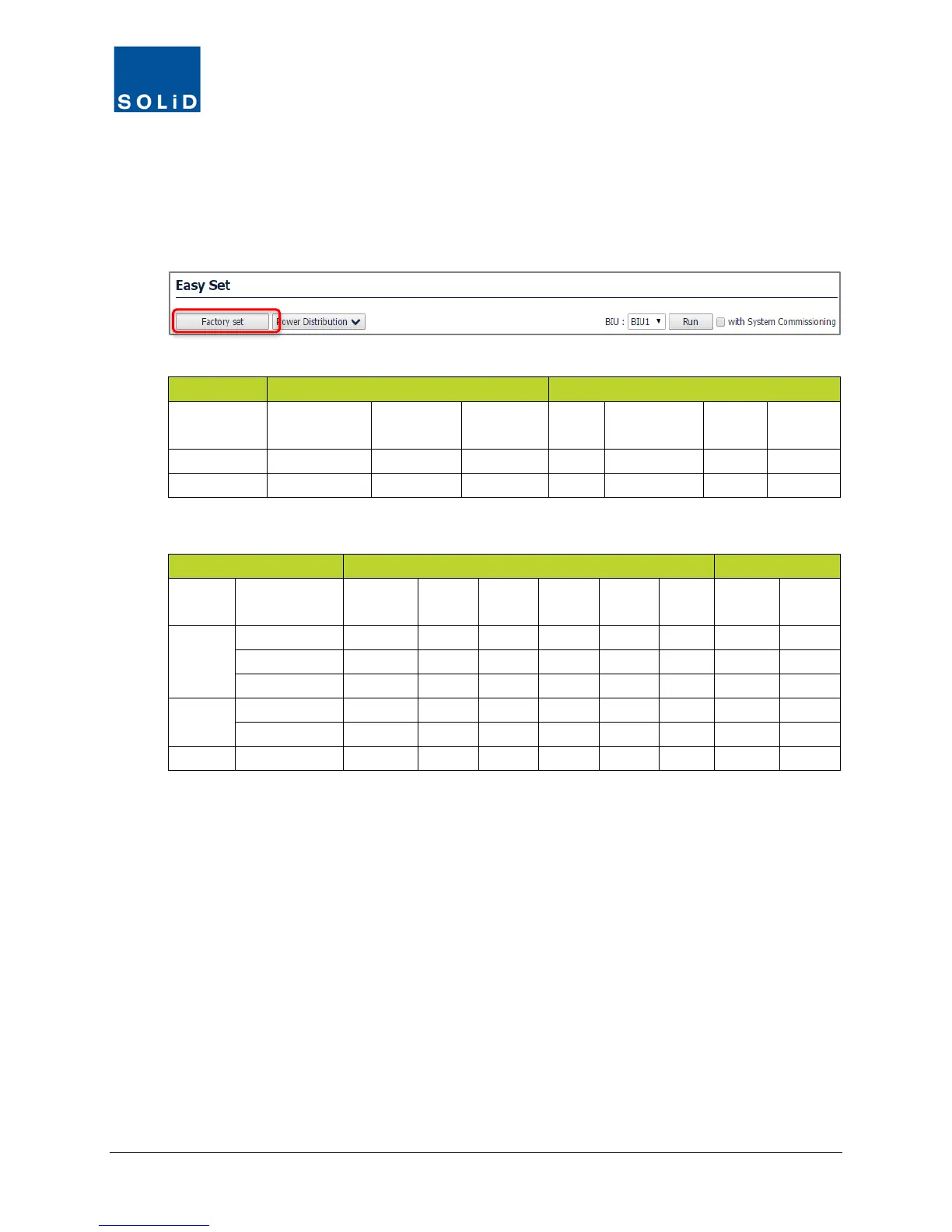
This function resets the parameters for the MDBUs and Remote Units to factory defaults.
Factory Set applies to all BIUs and associated remotes in the DAS.
1. Click Factory Set and OK to confirm.
F
actory defaults are shown in the next tables.
BIU
TX INPUT
RX OUTPUT
ALC ON/OFF PWR HIGH PWR-LOW ATT ALC ON/OFF
ALC
PWR-
Table 8.2 – Factory Defaults (BIU)
ROU RDU
ALC
ALC
AGC
SD
PWR-
PWR-
ALC
ALC
LROU
MROU
Table 8.3 – Factory Defaults (Remote Units)



 To Next Page