DMS-1200 Release 6 Operations Manual
Section 3 – Login and BIU Assignment 19
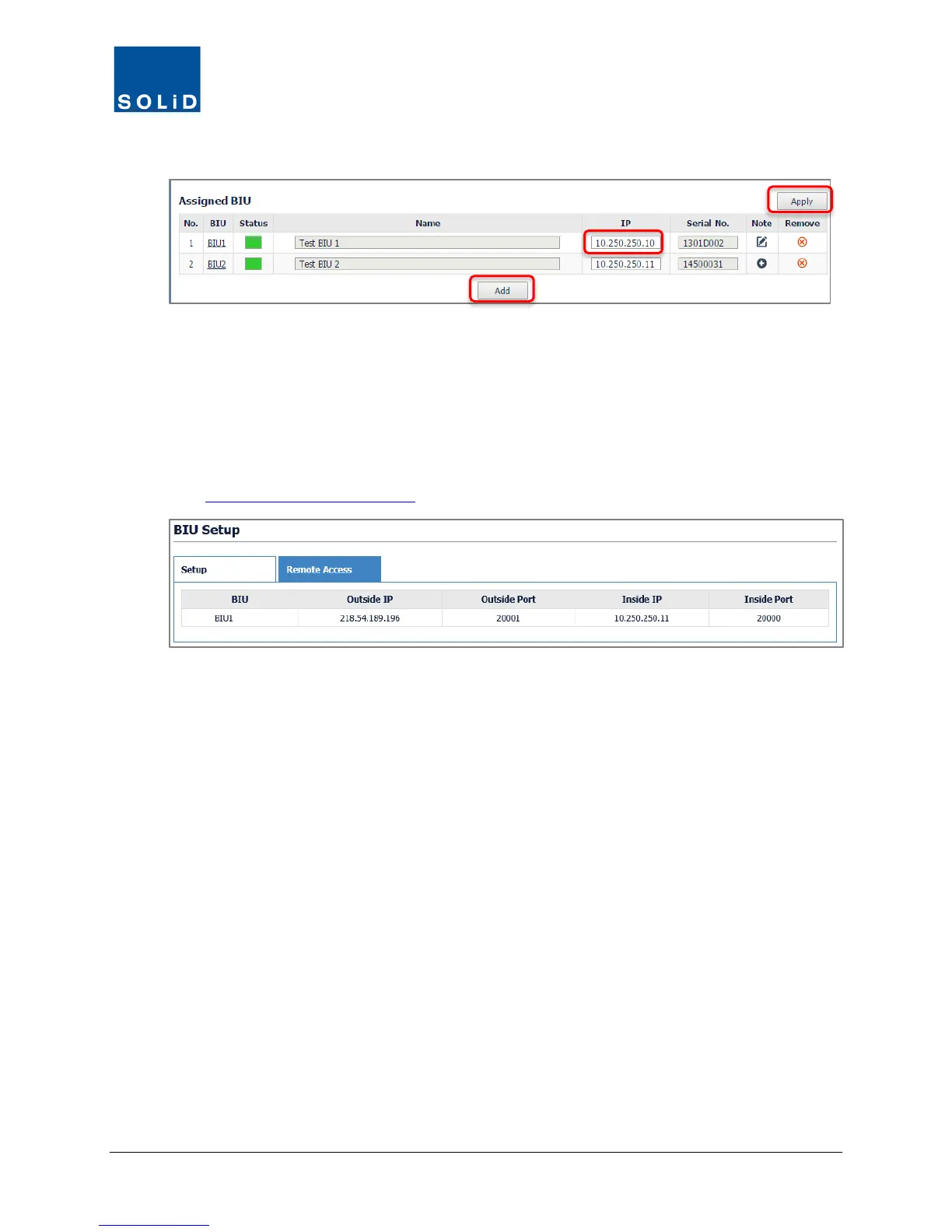
b. If the BIU does not appear on the list, click Add. Enter the BIU IP address, then click Apply.
3. Check the communication Status. Green indicates a working connection is established.
The system populates the BIU Name and Serial Number fields.
3.2.1 Viewing Remote Access Settings
For Assigned BIUs, you can view the current Outside and Inside IP settings from the Remote
Access tab. To change the IP settings, go to the Network > System menu.
(See Setting the DMS IP Addresses on page 28
.)



 To Next Page