DMS-1200 Release 6 Operations Manual
Section 3 – Login and BIU Assignment 25
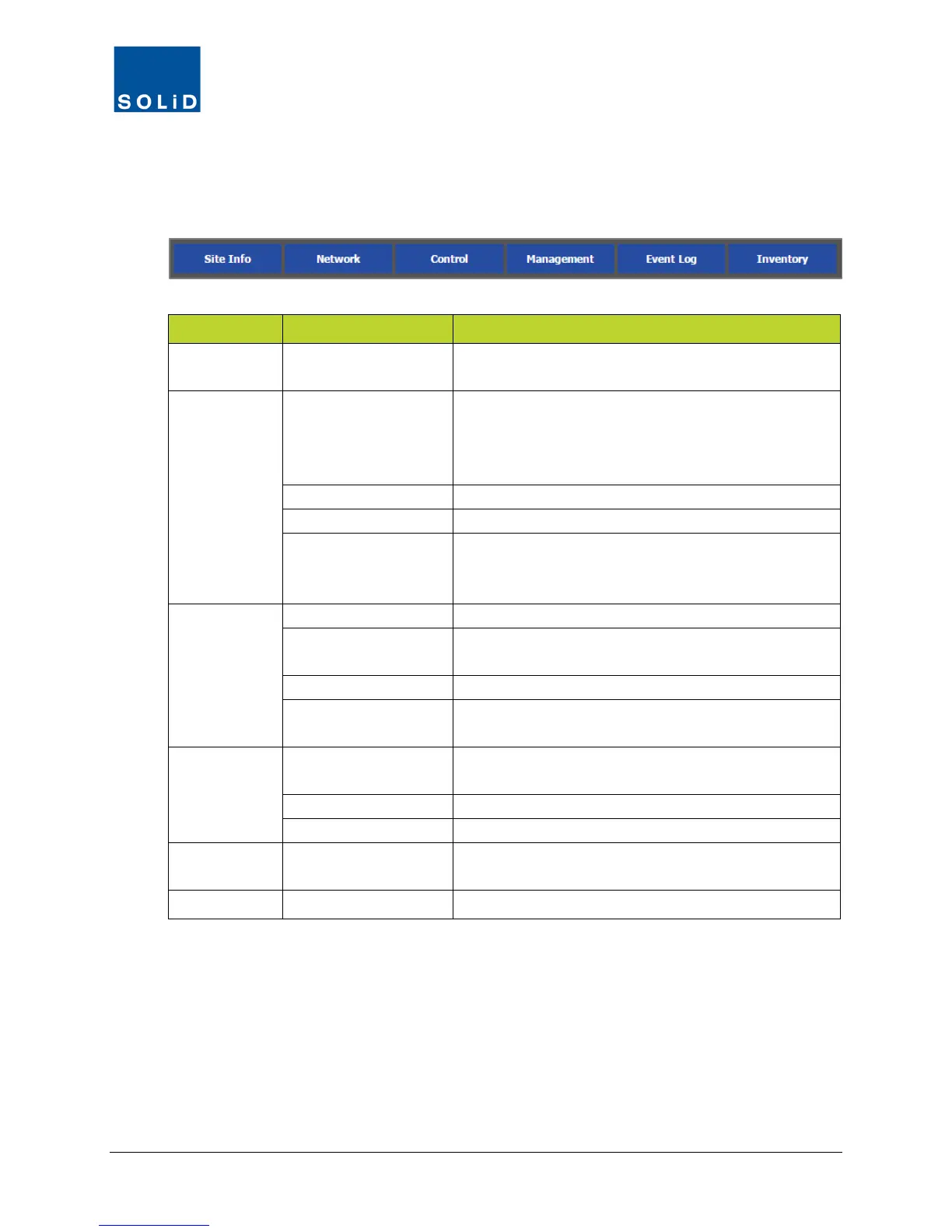
3.3.4 Navigation Bar Menus
The menus on the Navigation Bar are used to set up and manage the DMS and DAS
components.
Navigation Bar
Sub Menu Action / Status
Site Info --
Manage DAS site information (location, installation
contractor, technical support contact).
Network
System
Manage network IP addresses, NOC locations. Edit
DMS time zone and support information. Clear Event
logs. Schedule backups. Upgrade DMS software.
Setup system BIUs and Remote Access.
Manage SNMP agent settings.
Email
Add, delete or edit contact information for
administrators / technicians to receive Alert
Control
Set operating parameters for all DAS components.
EasySet
Auto setup. System commissioning DAS components.
Power distribution for MDBU band.
Manage firmware updates for DAS components.
Trend
View operating data (e.g. power levels, temp) for DAS
components in graphical format.
Management
Active Alarm
View current log of alarm events and troubleshooting
Define alarms for all DAS components.
Add, delete or edit DMS user accounts.
Event Log --
View/print/download event logs which track status
changes of ALLIANCE DAS devices.
Inventory -- View/print/download inventory of all DAS components.
Table 3.2 – Navigation Bar Menu and Sub Menus



 To Next Page