DMS-1200 Release 6 Operations Manual
Section 3 – Login and BIU Assignment 21
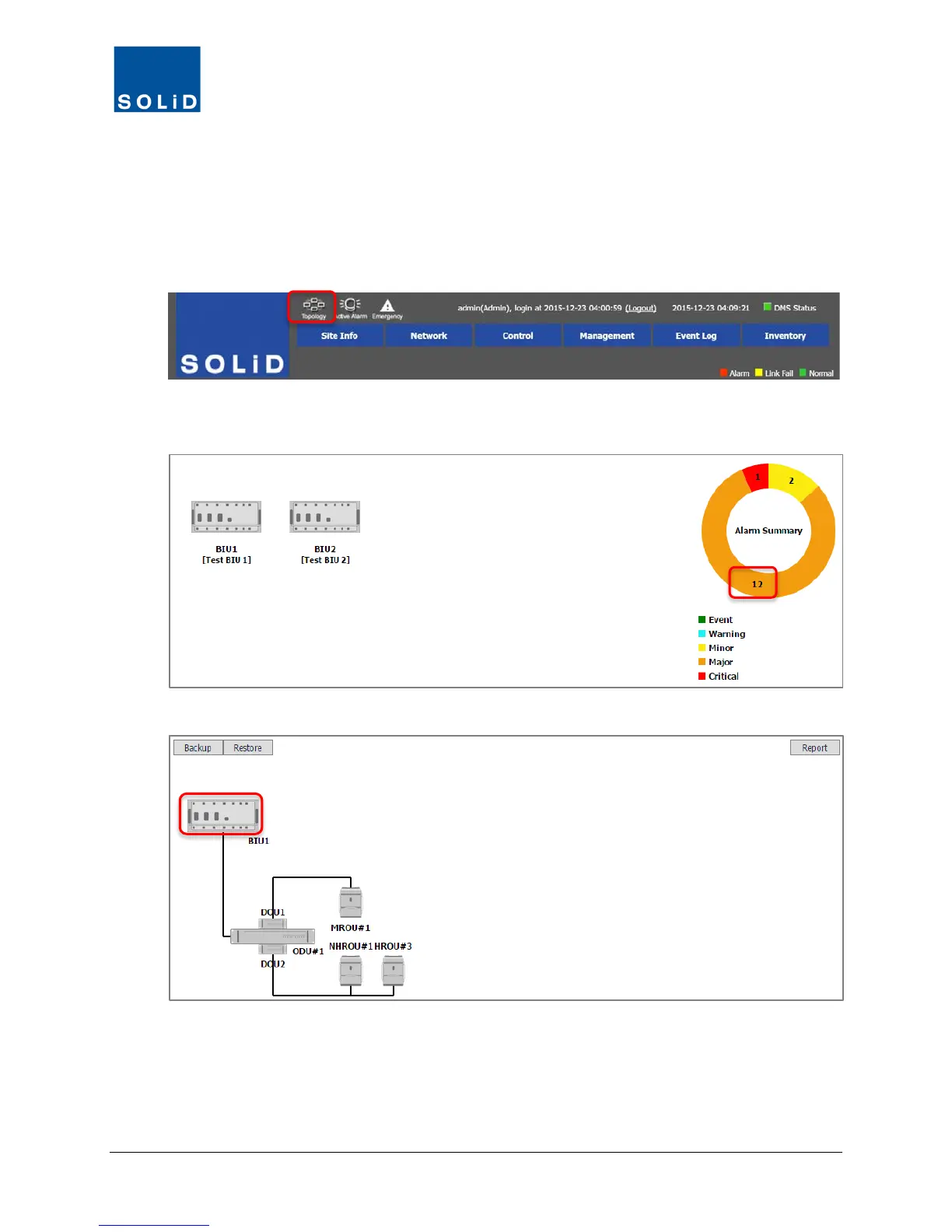
3.3.2 System Topology View
Topology View shows the system hierarchy in graphical form and provides quick access to the
Control screens for each device.
1. Click Topology to display the system hierarchy and current alarm status in graphical form.
2. Click the color-coded bars in the Alarm Summary to show active alarms associated with that
color.
3. Click the BIU symbol to view the DAS components connected to that BIU.



 To Next Page