DMS-1200 Release 6 Operations Manual
Section 7 – DAS Device Control 70
7.5.5 HROU (TiTAN) Setup
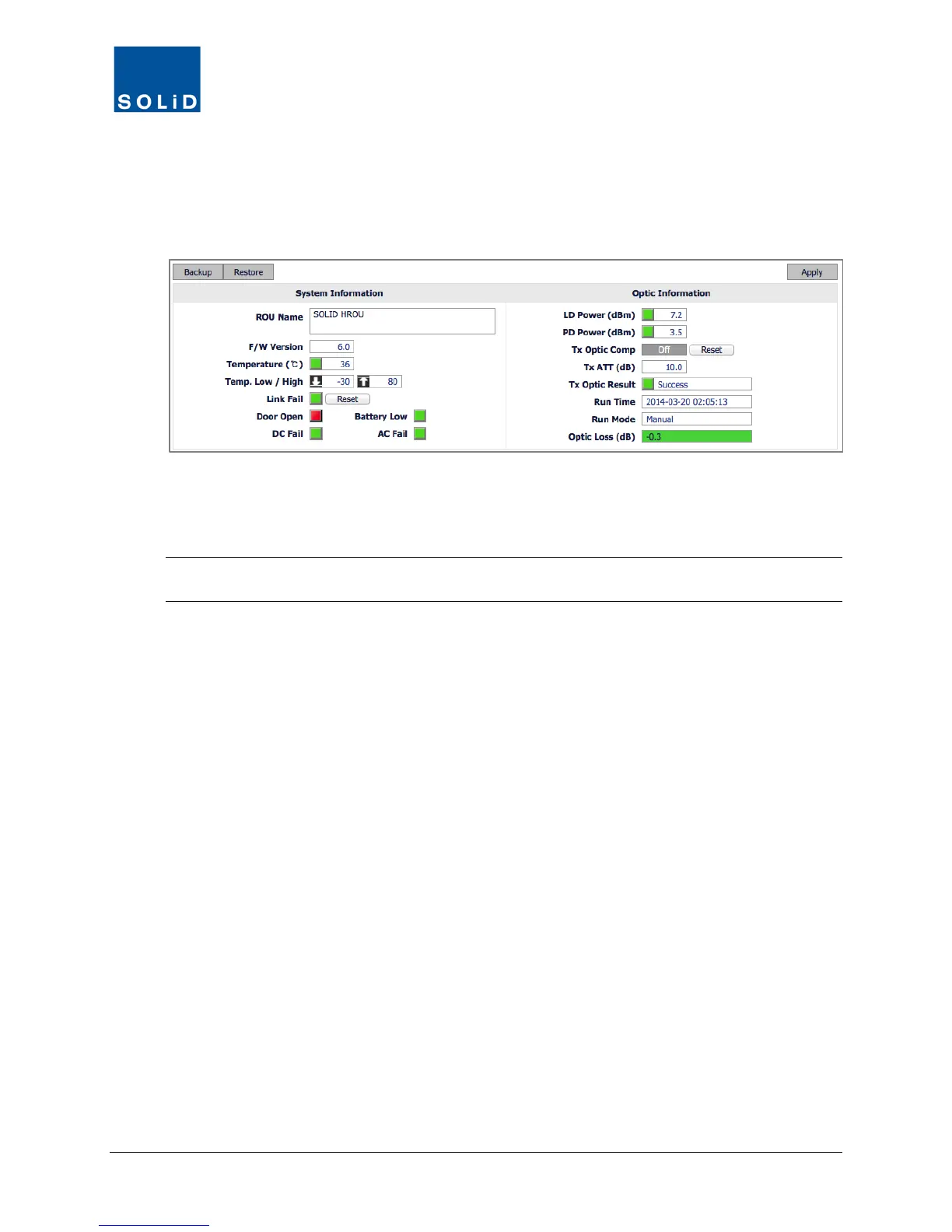
This section describes how to configure the legacy TiTAN 20W (HROU) remote unit.
1. In the Tree Menu or Menu bar, click on the HROU to configure.
Some fields show current settings and are not user configurable. Other fields allow you to
configure parameters for the device. You can see the Min / Max values for the parameter by
clicking in the field.
TIP: SOLiD’s recommended device settings can be found in the document:
ALLIANCE DAS Tech Note - Commissioning with DMS-1200 available from SOLiD support.
2. Configure the System Information according to the following guidelines:



 To Next Page