DMS-1200 Release 6 Operations Manual
Section 4 – DMS-1200 Setup 31
4.5 Managing the Trend Log
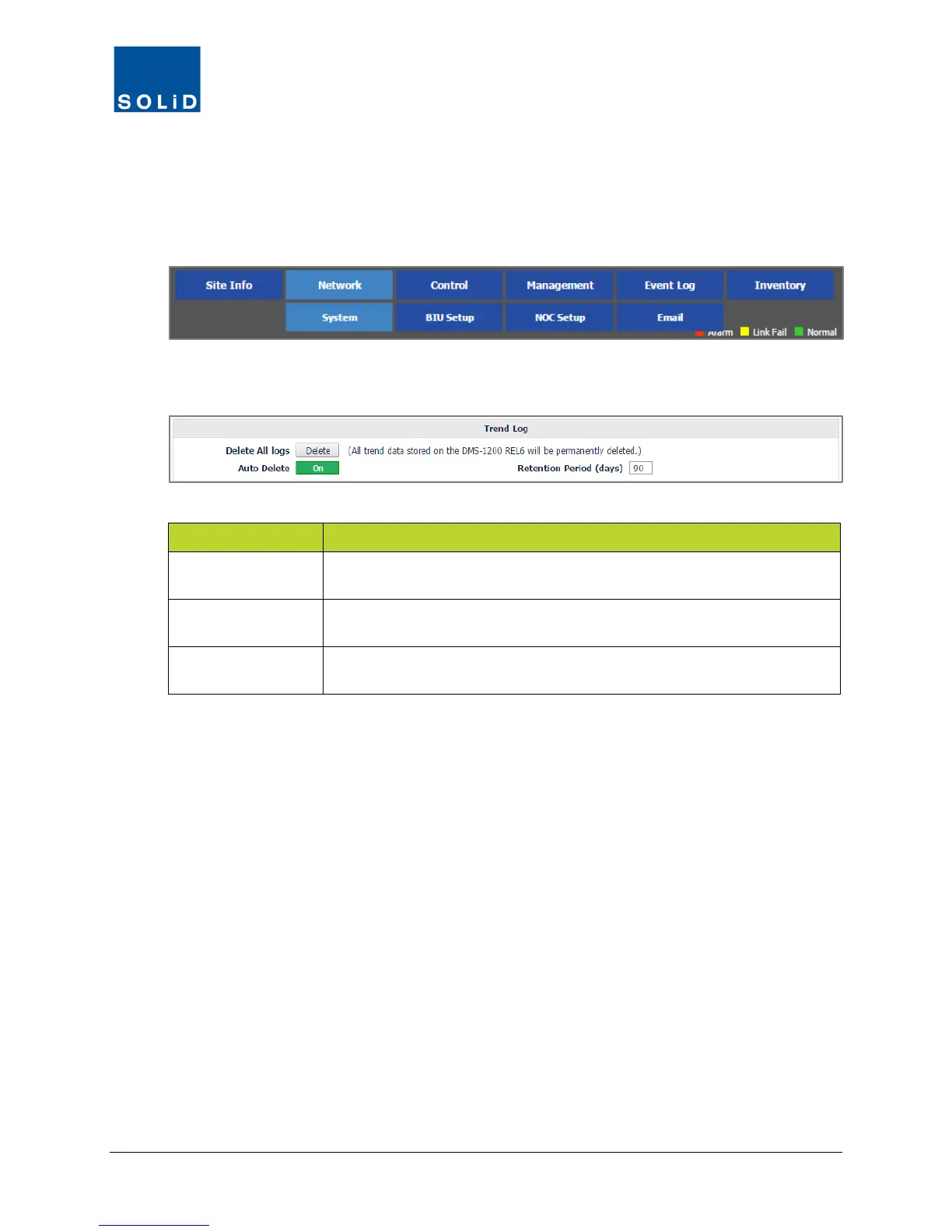
Use the Trend Log settings to manually delete all trend log data or setup an auto deletion
routine.
1. On the Network menu, click System.
2. Edit the Trend Log settings according to the following guidelines:
Option Action / Status
Delete All Logs
Click Delete All logs, to delete ALL trend data. All records are removed
from the Trend Log database. Deleted log data cannot be restored.
Auto Delete
To delete all logs automatically at a defined time interval (specified in
Retention Period), turn On Auto Delete.
Retention Period
Enter the number of days to retain logs. Maximum value for this field is
Table 4.5 – Trend Log Setup
3. Click Apply to save the settings. Values are saved immediately.



 To Next Page