DMS-1200 Release 6 Operations Manual
Section 2 – Hardware Installation 14
2.3 Connecting the DMS-1200 to the DAS
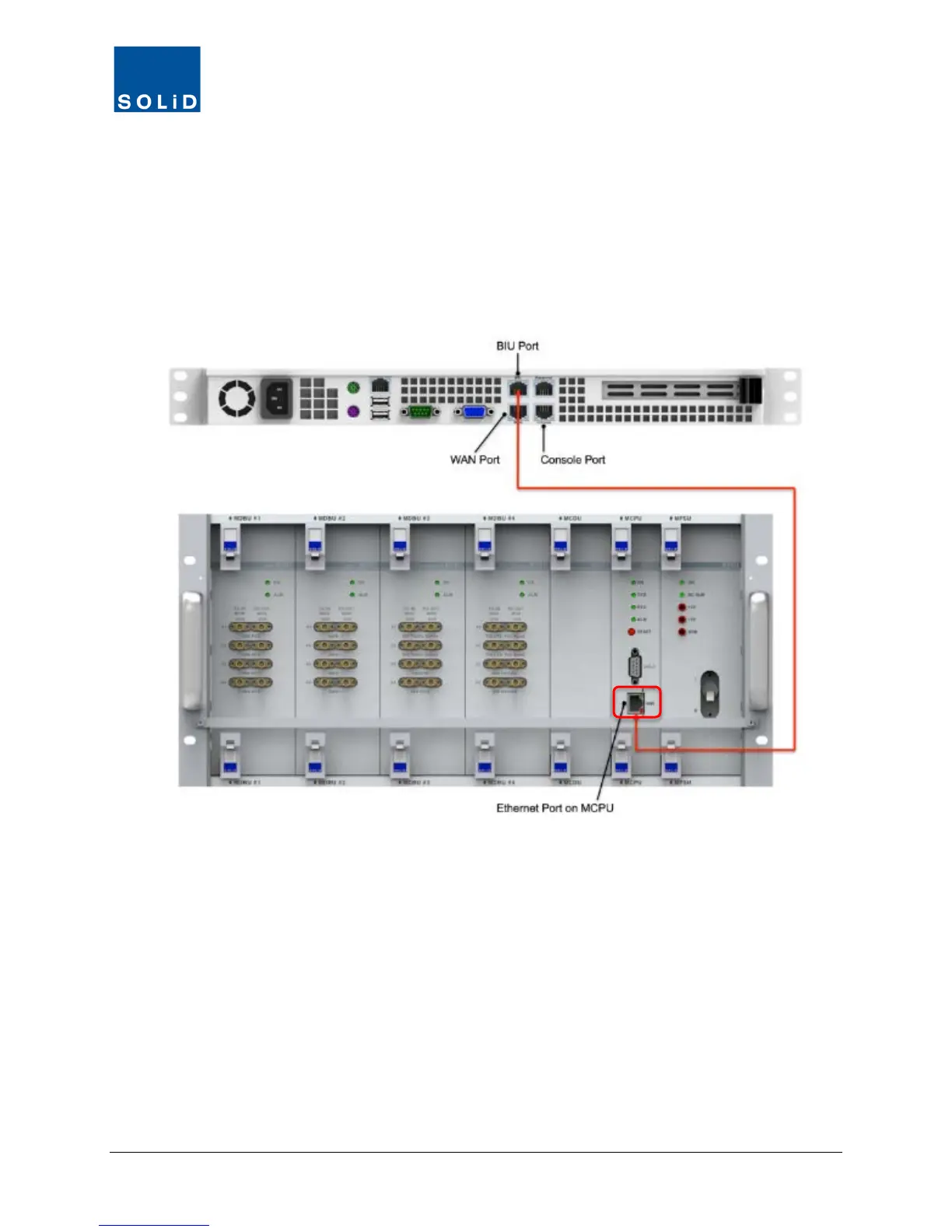
1. Plug one end of the CAT5e Ethernet cable into the BIU port at the back of the DMS.
2. Connect the other end into the Ethernet Port located on the front of the Main Central
Processor Unit (MCPU) at the front of the BIU.
The DMS will automatically assign an IP address to the BIU.
Figure 2.1 – DMS-1200 to BIU Connection



 To Next Page