DMS-1200 Release 6 Operations Manual
Section 5 – User Account Setup 44
5. Click Apply when you are done adding user information.
6. To edit information for a user, like changing the password, click the Edit icon.
7. To delete a user, click Remove next to the user name. This action cannot be undone.
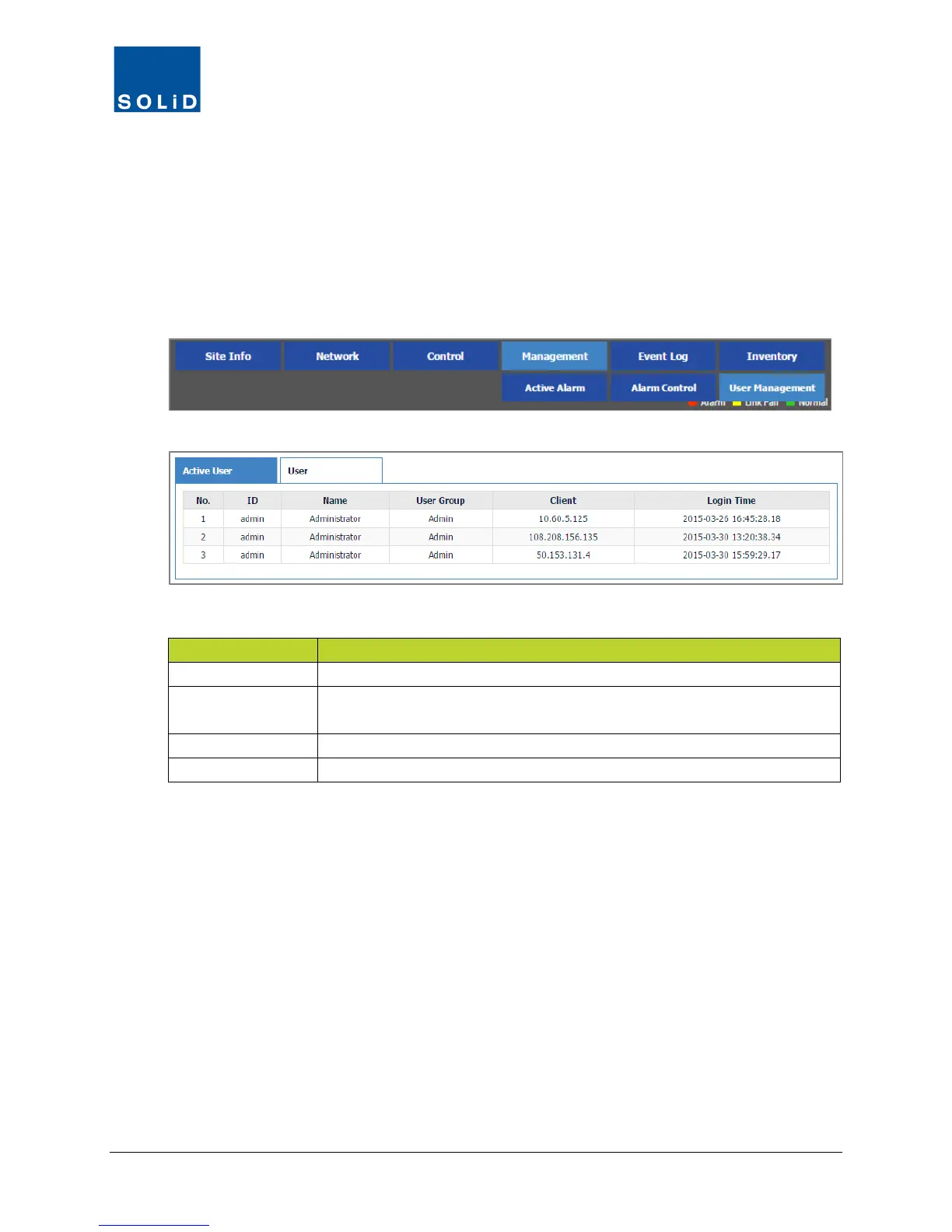
5.2 Viewing Active Users
1. On the Management menu, click User Management.
2. C
lick the Active User tab to see who is currently logged into the DMS.
T
he Active User fields include:
Login Identifier and User Name
User Group Group to which the user has been assigned.
(See the group definitions on page 43.)
IP address of the connected client.
Time when the user last logged in.
Table 5.3 – Active User List



 To Next Page