EasyManua.ls Logo

Solid DMS-1200 - 9 Trend Data, Event Logs and System Inventory; Viewing Trend Information

Solid DMS-1200
102 pages
Print Icon
To Next Page IconTo Next Page
To Previous Page IconTo Previous Page
Loading...
DMS-1200 Release 6 Operations Manual
Section 9 – Trend Data, Event Logs and System Inventory 93
9 Trend Data, Event Logs and System Inventory
9.1 Viewing Trend Information
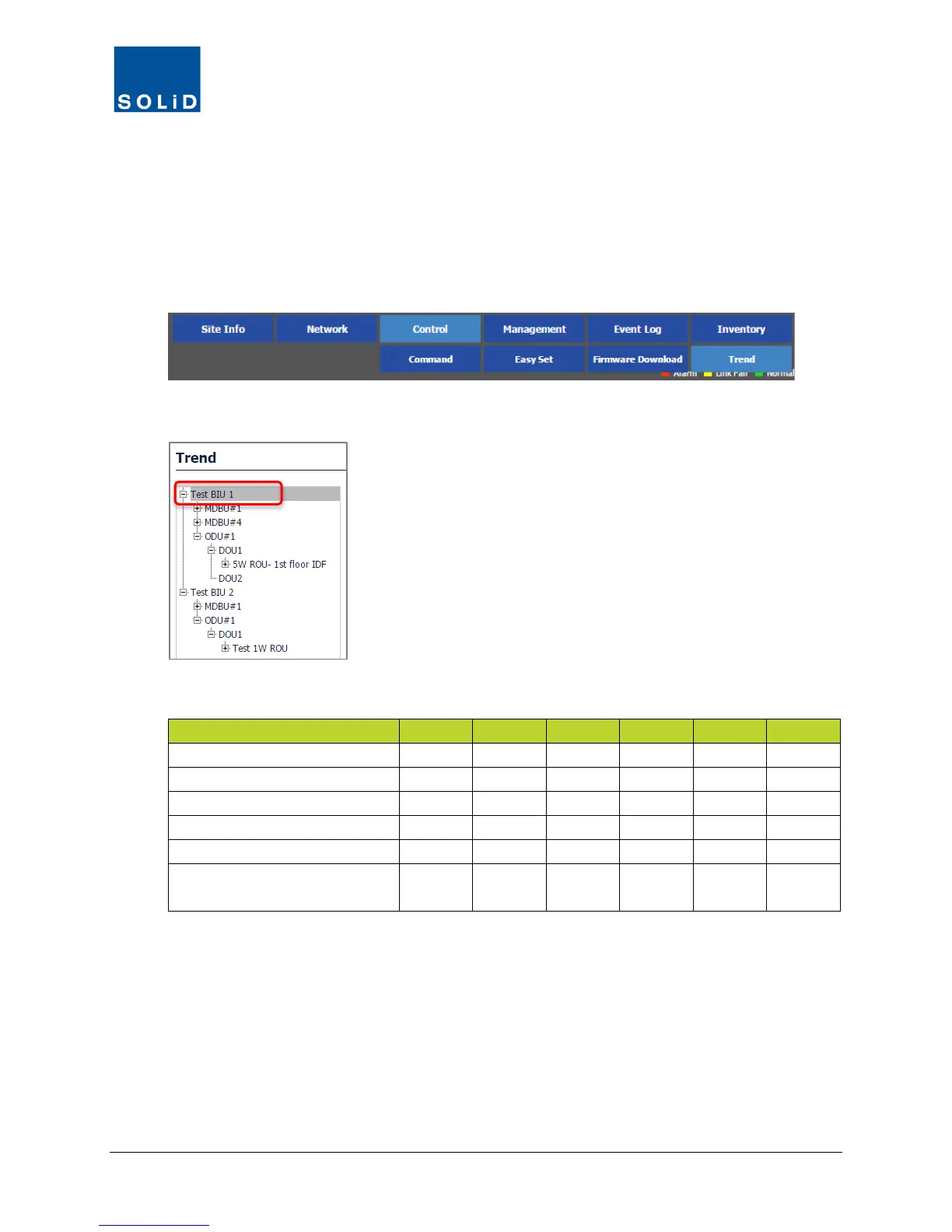
Trend data is available from the Control > Trend menu to monitor performance of DAS devices.
1. On the Control menu, click Trend.
2. From the Tree Menu, select the device.
Available trend data includes:
Item
BIU
MDBU
OEU
DOU
ROU
RDU
TEMP (min/max/avg)
Y
Y
Y
Y
TX_PWR (min/max/avg)
Y
Y
Y
RX_PWR (min/max/avg)
Y
Y
Y
LD_PWR (min/max/avg)
Y
Y
Y
PD_PWR (min/max/avg)
Y
Y
Y
Green Mode (Green/Normal)
(HROU Only)
Y
Table 9.1 – Trend Data

Table of Contents