DMS-1200 Release 6 Operations Manual
Section 8 – System Commissioning with EasySet 90
8.2 Running Auto Setup without System Commissioning
When executing EasySet with System Commissioning, all parameters are optimized and the
system performs PIMD measurement. This process can take a few minutes, and during this time
call drops in the DAS could occur.
If you don’t want to risk service interruption on the DAS, you can use EasySet without also
running system commissioning to control levels and values for multiple units at one time.
1. From the drop-down list, select a target BIU.
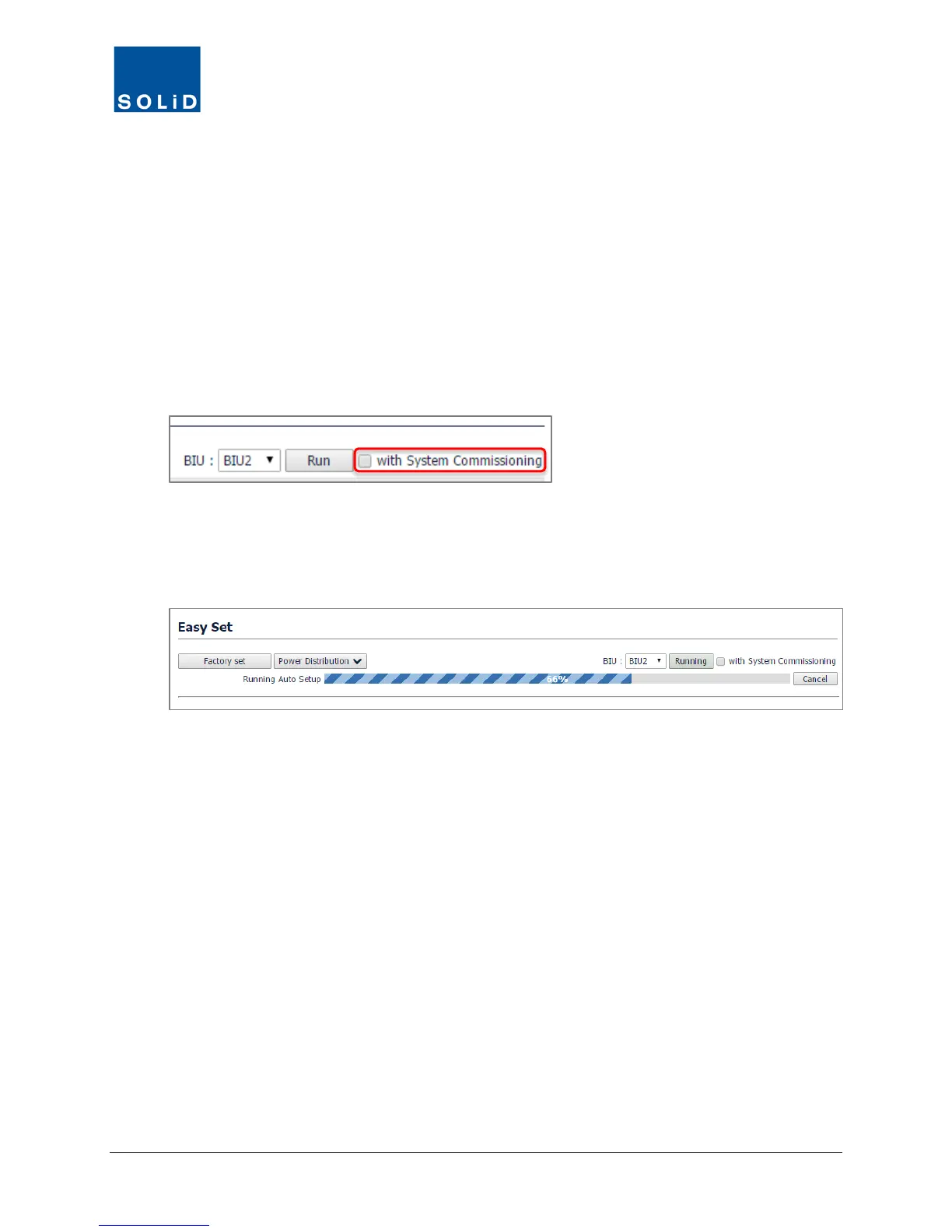
2. In the check boxes, select the devices to configure. Leave the with System Commissioning
box unchecked.
3. Adjust TX Input and RX Output settings as desired.
4. Click Run and OK to confirm.
Status is shown in the progress bar.
Once complete, the system generates a report with final results.
5. Click Clear to reset or Save to download the report in spreadsheet format.



 To Next Page