DMS-1200 Release 6 Operations Manual
Section 4 – DMS-1200 Setup 28
4.2 Setting the DMS IP Addresses
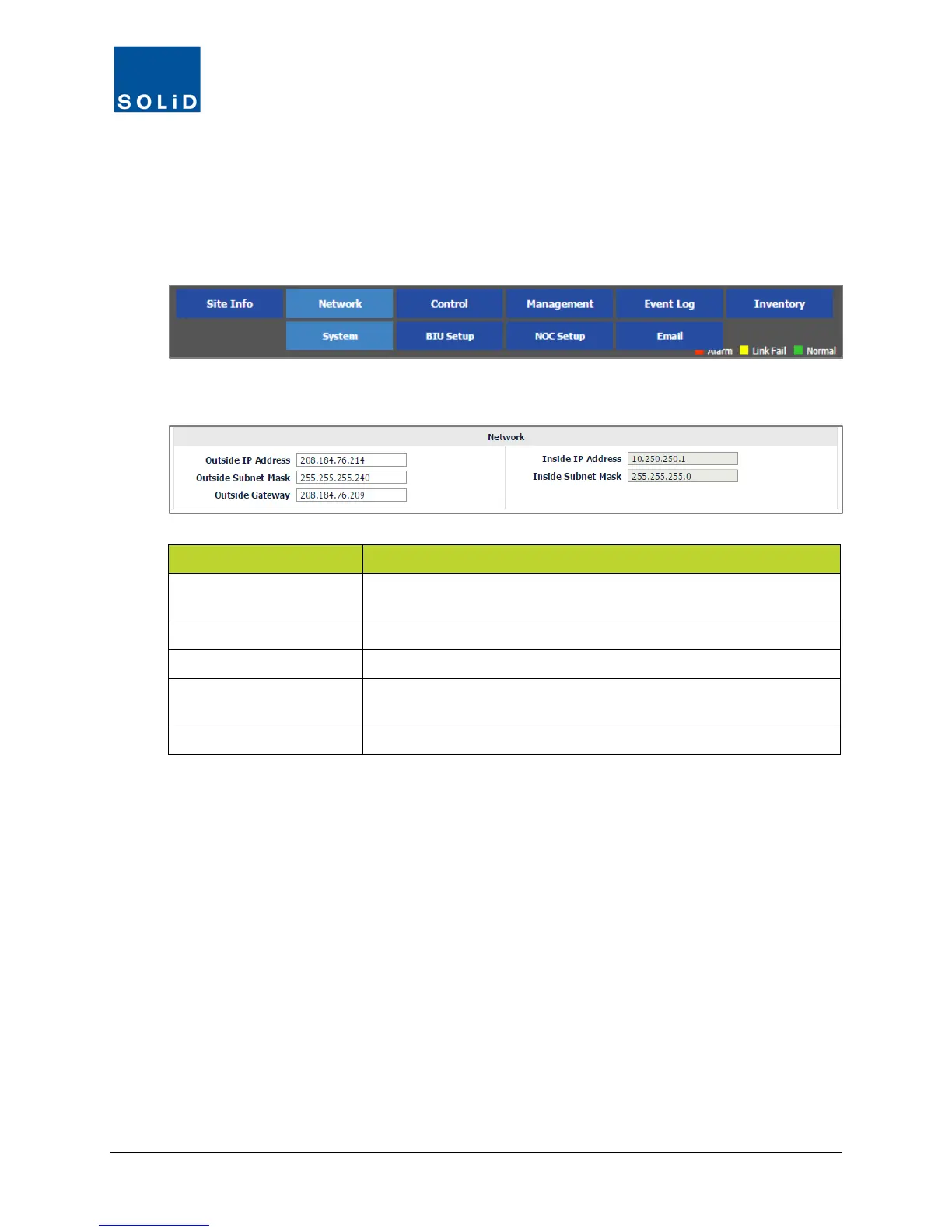
Configure IP Address information for both Outside (remote) and Inside (onsite) access from the
Network > System menu.
1. On the Network menu, click System.
2. Edit the Network settings according to the following guidelines:
Option Action
Outside IP Address
Enter the external IP address for the DMS-1200. This is the IP
address for the WAN port at the back of DMS-1200.
Outside Subnet Mask Enter the Outside Subnet Mask address.
Outside Gateway Enter the Outside Gateway address.
Inside IP Address
Enter the internal IP address of the DMS-1200 server. This is the IP
address for the BIU port at the back of DMS-1200.
Inside Subnet Mask Enter the Inside Subnet Mask.
Table 4.2 – Network Settings
3. Click Apply to save the settings. Changes are applied immediately.



 To Next Page