DMS-1200 Release 6 Operations Manual
Section 4 – DMS-1200 Setup 29
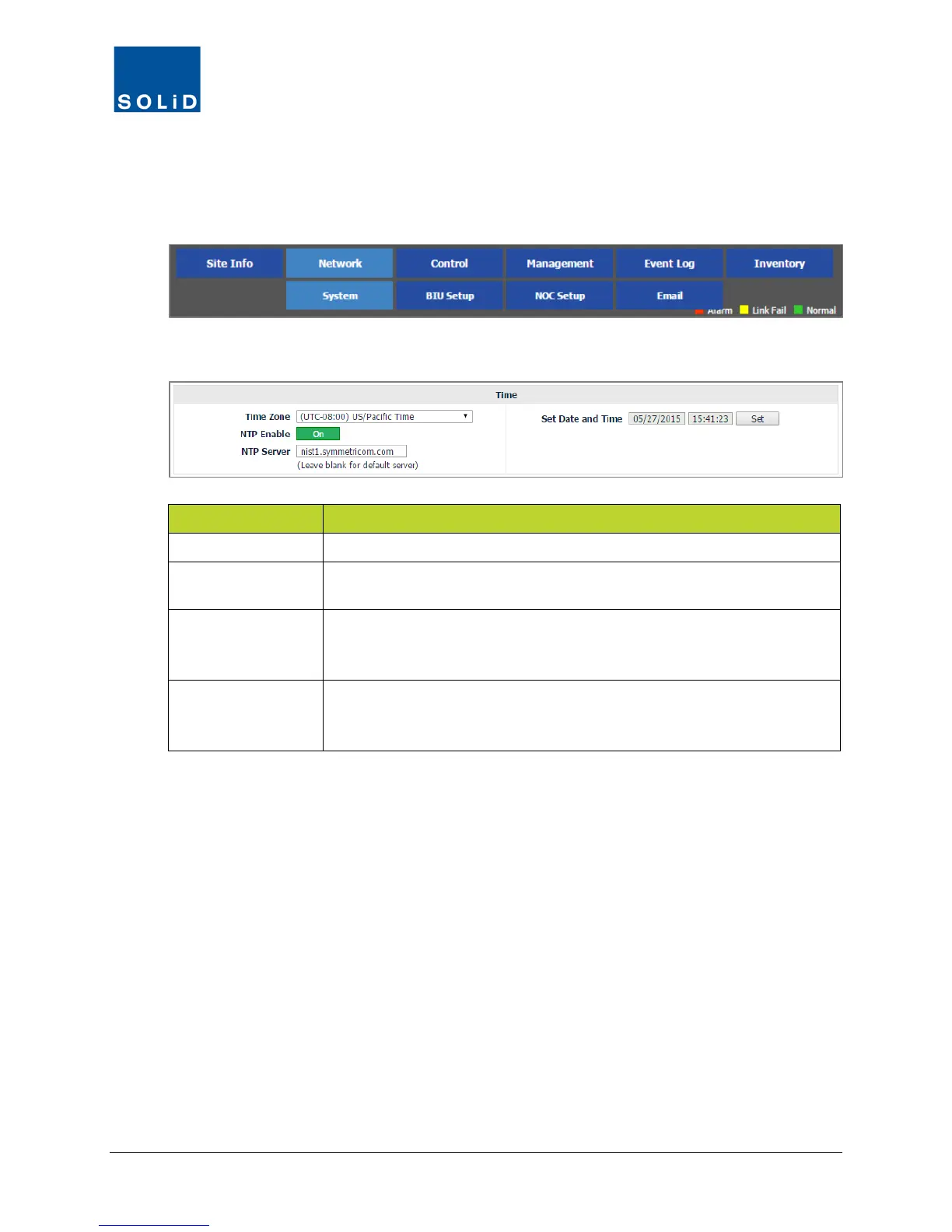
4.3 Setting System Time
You can manually set the system time or use a Network Time Protocol (NTP) service.
1. On the Network menu, click System.
2. Edit the Time settings according to the following guidelines:
Option Action / Status
Time Zone Enter the local time zone for the DMS.
NTP Enable
Turn On if you are using a Network Time Protocol (NTP) service to
acquire the date/time. Otherwise, turn Off to set time manually.
NTP Server
If you are using an NTP service, enter the IP address or DNS name of
the NTP server. Leave this blank if you are using the NIST Internet Time
Server at nist1.symmetricom.com, which is the system default.
Set Date and Time
If you are not using a Network Time Protocol (NTP) service to acquire the
date/time (NTP Enable is set to Off), then enter the current date and local
time here. Click Set when you are done.
Table 4.3 – Time Settings
3. Click Apply to save the settings. Changes are applied immediately.



 To Next Page