DMS-1200 Release 6 Operations Manual
Section 7 – DAS Device Control 51
7.1 Using the Device Control Screens
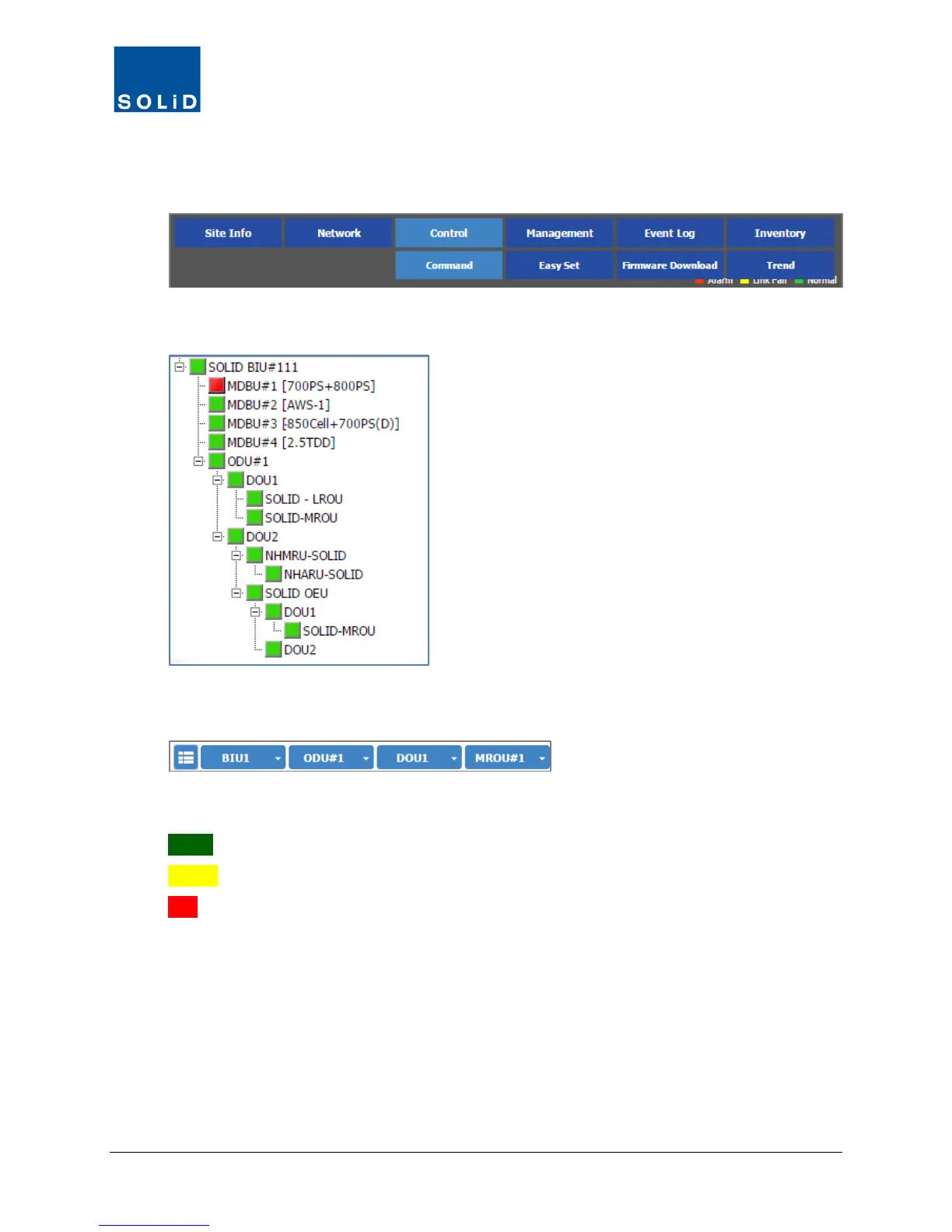
1. From the Control menu, click Command.
2. Select the target device from the Tree Menu
or the Menu Bar drop-down lists to load its control screen.
The status for each device is shown in one of three states:
Green = Device is operating normally.
Yellow = Device is not communicating.
Red = Alarm condition has occurred on the device.



 To Next Page