DMS-1200 Release 6 Operations Manual
Section 7 – DAS Device Control 84
7.7 Backing up and Restoring Device Settings
You can save DAS operational settings in a backup file and restore the settings as needed. You
can also download a report in spreadsheet format showing current settings for each DAS device.
Backup and Restore are available from the Control screen for each device.
Backup, Restore and Report functions are also available from the Topology window.
7.7.1 Back up DAS settings
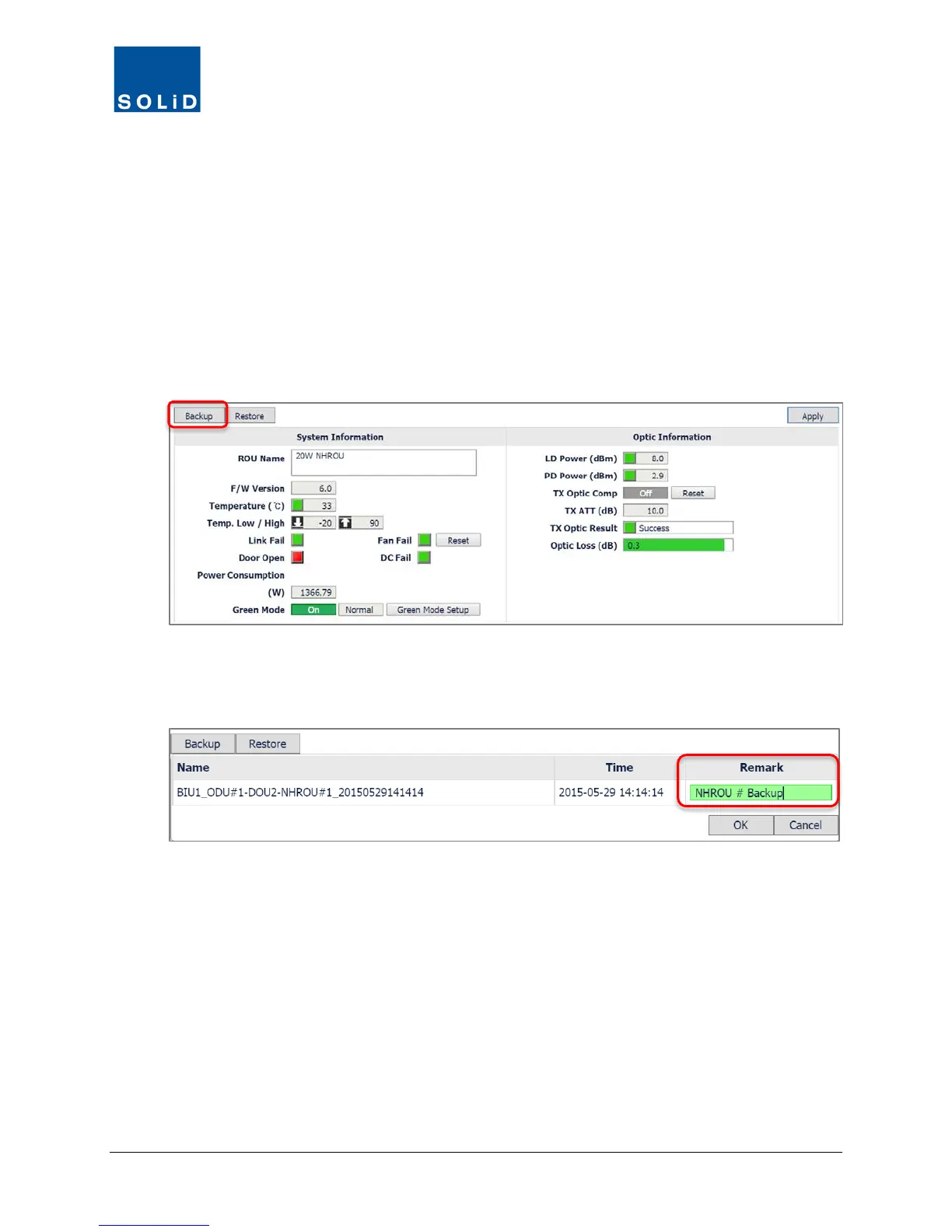
1. To make a backup of current DAS control settings, click Backup from the Device Control
screen.
2. In the dialog box, enter additional information in the Remark column that will help identify the
backup.
3. Click OK to save the backup file.



 To Next Page