DMS-1200 Release 6 Operations Manual
Section 3 – Login and BIU Assignment 17
3.1 Logging in
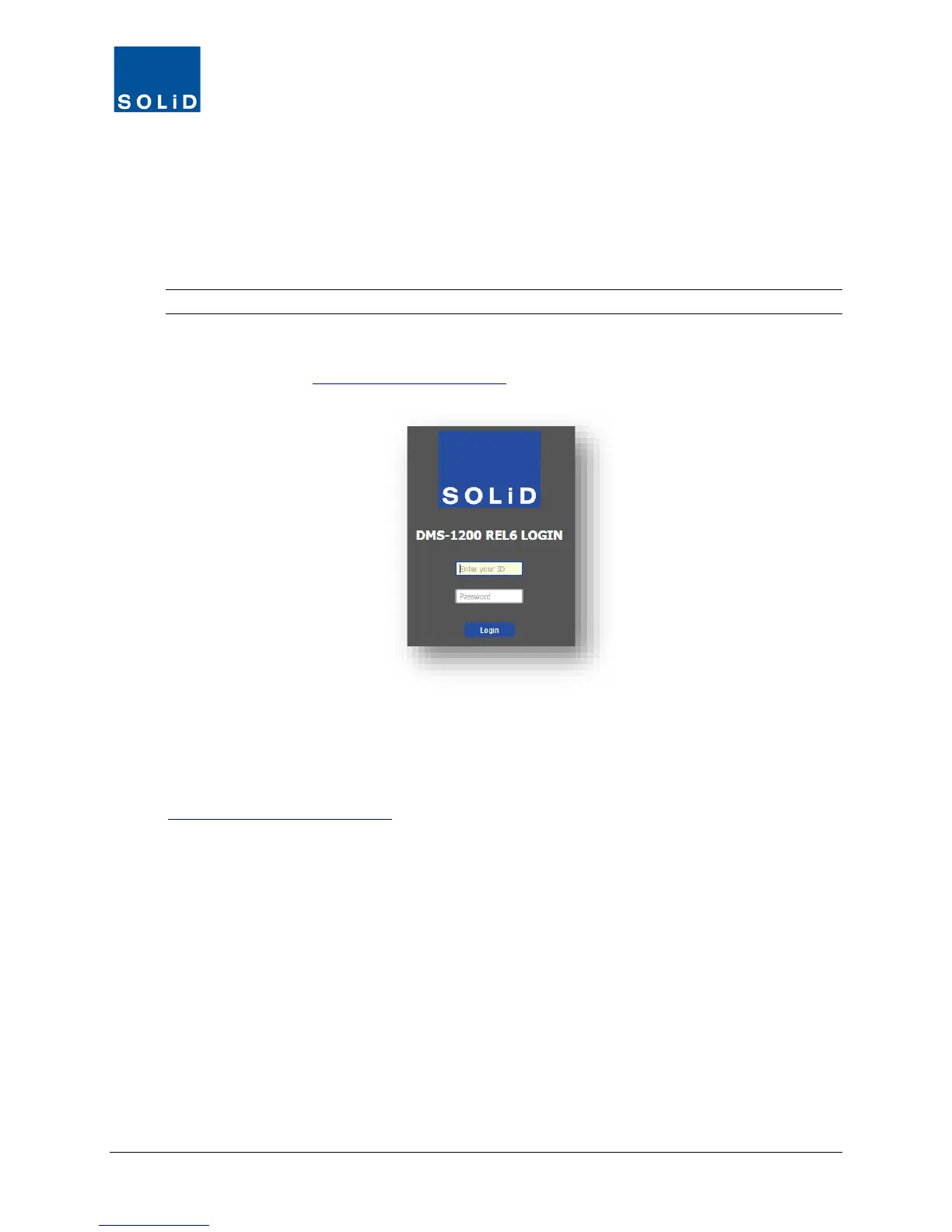
1. Log in to the DMS using one of two methods:
a. If you are working onsite and your laptop is connected to the DMS Console port: open your
web browser and enter http://solid.local or the default IP address: 192.168.58.1
TIP: To set up a secure session (SSL), use https:// before the URL or IP address.
b. If logging in remotely: open your web browser and enter the DMS-1200’s Outside IP Address.
(See the section Setting the DMS IP Address
on page 28.)
2. At the Login Window, enter the User ID and Password. The default Administrator account
uses the ID/password admin/admin. Click Login or press the Enter key.
The default Admin account is already set up. You can add, edit and delete accounts, except for
the Admin account. SOLiD recommends changing the Admin password from the default (see the
Adding / Deleting User Accounts section on page 43
).



 To Next Page