DMS-1200 Release 6 Operations Manual
Section 7 – DAS Device Control 71
HROU Field Action / Description
User
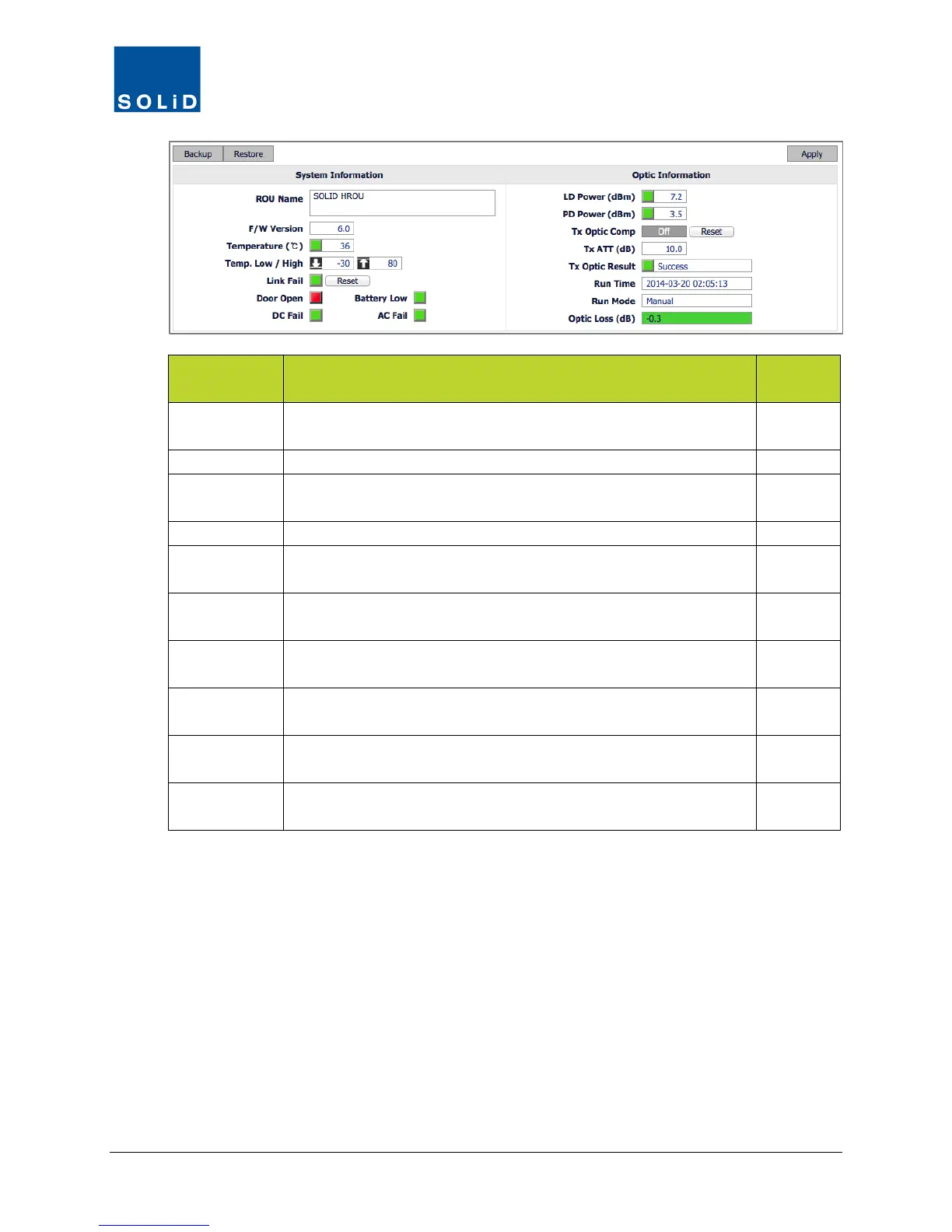
ROU Name Enter a name to be used to Identify ROU throughout the system.
Maximum 40 alpha-numeric characters.
Y
Firmware version of the ROU CPU.
Temperature Current temperature of ROU. Also shows temperature alarm
status. Green = temp within limits. Red = temp above/below limits.
N
Low / High temp alarm settings.
Link Fail /
Shows status of BIU communication. Green = normal operation;
Red = link failure. Click Reset in case of link failure.
Y
Door Open Door status: Green = normal. Red = Door open or door switch has
N
DC Fail DC Power status: Green = normal. Red = power supply unit is
experiencing over-current or low voltage conditions.
N
Battery Low Shows status of Battery Low Alarm. Green = normal. Red =
battery output voltage has fallen below the threshold level.
N
AC Fail Shows status of AC power input. Green = normal operation. Red =
input AC power source has fallen below the lower limit.
N
Backup /
Click Backup to save the current settings for the ROU/RDUs.
Click Restore to apply settings from backup file.
Y
Table 7.18 – TiTAN 20W Control Screen Fields – System Information



 To Next Page