DMS-1200 Release 6 Operations Manual
Section 3 – Login and BIU Assignment 22
4. Use the other features on the Topology screen according to these guidelines:
The Backup feature creates an internal backup file of all operating settings for the BIU and
the DAS components connected to that BIU.
(For more information on the Backup and Restore features, see the section
Backing up and
Restoring Device Settings on page 84. You can also schedule automatic backups. See
Scheduling the System Backup on page 32.)
Use the Restore feature to reapply the settings from the backup files.
Use the Report feature to download a spreadsheet showing current operational settings.
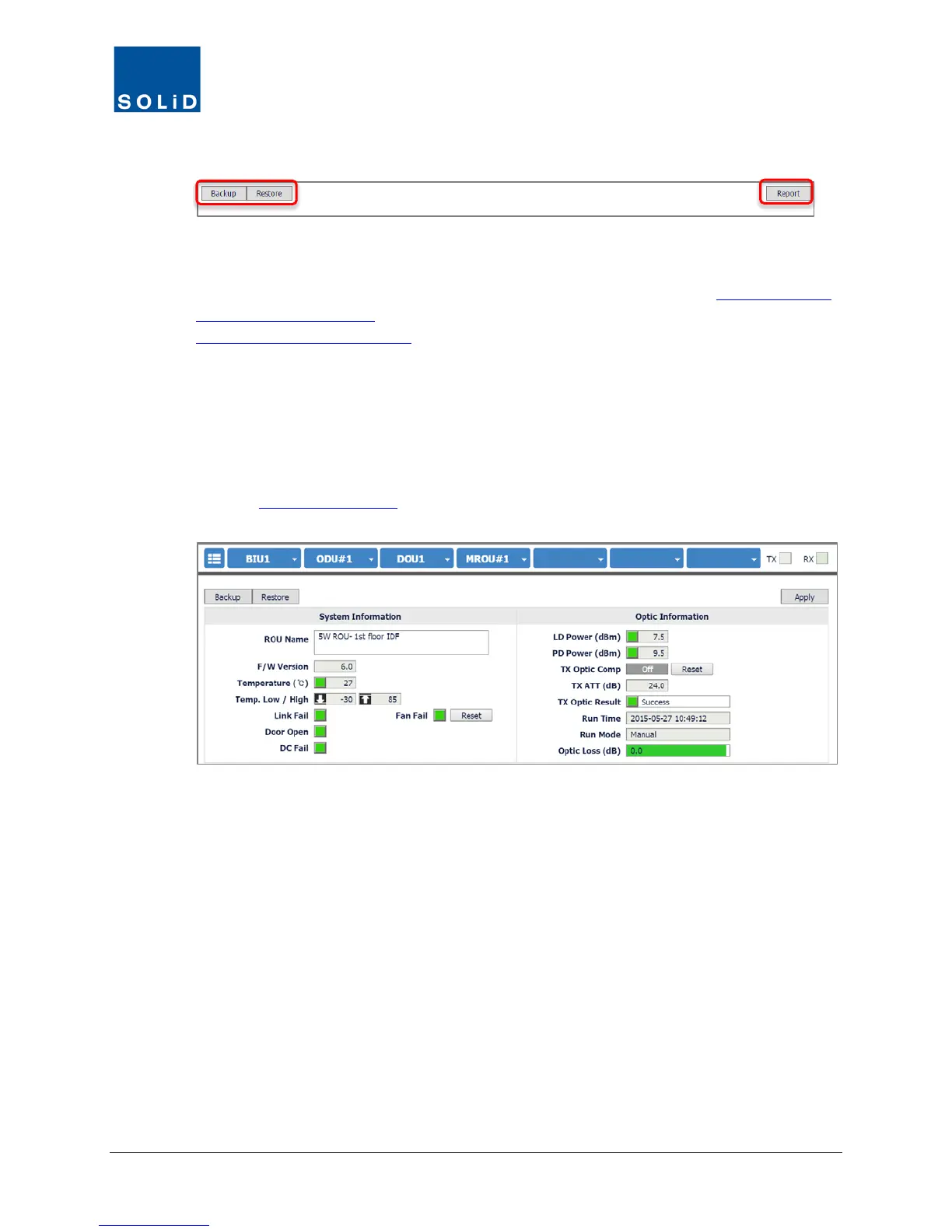
5. From the Topology screen, click on any device to view its Control screen where you can
monitor or change settings for that device.
(See the DAS Device Control section starting on page 42
for instructions for using the Control
screens to configure DAS devices.)
Figure 3.1 – Device Control Screen for MROU



 To Next Page