DMS-1200 Release 6 Operations Manual
Section 6 – System Alarm Setup 47
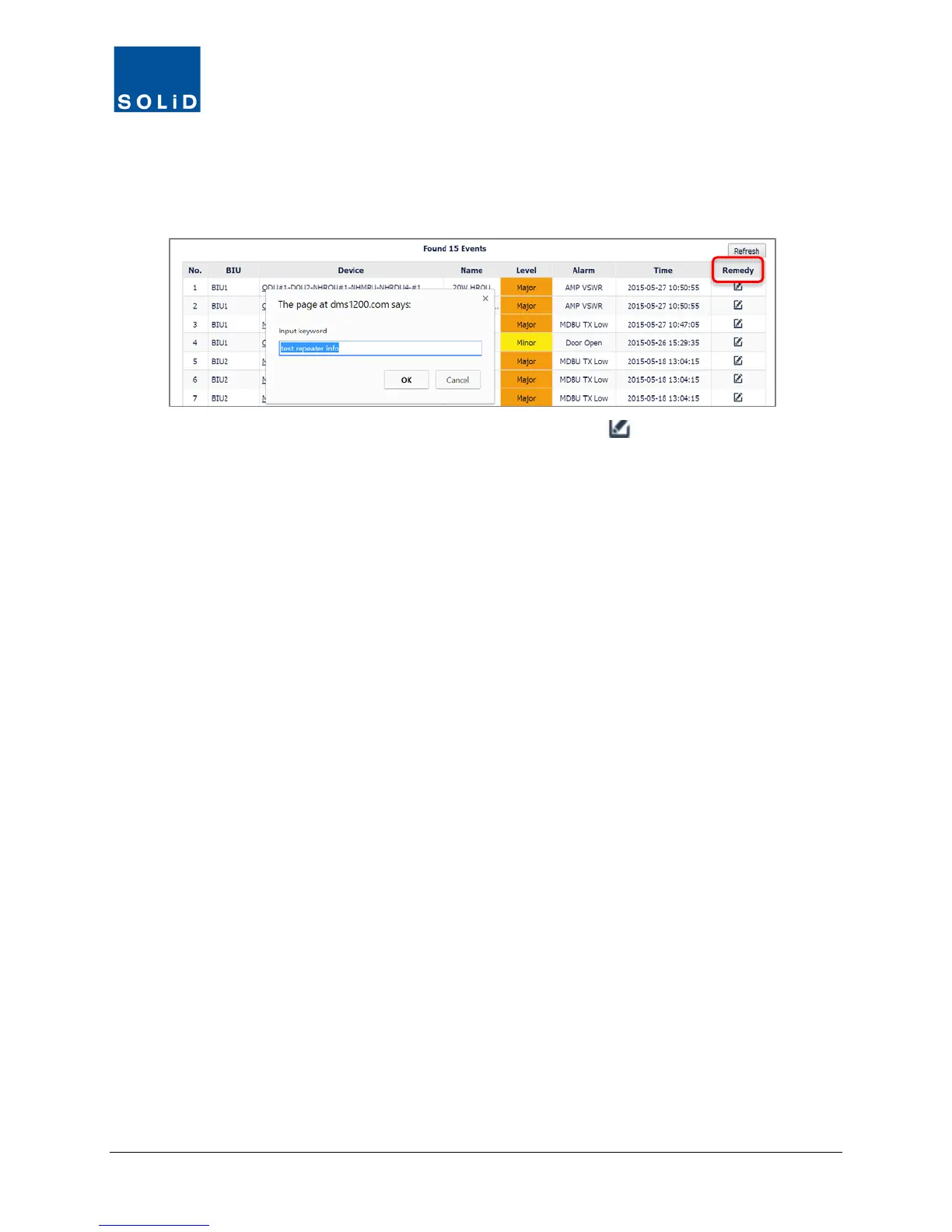
You can also filter by any Keyword in the Name and Alarm fields: place your cursor over the text
in the field. Then click on the text to see the Input Keyword dialog box. Enter a search keyword
then click OK to filter by that keyword.
3. To see a list of troubleshooting tips, click the Remedy icon next to the Alarm.



 To Next Page