90 Service Manual
6 Software Installation and Upgrade
Password:
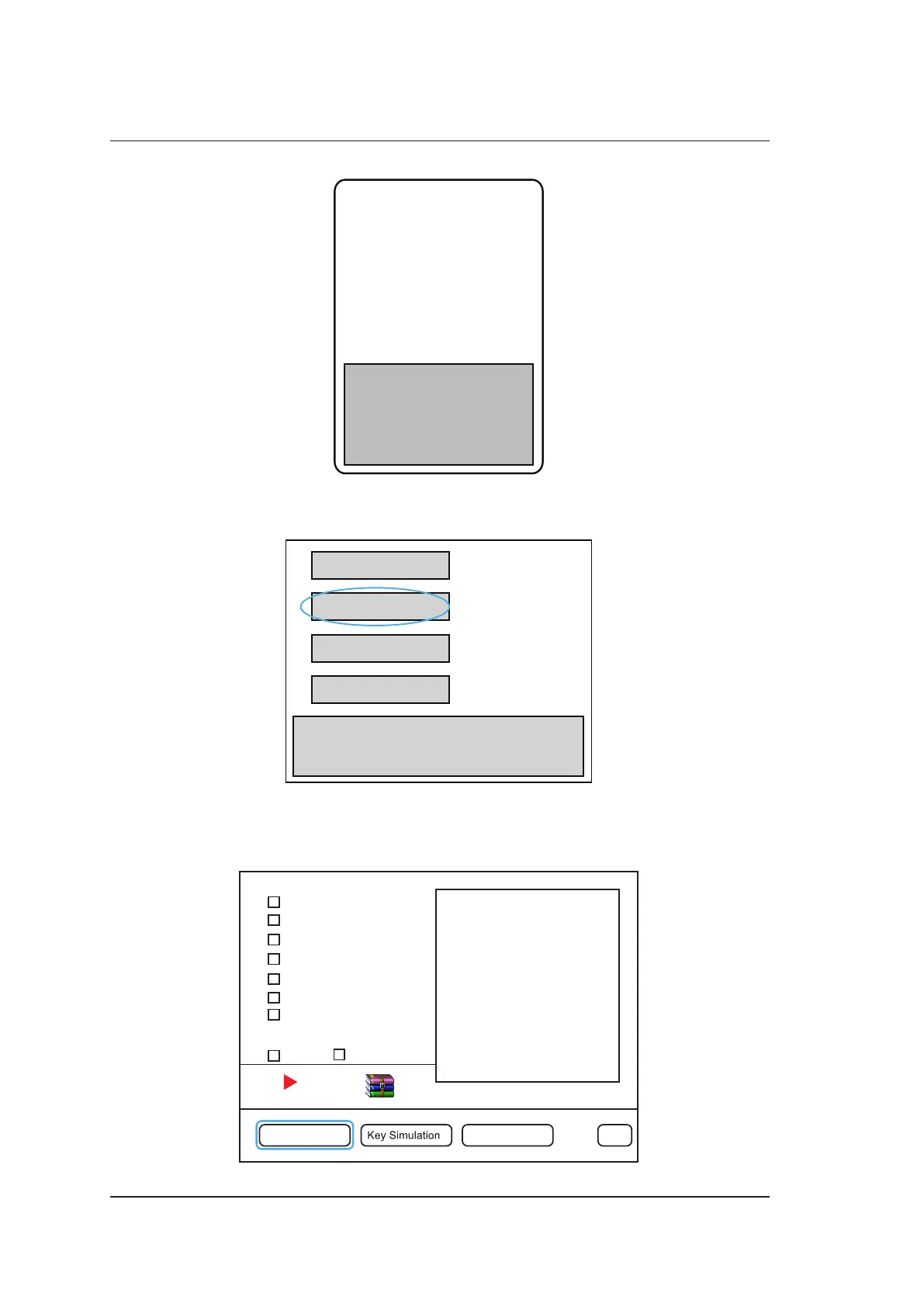
4. Select Probe Table In in the following dialogue box, press the Set key to import the keypass file,
and select Exit after a successful import.
Probe Table Out
Probe Table In
Software Update
Exit
5. Press the Menu key to display the System Settings menu, select System Information to enter
the System Information screen.
6. Type the month password, and press the Enter to enter the engineering mode.
System Memory
EC <——>FIFO Bus
Detector to FIFO
ADC Test (RxOn)
Probe ID, HV&Temp
Speaker test
Probe Security Test
Select All Repeat
Engineer Config Screen Pattern Exit



 To Next Page