91
Service Manual
6 Software Installation and Upgrade
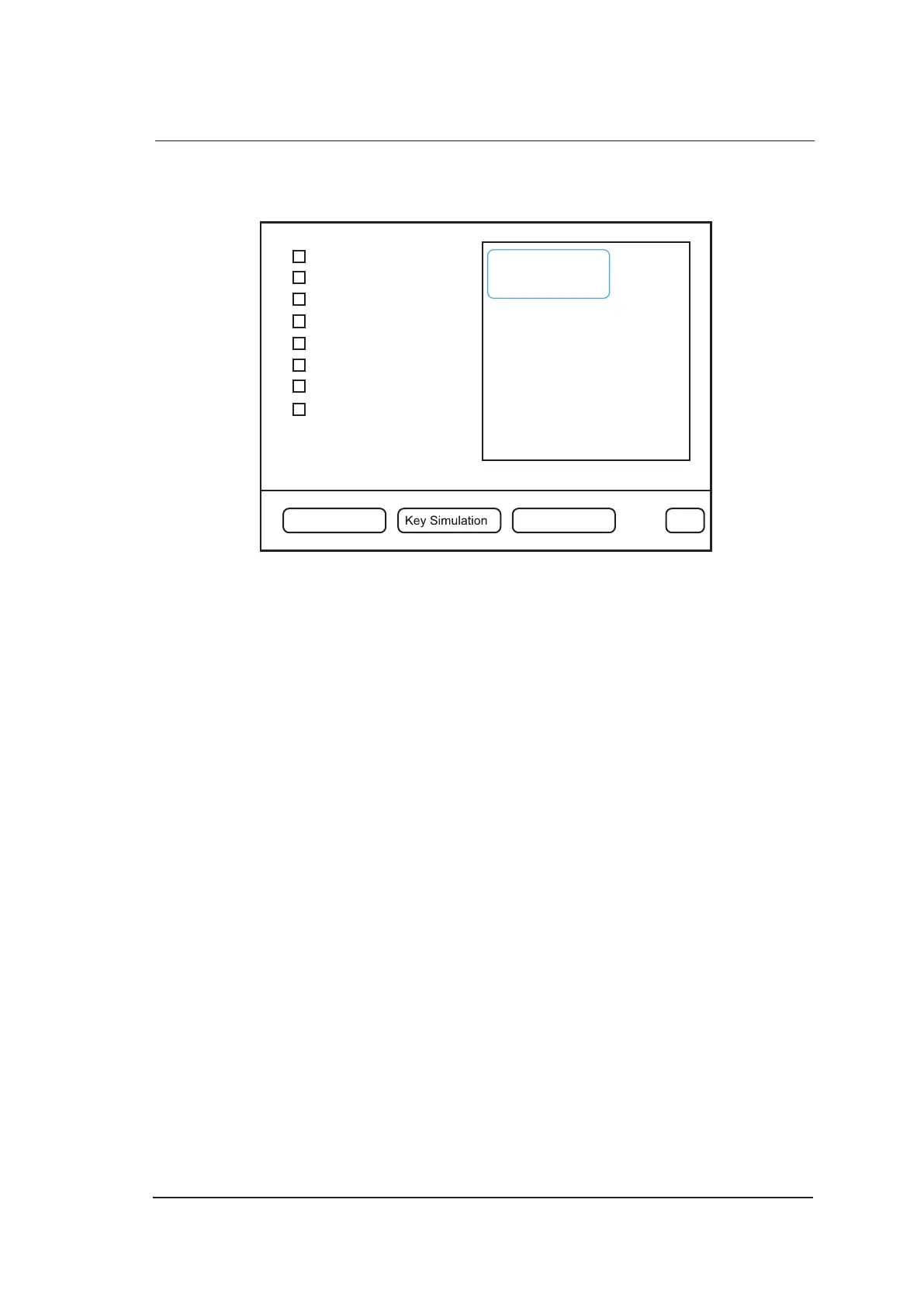
7. Select Engineer Config to display the following screen, and type i to activate keypass. Select
Exit after all items are activated.
Force Probe ID
Engineer Status
Frame Rate Limit
Key Record
C Frame Rate
Change LOGO
Mouse Threshold
N/A
Engineer Config Screen Pattern Exit
License set!
Check License
License OK!
TDI support ON
HPRF support ON
.......
.......
.......
.......
.......
.......
Image Rotate support ON
Sonoscape
8. Reboot the system, and ensure the touch screen contains the u-scan item in the B mode.



 To Next Page