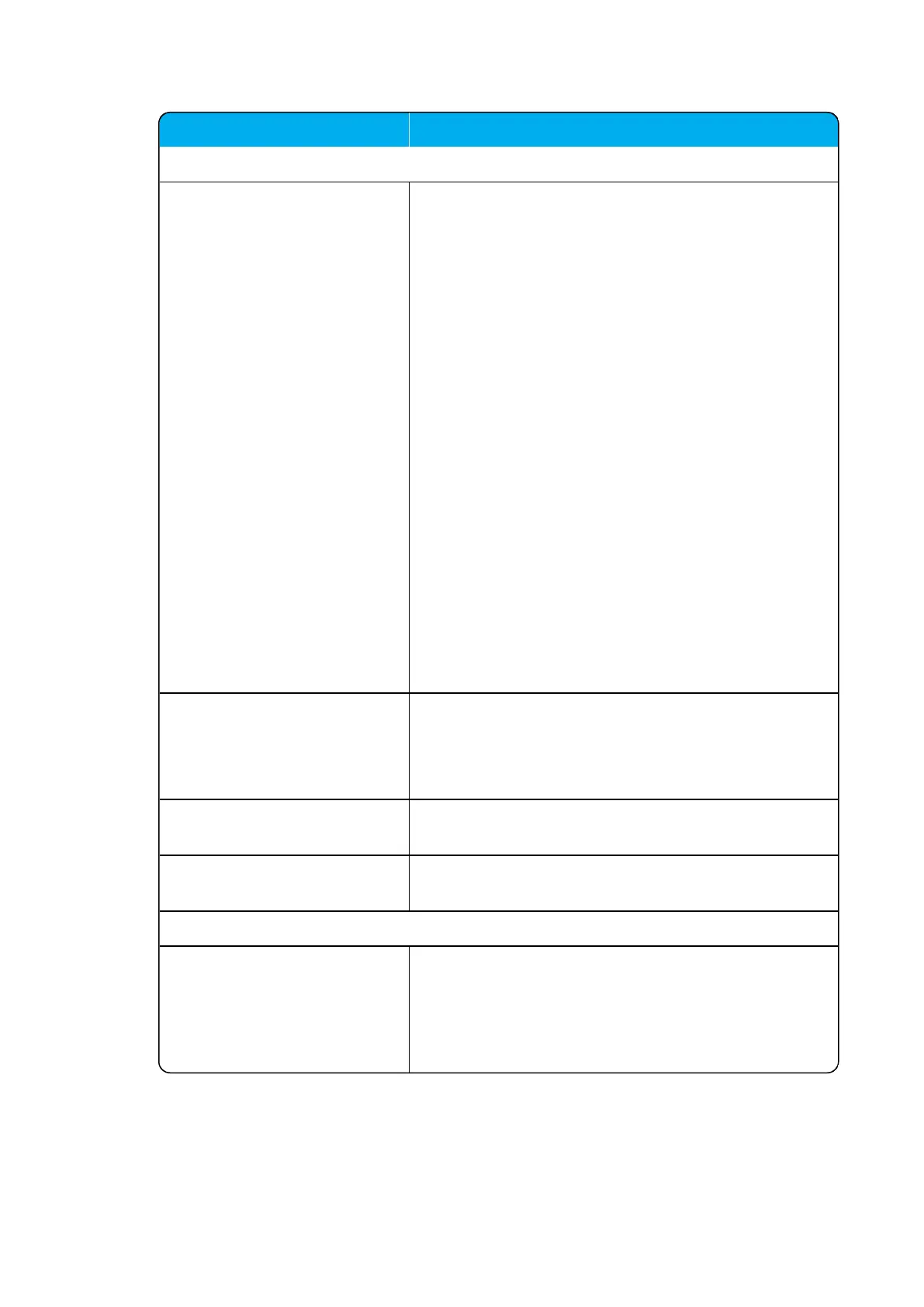
Field
Base Station - Synchronization
Type This setting controls the synchronization type used for
the specific base station/DECT radio.
Possible values: Free running, Radio, LAN or Radi-
o/LAN Gateway.
Select Free running, if you want to configure this base
station as sync master. Otherwise select either Radio,
LAN or Radio/LAN Gateway, depending on the syn-
chronization method.
Default value: Radio
Note: Automatic configuration of radio synchronization is
supported on systems running firmware PCS 20B_ or
newer. For more information, see "Automatic Con-
figuration of RadioSynchronization" on the next page.
Note: To be able to select LAN or Radio/LAN
Gateway, aquisition of a LAN Synchronization License is
required.
Note: System wide settings for synchronization are loc-
ated under Configuration > Wireless Server > Base
stations.
For more information, see Synchronization and Deploy-
ment Guide.
Auto radio sync (deployment
only) (Optional)
If enabled, the base station will be auto synchronized
while deploying the system.
Note: This must only be used while deploying the sys-
tem.
Primary radio sync (RPN)
(Optional)
RPN identifying the base station used for primary radio
synchronization.
Secondary radio sync (RPN)
(Optional)
RPN identifying the base station used for secondary
radio synchronization.
Base Station - RSSI map (Only visible if more than one base station on the system)
RPN/RSSI dB/Offset Possible to see the RSSI values of the base stations the
selected base station is synchronizing on (Primary syn-
c/Secondary (Alternative) sync).
For more information about RSSI values, see Syn-
chronization and Deployment Guide.





 To Next Page