Operation Spectroquant
®
Pharo 300
176
ba75703d07 04/2014
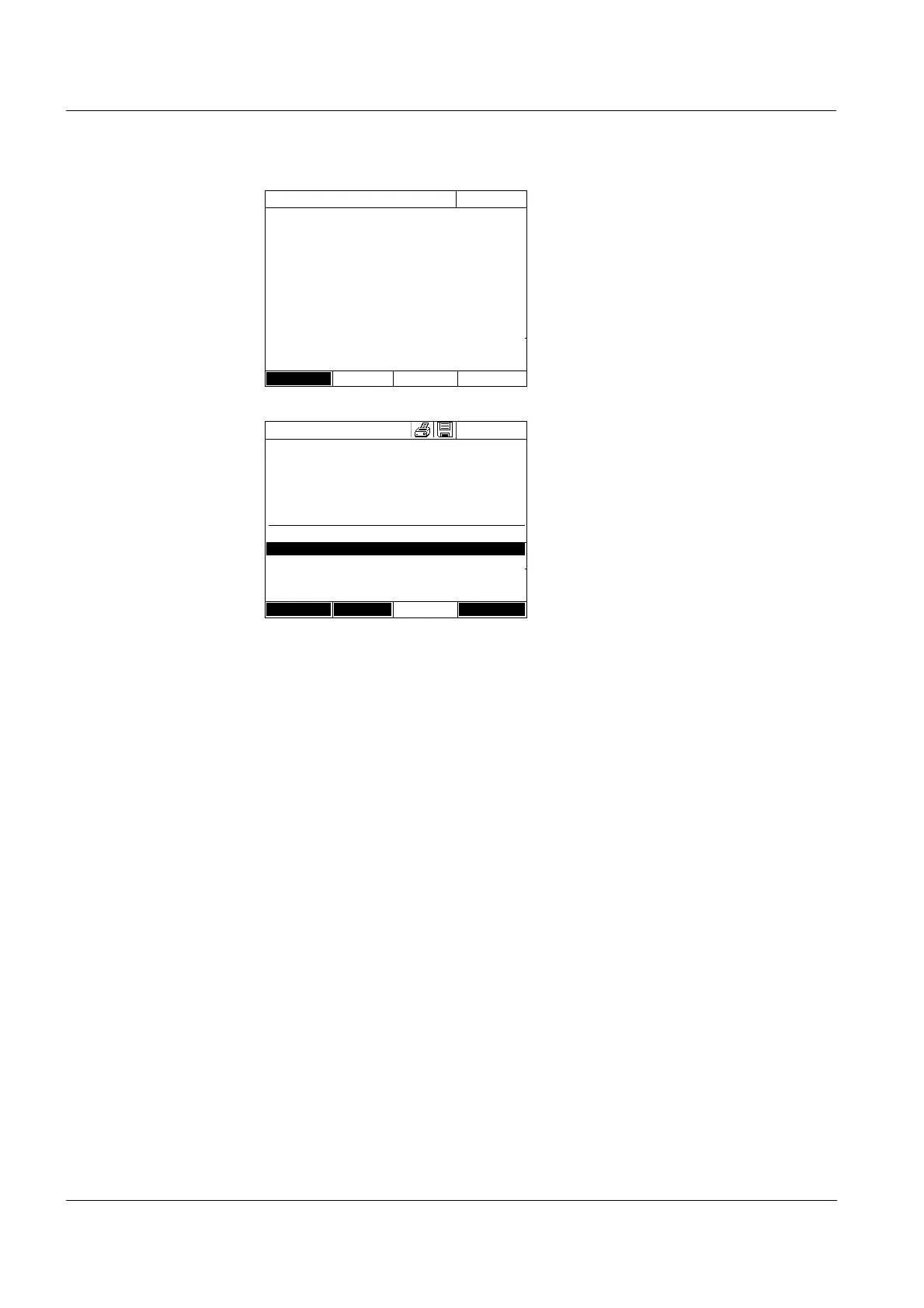
The measurement display
appears.
12 Insert the cell with the respective
sample.
The sample is measured.
After the measurement, the recov-
ery rate is displayed in the right
table column.
The assessment of the recovery
rate is displayed next to
the recovery rate
(✓ or ✗
).
The criteria for the assessment
are determined in the menu,
AQA3/MatrixCheck setup / Maxi-
mum difference.
13 If necessary, repeat the steps 11
and 12 for the remaining samples.
14 Use [Complete] to complete the
MatrixCheck.
The Save dialog box pops up.
15 If necessary, change the storage
location with [Location]:
Internal DataB folder:
Exchange folder in the instrument
or
USB memory:
USB memory device connected at
the USB-A connection.
16 If necessary, change the file
name.
17 Save the file with
<START ENTER>.
MatrixCheck
16.04.07 9:52
Method 14: 14540
Sample concentration 45 mg/lCOD
Sample 10 ml
Standard 0.5 ml
To start measurement, insert cell or press
<START/ENTER>
16 mm
Back
MatrixCheck
16.04.07 9:52
Method 14: 14540
Sample concentration 45 mg/lCOD
Sample Standard Target value nominal
[ml] [ml] [mg/l] [mg/l]
10 0.5 62 58 94 % ✓
10 1 77
10 1.5 91
Back Measureme Complete



 To Next Page