Spectroquant
®
Pharo 300 Operation
63
ba75703d07 04/2014
Carrying out a zero
adjustment
The zero adjustment takes place similarly in the Concentration, Absorbance
/ % Transmission, Special / Multi wavelengths and Kinetics modes.
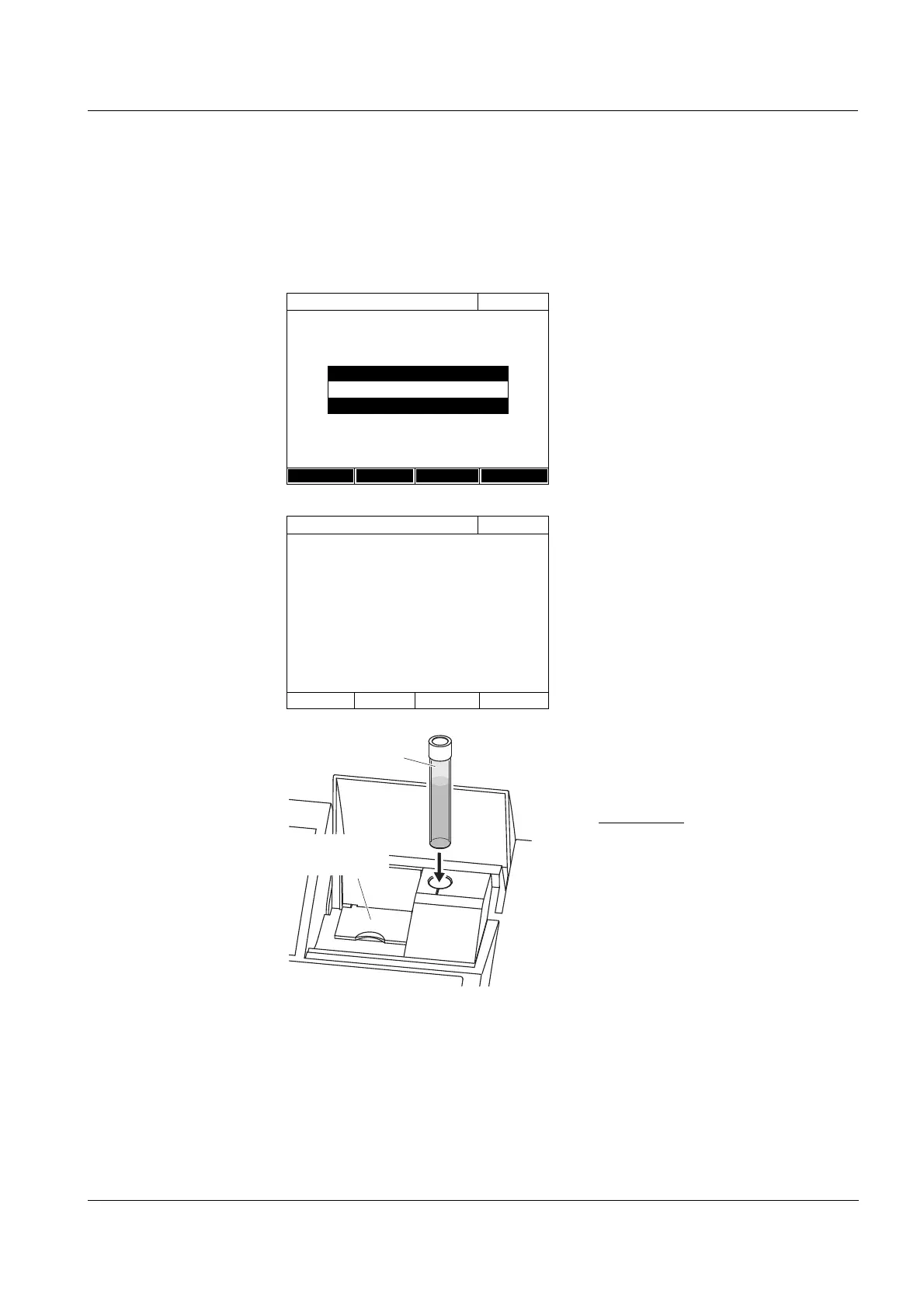
1 In the respective mode, press the
<BLANK ZERO> key.
2 In Concentration mode only:
Select and confirm Zero adjust-
ment.
The zero adjustment window pops
up.
3 Close the inner turn-up lid.
4 Depending on the cell type, insert
the zero cell as follows:
Round cell:
Insert the round cell in the round
cell shaft so it touches the bottom.
If the inner turn-up lid is opened
too wide, a message prompts you
to close the inner turn-up lid.
Concentration
16.04.07 9:52
51: 14558
NH
4
-N
16 mm
0.20 - 8.00 mg/l
Setup
Method list
Citation form Unit
Adjust
Blank value
Zero adjustment
Zero adjustment
16.04.07 9:52
Please insert zero cell (distilled water) or
press <START/ENTER>
Zero cell
(H O dist.)
2
inner
turn-up lid



 To Next Page