Operation Spectroquant
®
Pharo 300
64
ba75703d07 04/2014
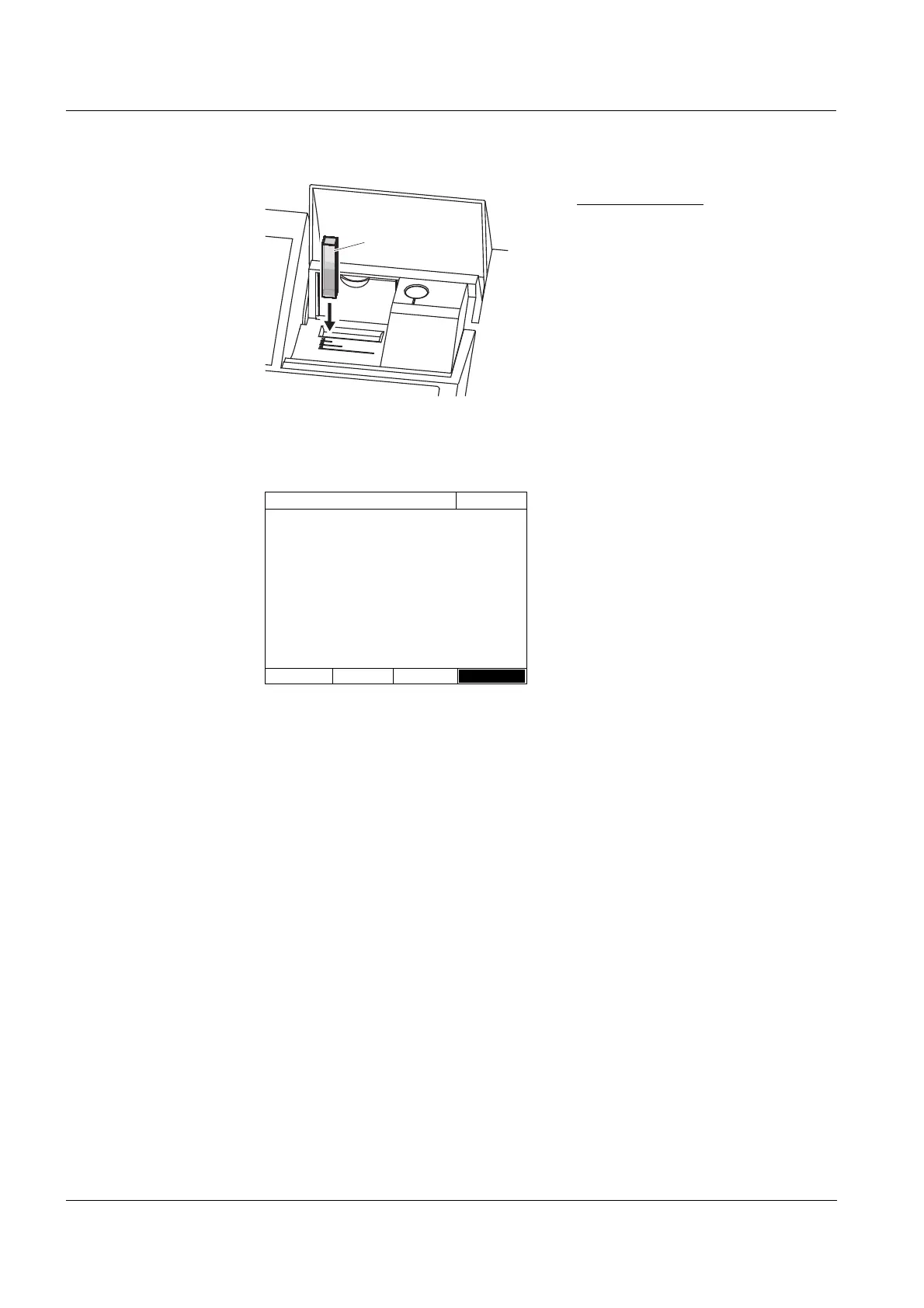
Rectangular cell:
Open the inner turn-up lid.
Insert the rectangular cell verti-
cally so it touches the bottom and
left edge of the cell shaft. The
opaque sides of the rectangular
cell must point to the front and
back.
The photometer has an external
light recognition. If there is too
much external light, a message
prompts you to close the cell shaft
cover.
The photometer automatically
starts the zero adjustment and
subsequently stores the value.
5 After a successful zero adjustment
switch to measurement with [OK].
Zero adjustment
16.04.07 9:52
Zero adjustment successful
10 mm
OK



 To Next Page