Spectroquant
®
Pharo 300 Operation
81
ba75703d07 04/2014
Measuring the
reagent blank value
Inserting a cell with barcode starts
a measurement.
If a cell without barcode is used:
Select the method manually
(see section 4.5.5).
The photometer is ready to mea-
sure.
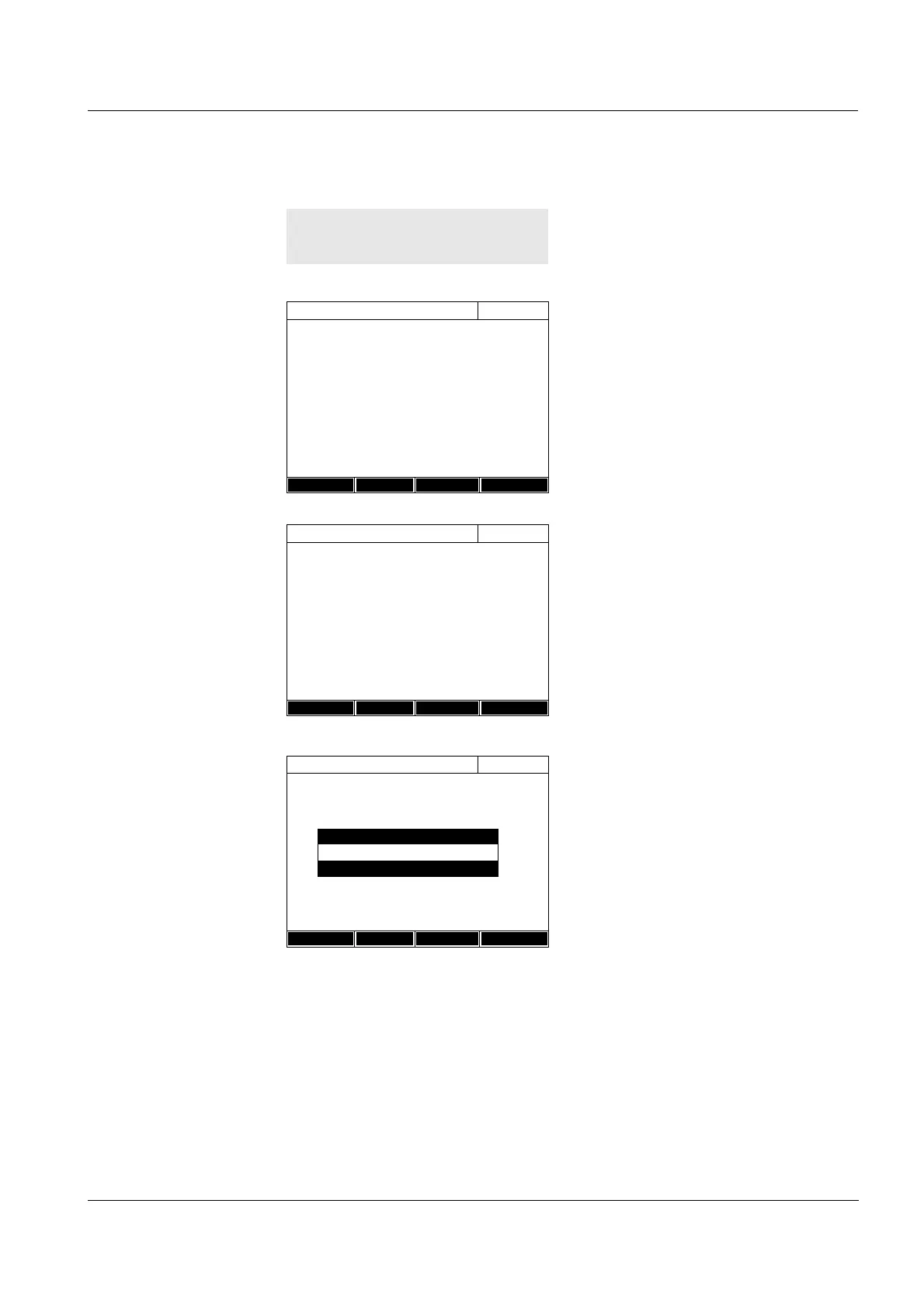
1 Using <BLANK ZERO>, open the
Adjust selection list.
2 Select and confirm Blank value.
The window for the measurement
of the reagent blank value pops
up.
The data of the last measurement
appears in the measured value
display.
<HOME>
Concentration
Concentration
16.04.07 9:52
Please select method for measuring or insert
a barcoded cell or insert AutoSelector.
Setup
Method list Last method New Method
Concentration
16.04.07 9:52
To start measurement, insert cell or press
<START/ENTER>
51: 14558
NH
4
-N
16 mm
0.20 - 8.00 mg/l
Setup
Method list
Citation form Unit
Concentration
16.04.07 9:52
51: 14558
NH
4
-N
16 mm
0.20 - 8.00 mg/l
Setup
Method list
Citation form Unit
Adjust
Zero adjustment
Blank value



 To Next Page