Operation Spectroquant
®
Pharo 300
96
ba75703d07 04/2014
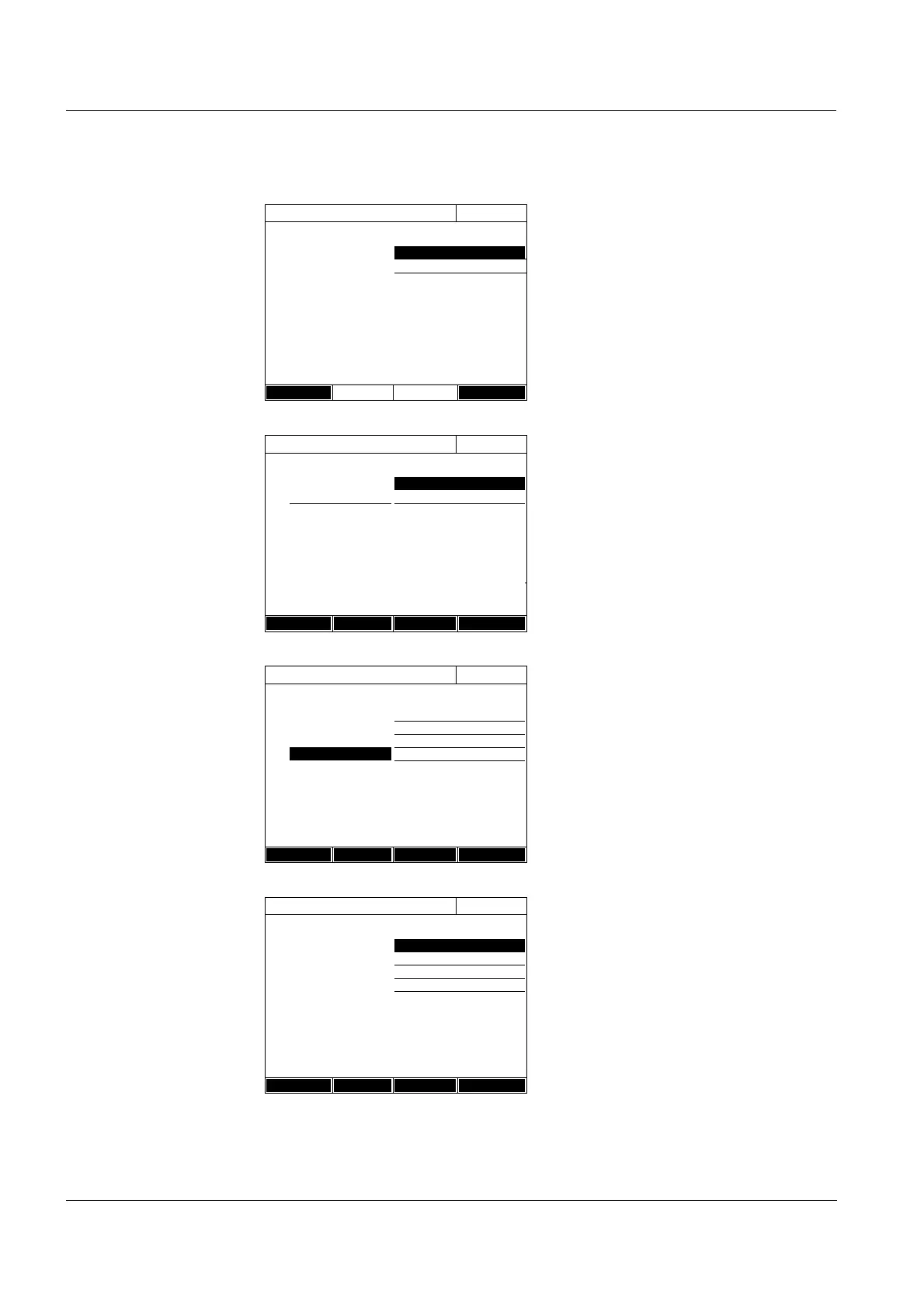
Variant 1:
Measure standard
solutions
1 Select and confirm Measure stan-
dard solutions.
2 Enter and confirm details of the
standard solutions (optional).
3 Using [Next], accept all entries on
the page and switch to the next
page.
The table for the measurement of
standard solutions pops up.
In the first two lines of the table,
the two value pairs (measuring
points) that are at least required
for a calibration are already pre-
pared (reagent blank value E0 and
any further nominal value).
4 Create further values pairs with
[Add] as necessary.
You can delete a highlighted value
pair with [Delete].
5 In the Target value column, enter
the nominal values of the individ-
ual standard solutions.
Measuring the standard solutions:
6 Using the arrow keys <▲><▼>
and <><>, navigate to the rel-
evant input field in the Absorbance
column and press
<START ENTER>.
Edit method
16.04.07 9:52
Standard ID
Standard manufacturer
Back Next
Edit method
16.04.07 9:52
Target value Absorbance
E0 0.000
1
Back Add Delete Next
Edit method
16.04.07 9:52
Target value Absorbance
E0 0.000
10.300
20.600
3 1.000
Back Add Delete Next
Edit method
16.04.07 9:52
Target value Absorbance
E0 0.000
10.300
20.600
31.000
Back Add Delete Next



 To Next Page