Spectroquant
®
Pharo 300 Operation
97
ba75703d07 04/2014
Note
If the zero standard concentration (reagent blank value E0) is not measured
and stored, the photometer calculates the calibration line without this value.
If the User-defined blank value function (in the Concentration / Setup menu)
is activated for measuring with this method, the value for a0 is determined
and replaces the calculated axis intercept from the programming of the
method.
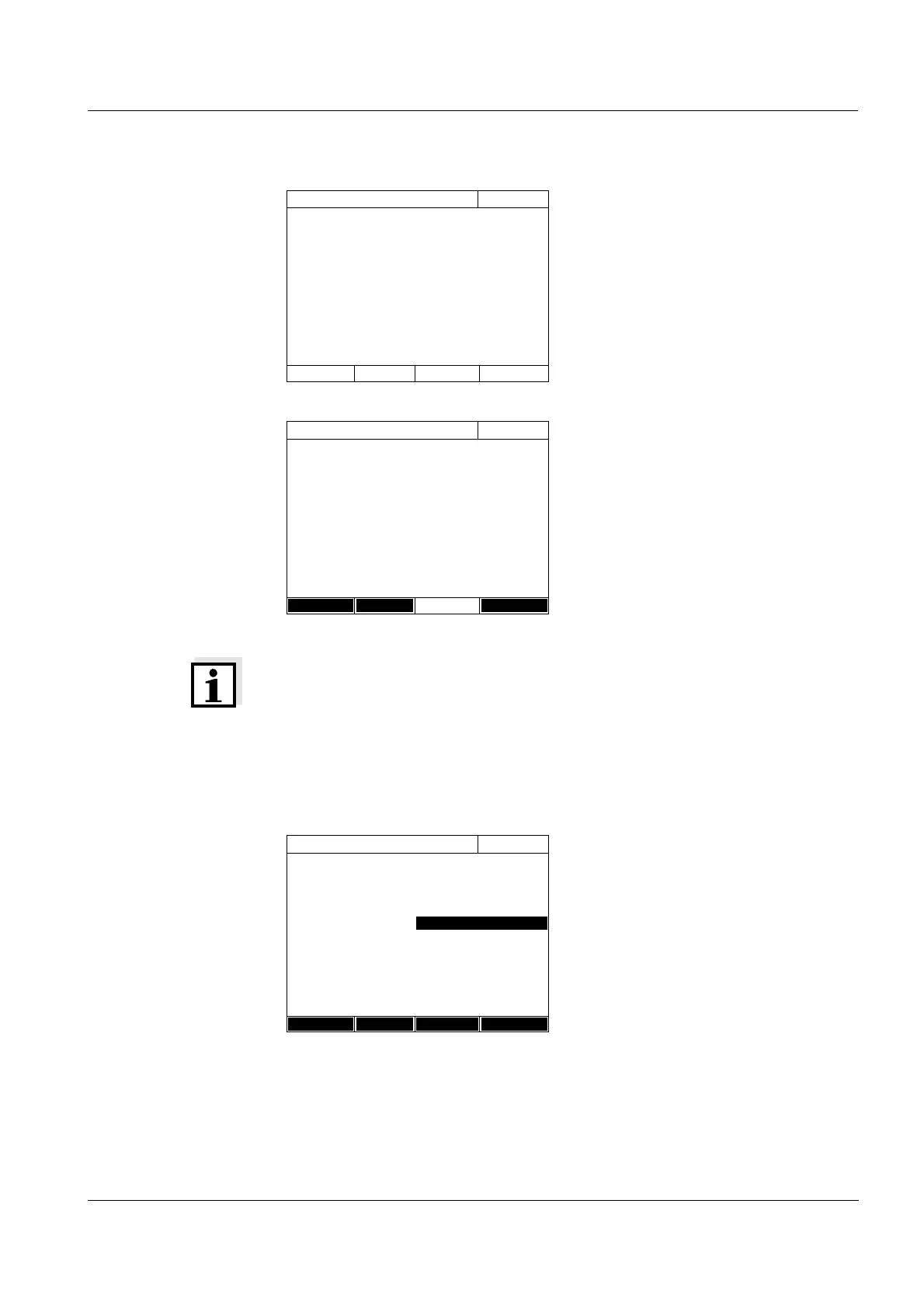
The measurement display
appears.
7 Insert the cell with the respective
standard.
The absorbance is measured. The
result of the first single measure-
ment is displayed.
8 If necessary, carry out further sin-
gle measurements for the forma-
tion of the median with [Next
meas.]
or
discard the last single measure-
ment with [Discard].
9 To accept the median value, press
[Apply].
10 Repeat the steps 6 to 9 until all
input fields in the Absorbance col-
umn are filled out.
11 Using [Next], accept all entries on
the page and switch to the next
page.
The value pairs are displayed in a
diagram (standard: Polygon line).
Absorbance E0
16.04.07 9:52
To start measurement, insert cell or press
<START/ENTER>
525 nm
16 mm
Absorbance E0
16.04.07 9:52
Last measured absorbance
0.009
Median
0.009 (1 Measurement(s))
525 nm
16 mm
Next meas.
Discard Apply
Edit method
16.04.07 9:52
Target value Absorbance
E0 0.000 0.009
1 0.300 0.664
2 0.600 1.292
31.000 2.178
Back Add Delete Next



 To Next Page