Operation Spectroquant
®
Pharo 300
98
ba75703d07 04/2014
Variant 2:
Enter value pairs
Unlike variant 1, the fields of the Absorbance column are filled out manually
here. Accordingly, the steps 6 to 10 are not applicable here. Apart from that,
the proceeding is identical to variant 1.
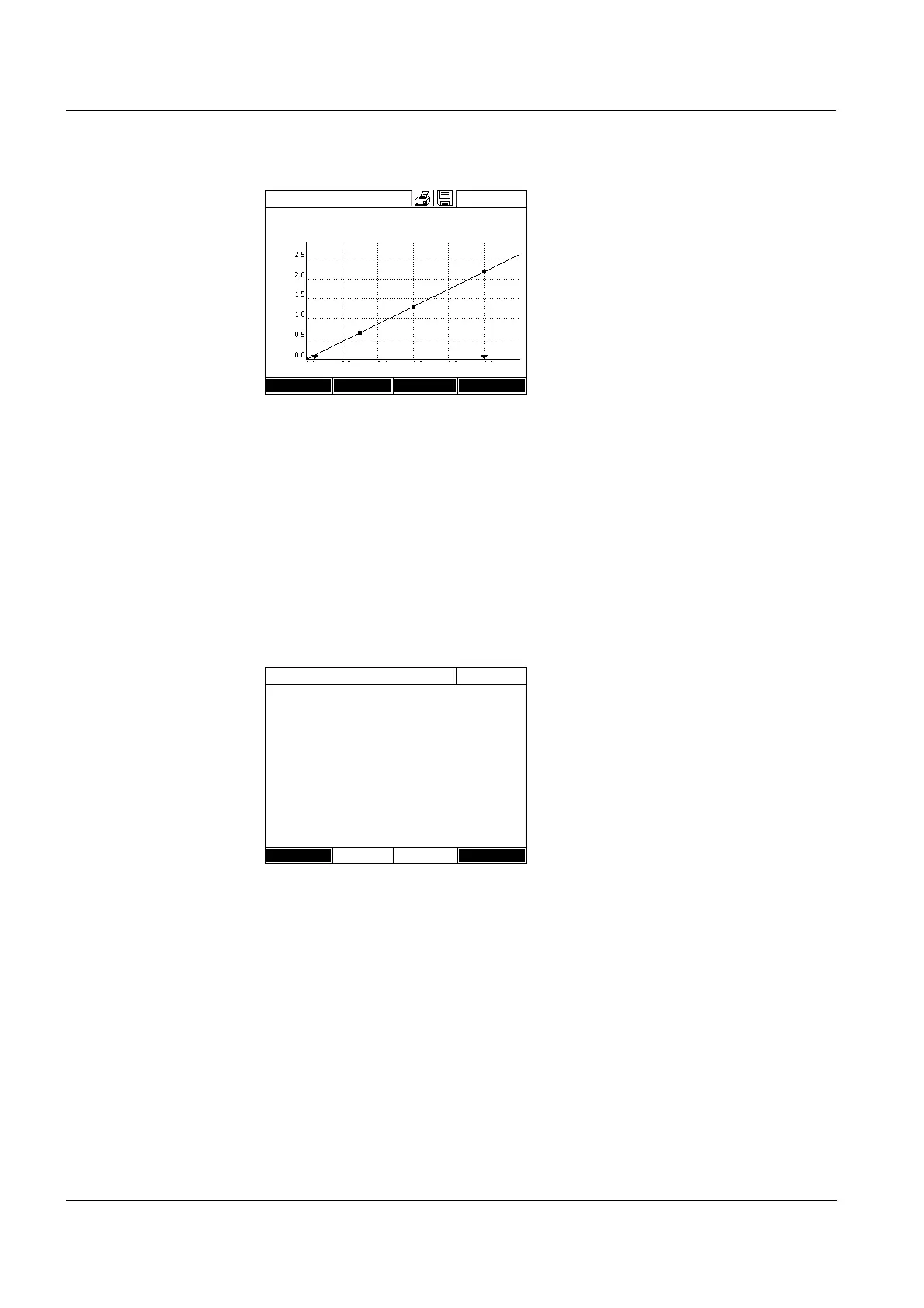
The related formula f(x) and corre-
lation coefficient R
2
are displayed
above the diagram.
12 If required, select a different line
type for the line adjustment with
[Curve type].
- Polygon line
- Straight line
- Parabola
13 If required, enter different mea-
sured value limits with [Meas.
range].
- Lower limit
- Upper limit
14 Using [Next], complete the editing
of the calibration line and proceed
to the next page.
The timers and AQA2 data linked
to the method are displayed.
15 If necessary, enter intervals for up
to 4 timers.
16 If necessary, enter the AQA2 tar-
get value and AQA2 tolerance.
17 If necessary, select from how
many single measurements the
documented measured value is
calculated.
18 If necessary, set whether a
reagent blank value is required.
19 If necessary, set whether a user
calibration is possible and/or
required.
20 Complete the programming of the
method with [Complete].
The method is programmed and
selected for measuring.
Edit method
16.04.07 9:52
f(x)=0.73x
R
2
= 1.000
Meas. range: 0.050 - 1.000 mg/l
Concentration [mg/l NO2-N]
Back Curve type Meas. range Next
Edit method
16.04.07 9:52
Timer 0 00:00:00
Timer 1 00:00:00
Timer 2 00:00:00
Timer 3 00:00:00
AQA2 target value 1.00 mg/l
AQA2 tolerance 0.10 mg/l
Required measurements 1
Blank required No
Calibration possible No
Calibration required No
Back Complete



 To Next Page