Spectroquant
®
Pharo 300 Operation
99
ba75703d07 04/2014
Variant 3:
Enter formula
Note
Entering the formula is especially simple if you measure with a commercial
test set for which the manufacturer has given the value for the coefficients a1.
It is often called the "Factor" and corresponds to the reciprocal value of the
slope of the straight line of the calibration function.
If a linear function (straight line) should be entered, it is necessary to enter
the coefficients a0 and a1 to receive correct measured values.
If the exact value for a0 is not known at the time the formula is entered, it is
sufficient to enter the coefficient a1. In this case, the User-defined blank value
function (in the Concentration / Setup menu) has to be activated to measure
with this method. Prior to measuring with this method, a blank value mea-
surement has to be carried out. During this procedure the value for a0 is
determined and replaces the previous value.
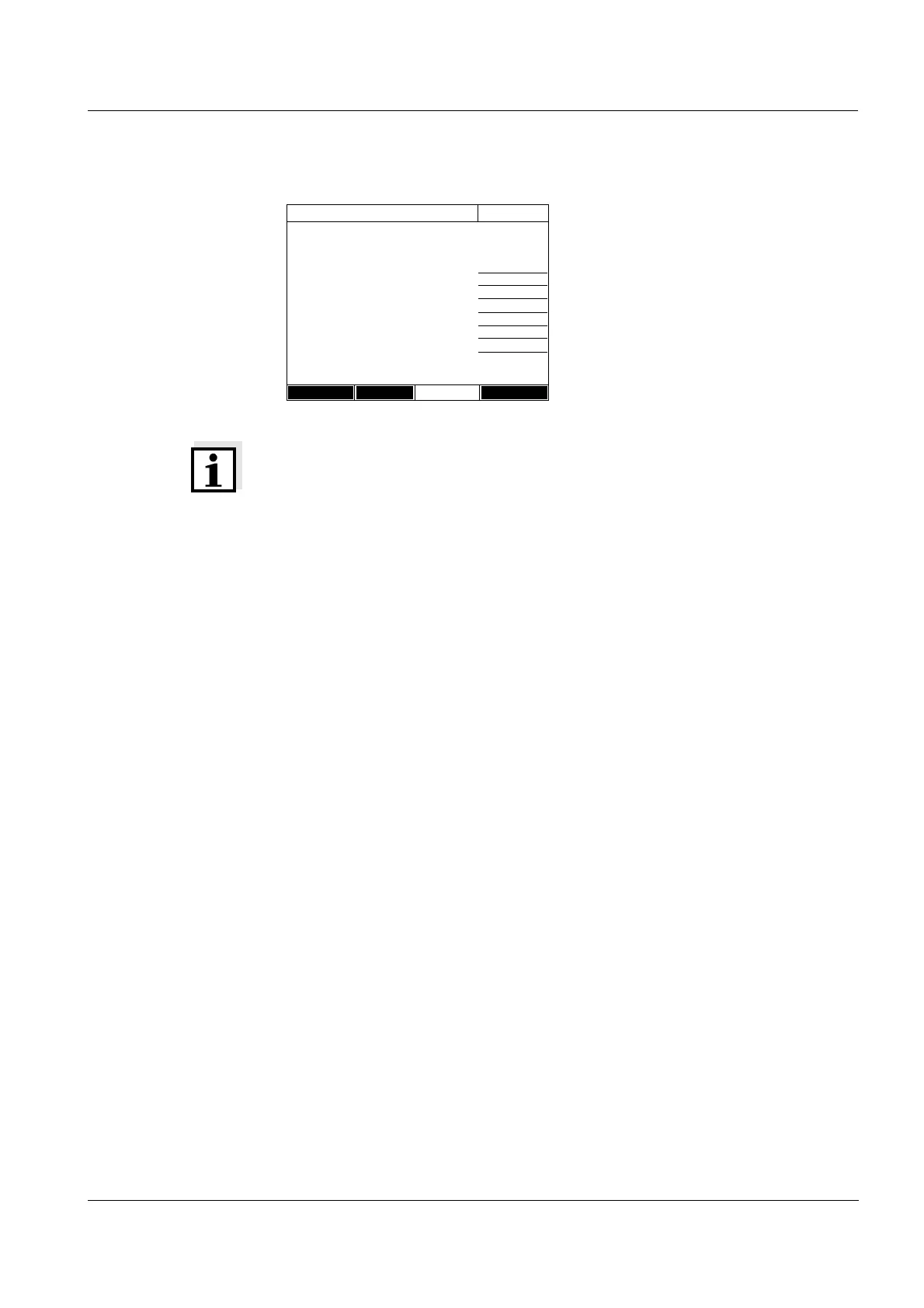
1 Select and confirm Enter formula.
Input fields for the coefficients (a0
... a5) of the formula are displayed.
2 Enter and confirm the factors.
If no value is entered for a coeffi-
cient the photometer automatically
uses the value 0.
3 Enter and confirm the measuring
range limits.
4 Complete the entering of the for-
mula with [Next].
The timers and AQA2 data linked
to the method are displayed.
Edit method
16.04.07 9:52
c = a0 + a1·A + a2·A
2
+ a3·A
3
+ a4·A
4
+ a5·A
5
a0 0.605
a1 2
a2
a3
a4
a5
Lower limit of measuring range 1,000 mg/l
Upper limit of measuring range 3.000 mg/l
Method list Delete Next



 To Next Page