The information contained in this document is confidential, and only for the information of the intended recipient and may not be published or redistributed without the prior written consent of Summa NV.
Summa nv Tel +32 59 27 00 11 Fax +32 59 27 00 63 Email support@summa.com Website www.summa.com Page 19 of 76
• The main board may be defective. Replace the main board.
• A firmware update did not succeed, probably due to a power failure during the firmware
update. Send the main board back to Summa for recovery, or replace the main board. See also
“Flash device not found!”.
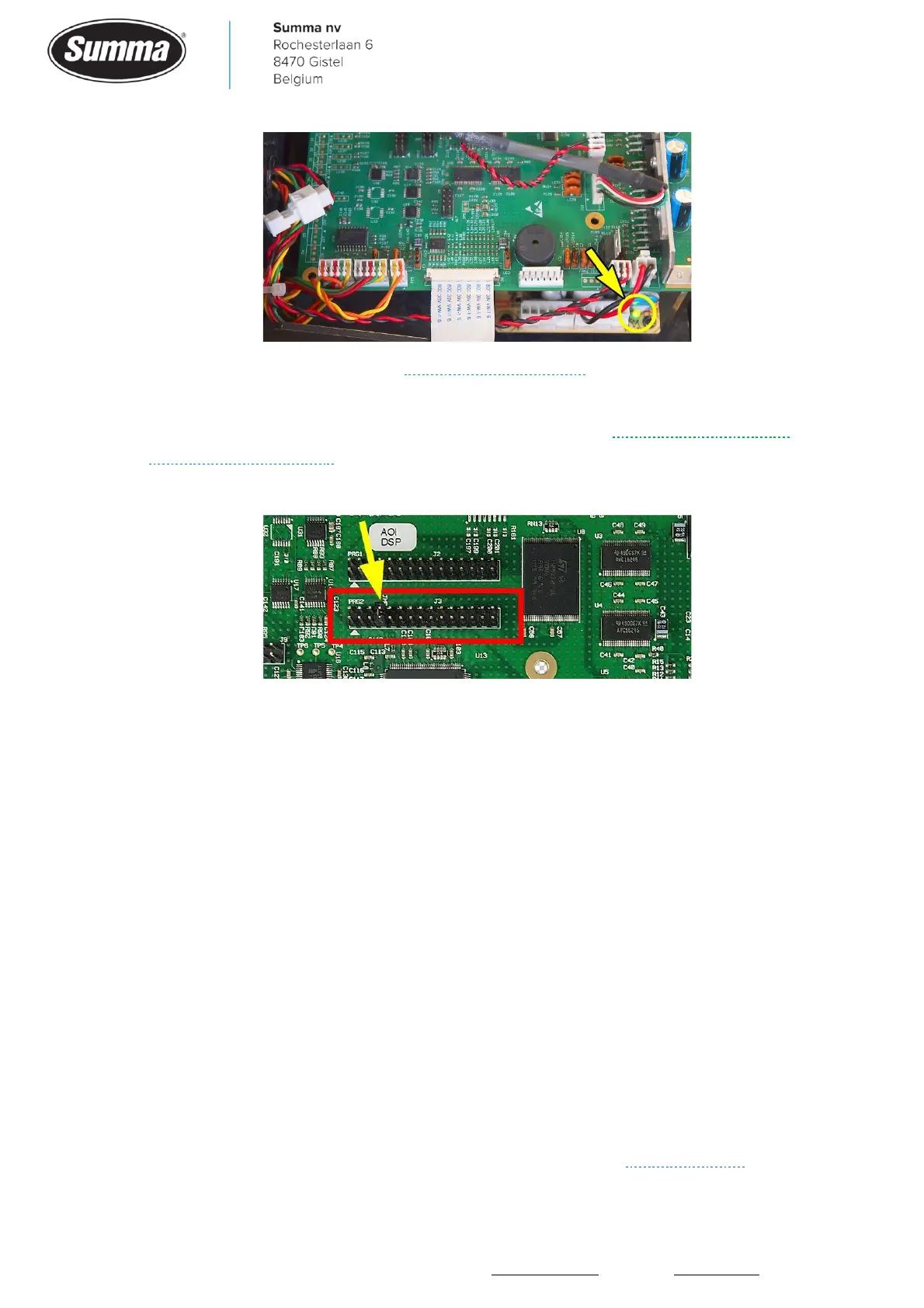
• Jumper on connector J3 missing.
• A device connected to the main board may require too much current. Disconnect all cables
(including flat cables) except the power cable (PWR) and switch the machine on. A beep
should be heard after 8 seconds. In case the machine boots with the cables disconnected,
then reconnect the cables one by one and reboot after every reconnection to determine the
device causing the problem.
4.2 Media does not load
After media has been put in the machine, and pinch rollers are lowered, then the media load
process is started: the cutter head is moved to the right side, then moves to the left to scan
the position of the pinch rollers. When all pinch roller positions are detected, the cutter head
moves to the right side of the media, lifts and lowers the knife to check for the up/down
encoder to determine the knife height and OPOS sensor height. When Autoload was
activated, media is fed and shaken to determine media weight and friction in order to
determine motor parameters and to create a micro-sprocket track in the rear of the media.
Finally the knife is set in a known direction. In case the load procedure does not start, check
the following:
• In case an error message is displayed, then check the section “Error Messages”.









 To Next Page