The information contained in this document is confidential, and only for the information of the intended recipient and may not be published or redistributed without the prior written consent of Summa NV.
Summa nv Tel +32 59 27 00 11 Fax +32 59 27 00 63 Email support@summa.com Website www.summa.com Page 20 of 76
• The tab on the pinch roller switch activator may be broken.
• The lever on the pinch roller switch may be bent or broken.
• Probably the switch, used to detect pinch rollers are down, is defective. To determine whether
the switch or the main board is defective, disconnect the cable from the pinch roller up/down
connector (J15) on the main board, after which the cutter should start the load procedure,
indicating the pinch roller switch is defective. In case the machine still does not start the
media load sequence, then the main board is defective.
• The machine may not have detected the pinch rollers are down. Probably the switch, used to
detect pinch rollers are down, is defective.
• Probably the media is not detected. See “Media not detected”.
4.3 Media not detected
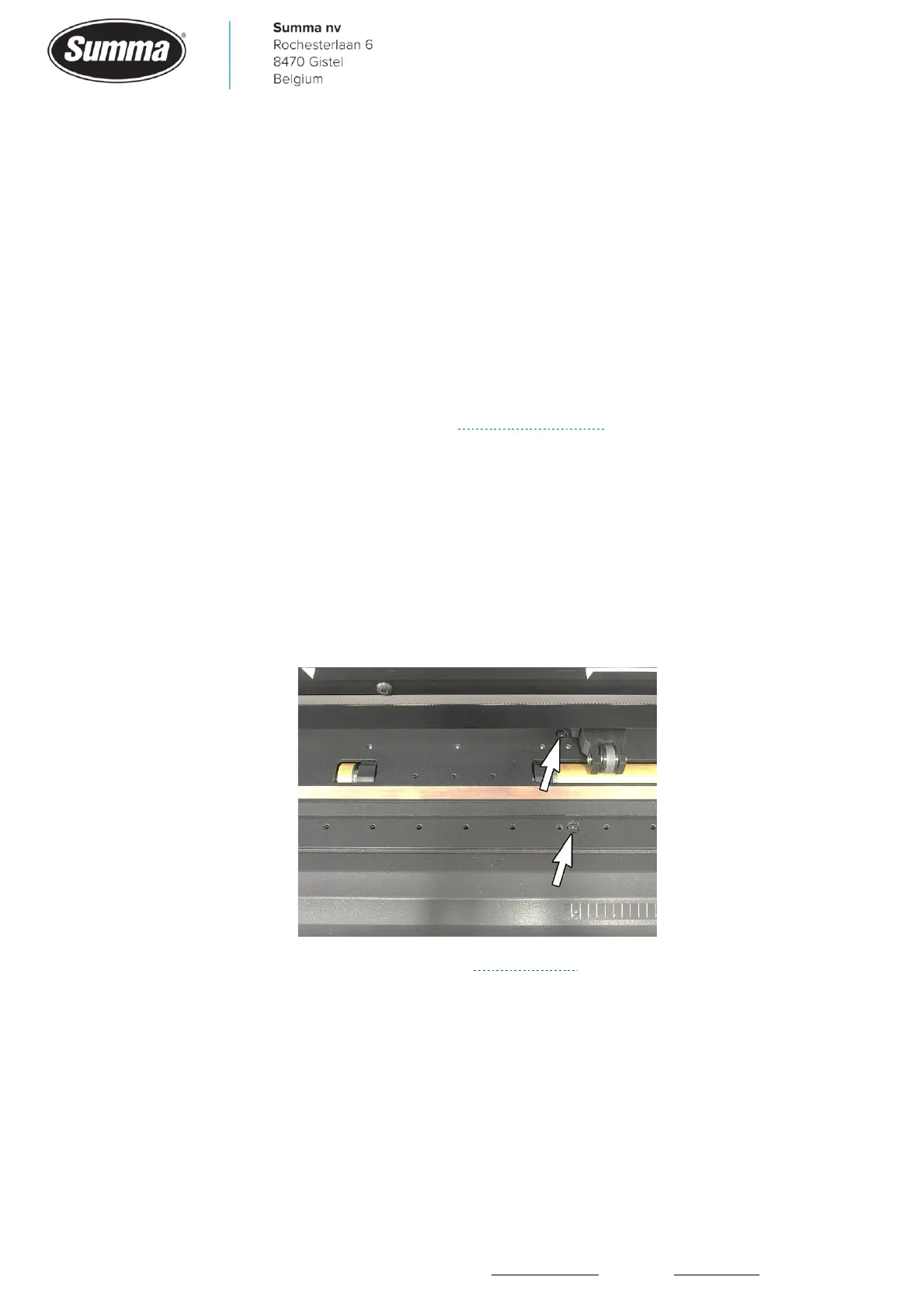
Two media sensors are used to detect whether or not media is in the machine.
Those sensors emit infrared light which is to be reflected by the backing of the media, and
then picked up by the sensor.
When media is not correctly detected, then this could be due to the following:
• The media sensors may have collected dirt: clean the sensors.
• Machine was started in service mode (see “Service mode”): the media sensors are switched
off when the machine runs in service mode. Reboot the machine to exit service mode.
• Backing of the media does not reflect infrared light, e.g. dark colored backing. In this case the
media is not detected. To be able to use this media, switch the media sensors off: [Settings] –
[More] – [General] – [Media sensor] and set to “OFF”.
• The media sensor has been switched off. In this case the media load procedure starts as soon
as the pinch rollers are lowered, even without media in the machine. Check media sensor
settings: [Settings] – [More] – [General] – [Media sensor] and set to “ON” or to “FRONT OFF”.









 To Next Page