The information contained in this document is confidential, and only for the information of the intended recipient and may not be published or redistributed without the prior written consent of Summa NV.
Summa nv Tel +32 59 27 00 11 Fax +32 59 27 00 63 Email support@summa.com Website www.summa.com Page 21 of 76
• Sensitivity of the media sensor is set wrong: run the media sensitivity calibration test:
[Settings] – [More] – [More] – [Media sensor setup].
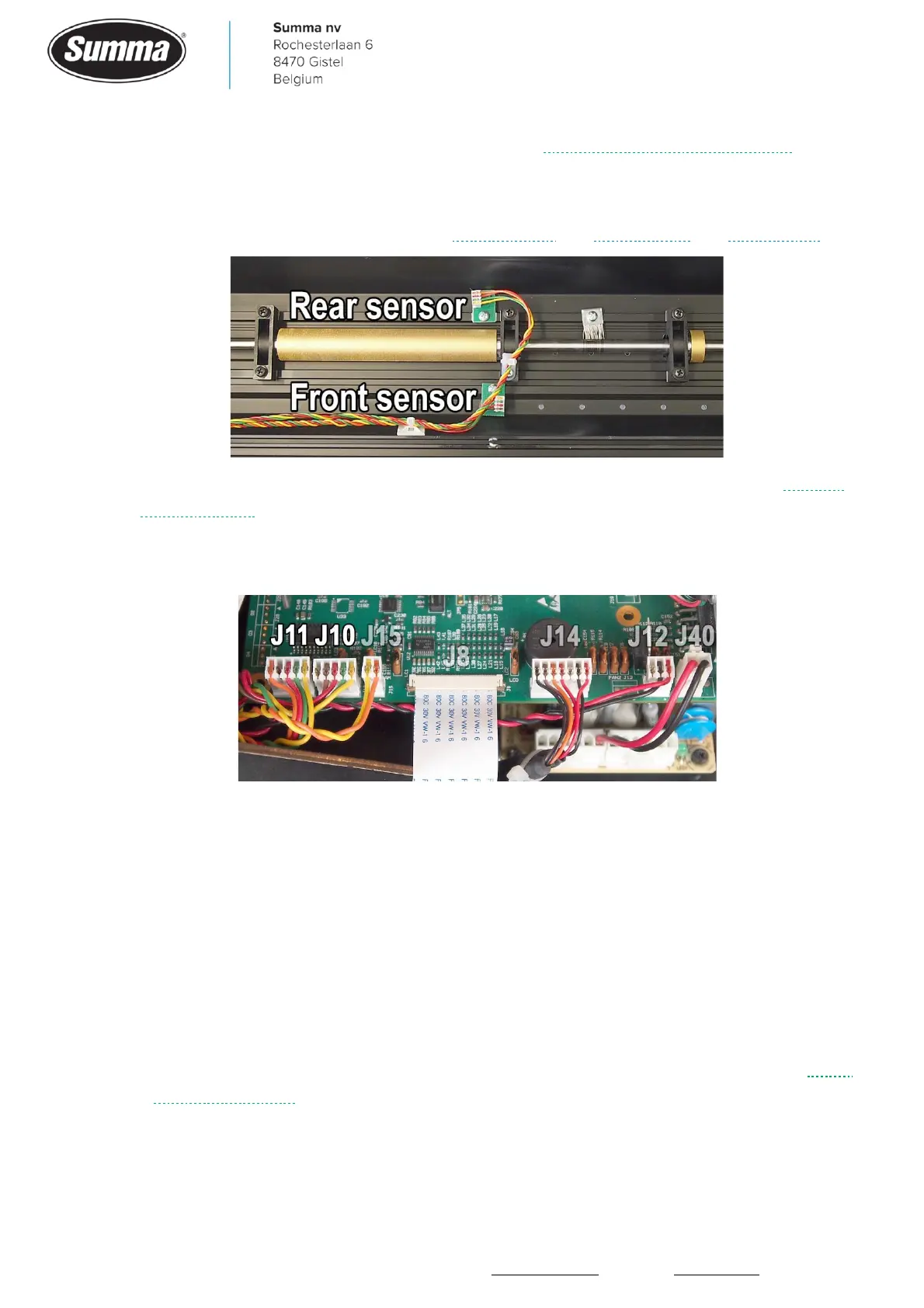
• One or both media sensors may be defective: replace the sensor(s). Functionality can be
checked from the “Monitor” display, see Service mode and Front sensor and Back sensor.
• The circuitry on the main board for controlling the media sensors may be defective. Replace
the main board.
• The connectors of the media sensors have not been put correctly in the sockets (main board
side: J10 and J11, or media sensor side).
• Wires are not firmly seated in the media sensor connectors (main board side: J10 and J11, or
media sensor side).
4.4 Media drops on the floor
When the end of the media is not detected, then the media will be fed too far causing the
media to drop on the floor (or in the basket). In this case check the following:
• The rear media sensor may have been switched off. Switch the media sensor on: click
[Settings] – [More] – [General] – [Media sensor] and select “On” or “Front off”.
• The rear media sensor may have been set too sensitive. Click [Settings] – [More] – [More] –
[Media sensor setup] – [Back sensor]. Adjust the sensitivity of the media sensor. See Media
Sensor Calibration.
• Prevent strong light to the sensor as this can confuse the sensor. E.g. sunlight getting on the
machine.









 To Next Page