The information contained in this document is confidential, and only for the information of the intended recipient and may not be published or redistributed without the prior written consent of Summa NV.
Summa nv Tel +32 59 27 00 11 Fax +32 59 27 00 63 Email support@summa.com Website www.summa.com Page 29 of 76
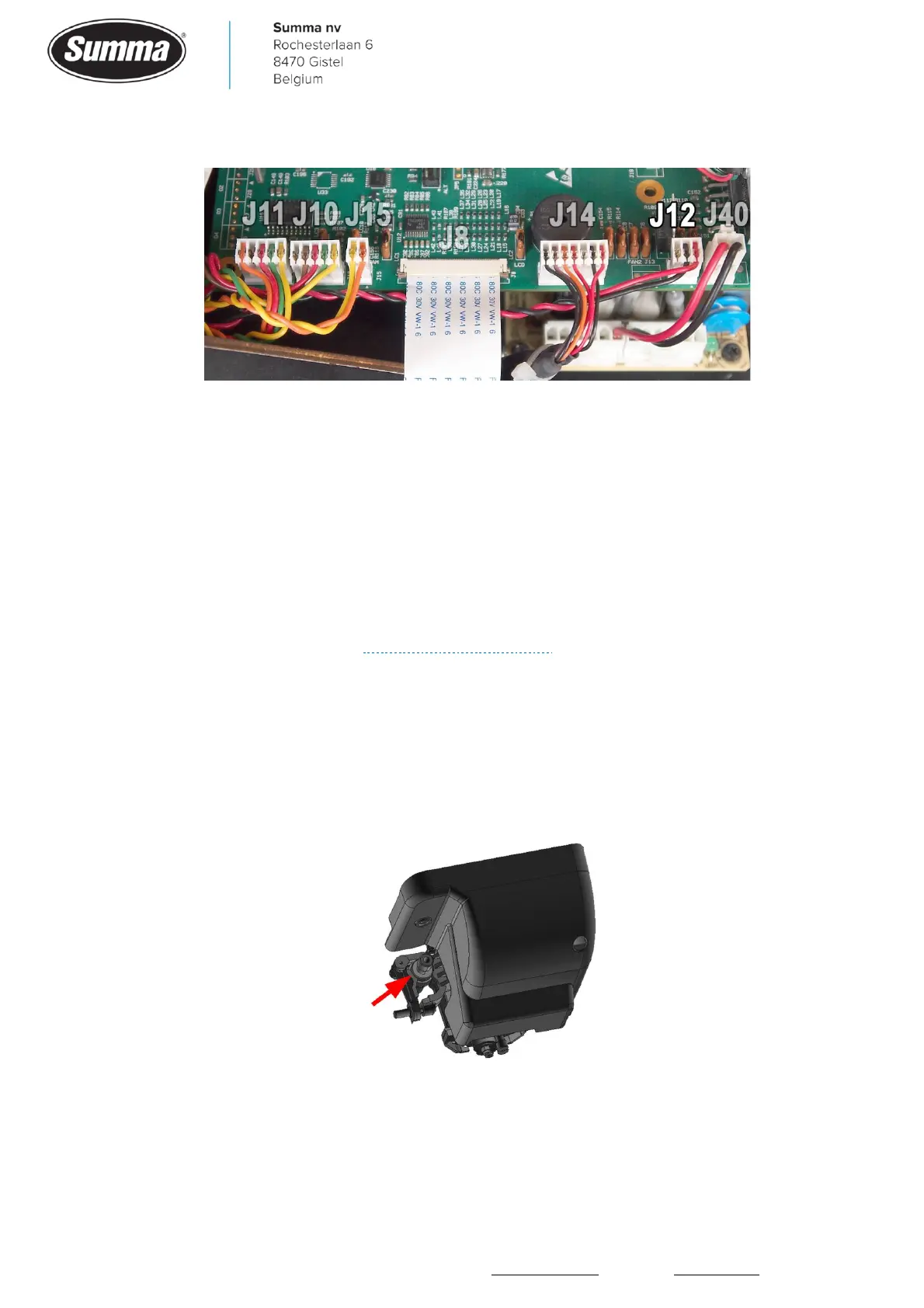
• The connector of the fan has not been put correctly in the socket (J12).
• Wires (red and black) are not firmly seated in the fan connector (J12), or probably swapped.
• Wires for the fan squeezed between the base and the bottom plate.
• Sensitivity of the media sensors are set incorrect, and cannot detect media is present.
4.17 OPOS sensor makes repeated up down movements
When the OPOS sensor could not be lowered sufficient when a registration mark has to be
read, then the machine tries a few more times to lower the OPOS sensor to the required
height. This is done by repeating the up down movement a few times. Usually an error
message is then displayed. See “Unable to lower OPOS!”.
4.18 OPOS sensor starts searching 1 cm above mark
This issue usually only happens on machines with a drag head (machine type S2Dxxx), due
to the knife holder being mounted in the tool clamp at the front position to cut over the
pouncing strip. The contour is then also cut about 1 cm too low. Reposition the knife holder
to the rear position of the tool clamp to cut over the cutting strip.
4.19 Cutting stops after first panel
When paneling, or OPOS-paneling, has been activated then the machine starts cutting as
soon as the job is sent (a small delay may occur) until the first panel is finished. Then the









 To Next Page