The information contained in this document is confidential, and only for the information of the intended recipient and may not be published or redistributed without the prior written consent of Summa NV.
Summa nv Tel +32 59 27 00 11 Fax +32 59 27 00 63 Email support@summa.com Website www.summa.com Page 47 of 76
• Overcut: Defines the distance to extend curves at the start and end to ease weeding. To be set
to 0.1 mm for normal vinyl, can be increased to 0.5 mm for flex media.
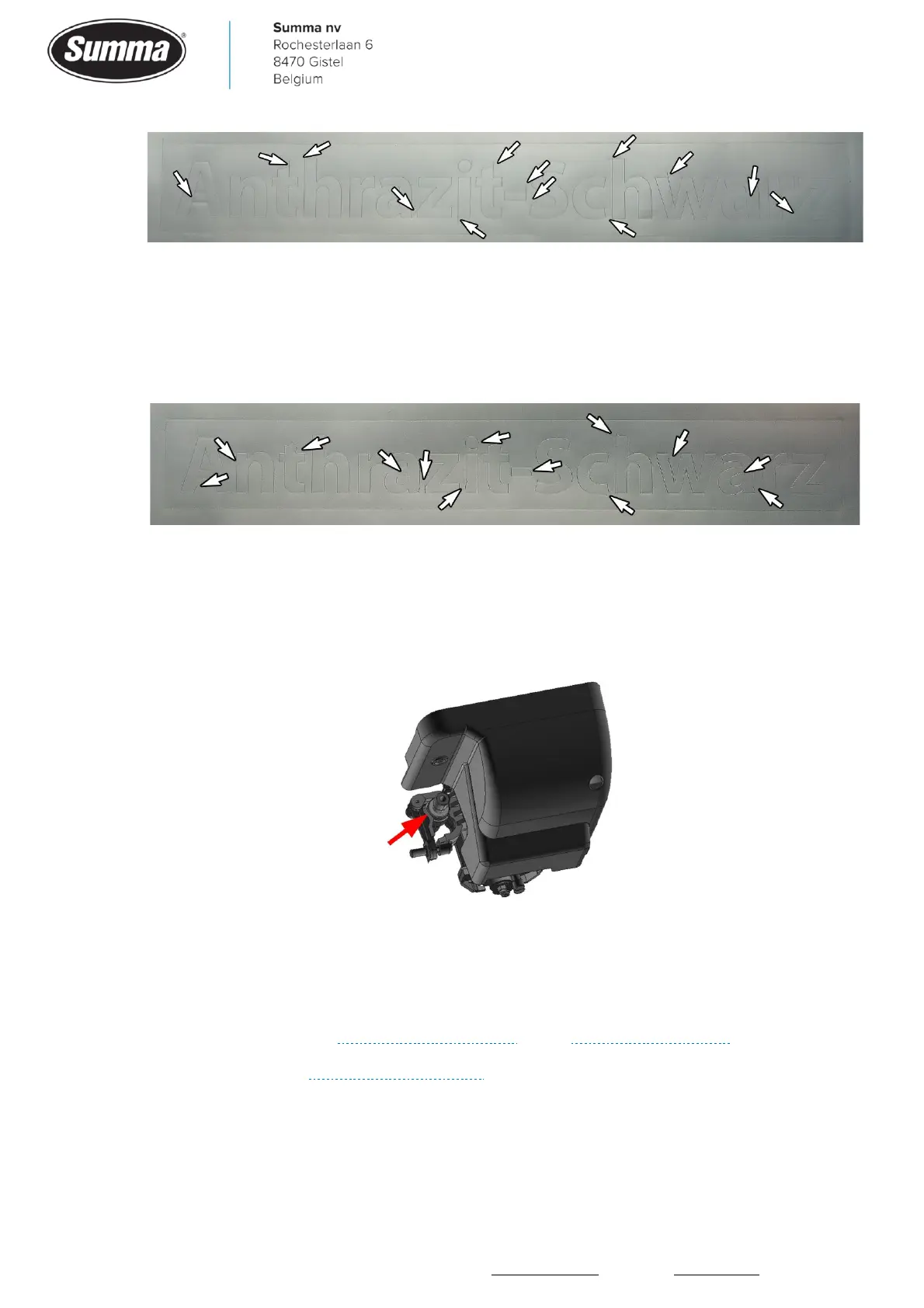
• Drag Knife Landing: The knife may not lower fast enough, causing the media and/or cutter
head starting to move before the knife touches the media.
In below picture, the drag knife landing parameter was set too low:
• Knife Holder position: Check the position of the drag knife holder in the tool clamp of the
cutter head. Make sure the rear position is used to cut over the cutting strip. In case the knife
was set over the pouncing strip (front position) then the media is not sufficient supported, as
the pouncing strip is recessed to the base plate. Due to the knife pressure, the media will go
up and down, causing incorrect drag knife moves.
6.9 Curves do not close
When the endpoint of a curve does not meet the startpoint of the curve, then this could be
due to the following:
• A mechanical issue. See “Horizontal shift (Y axis)” and “Vertical shift (X axis)”.
• Tracking issues. See “Media transport issues”.
• Knife settings: when using a tangential knife, check the “Origin” parameter: [Settings] –
[Calibrate knife]. When using a drag knife, check the knife offset: [Settings] – [Knife offset].
• A defective cutter head carriage: loose or defective wheel.









 To Next Page