The information contained in this document is confidential, and only for the information of the intended recipient and may not be published or redistributed without the prior written consent of Summa NV.
Summa nv Tel +32 59 27 00 11 Fax +32 59 27 00 63 Email support@summa.com Website www.summa.com Page 52 of 76
7 Print & Cut issues
7.1 Print & Cut shift
In case the contour does not match the printed design, then check the following items:
• In case the machine has a drag cutter head, then verify the knife holder cuts over the cutting
strip (rear position of the tool clamp).
• The shift could be a result from tracking issues. Check for “Media transport issues”.
• The shift could be due to a worn belt jumping over the teeth of the pulley. Check for worn belts
used to rotate the drive drum or to move the cutter head over the media. See “Curves do not
close”, “Horizontal shift (Y axis)” and “Vertical shift (X axis)”.
• The shift calibration determining the offset between the knife tip and the OPOS sensor may be
off. Run the OPOS offset calibration test. Click [Settings] – [More] – [OPOS] –
[Calibrate OPOS].
• The sensitivity of the OPOS sensor may not be set correct for the media used. Check OPOS
sensitivity setting. Click [Settings] – [More] – [OPOS] – [Calibrate media (OPOS)] – [Set] to
check current setting.
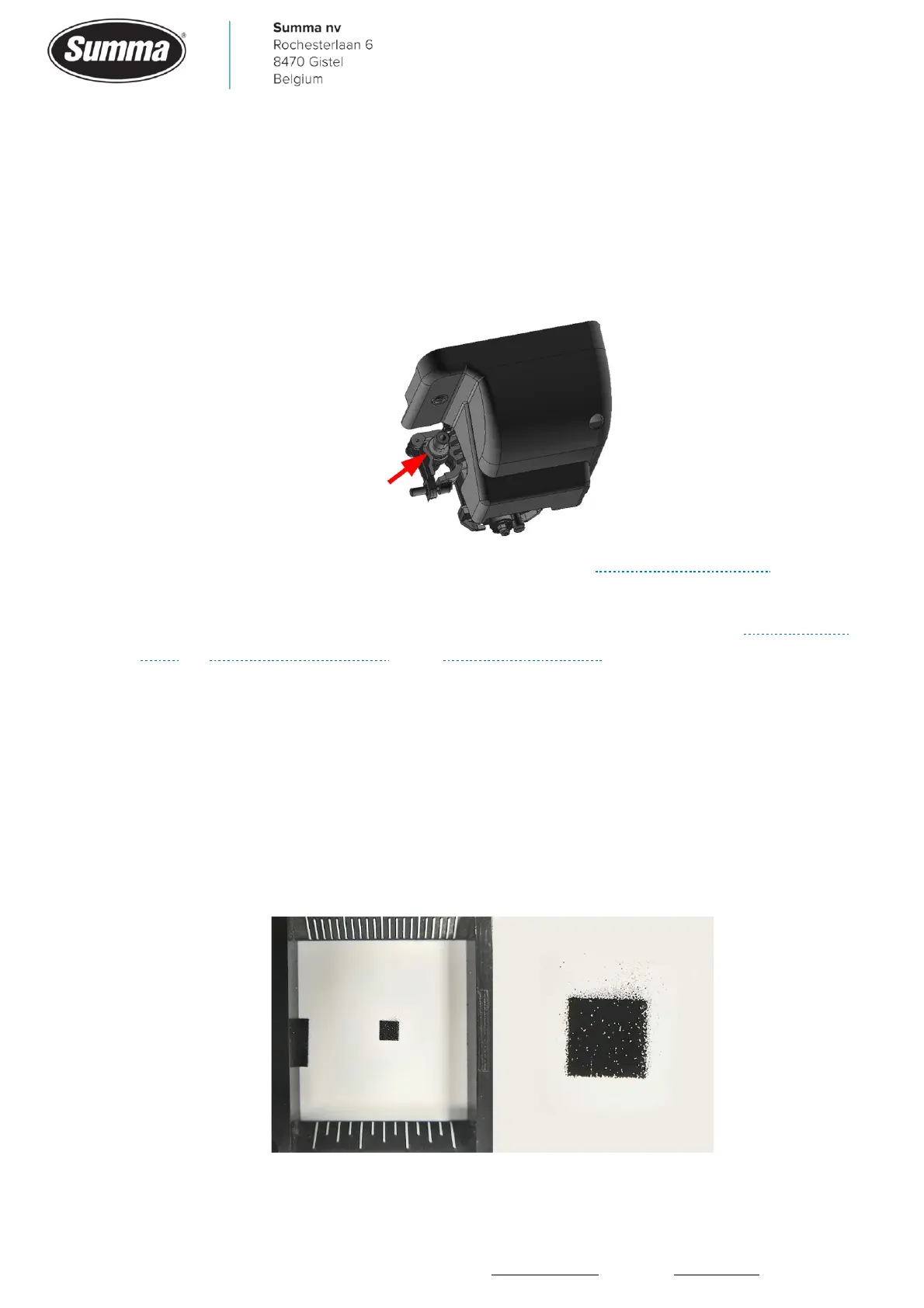
• The edges of the OPOS registration marks may be rough, causing the OPOS sensor being
unable to determine the correct position of the registration marks.









 To Next Page