The information contained in this document is confidential, and only for the information of the intended recipient and may not be published or redistributed without the prior written consent of Summa NV.
Summa nv Tel +32 59 27 00 11 Fax +32 59 27 00 63 Email support@summa.com Website www.summa.com Page 51 of 76
6.15 Jobs are too long or too short
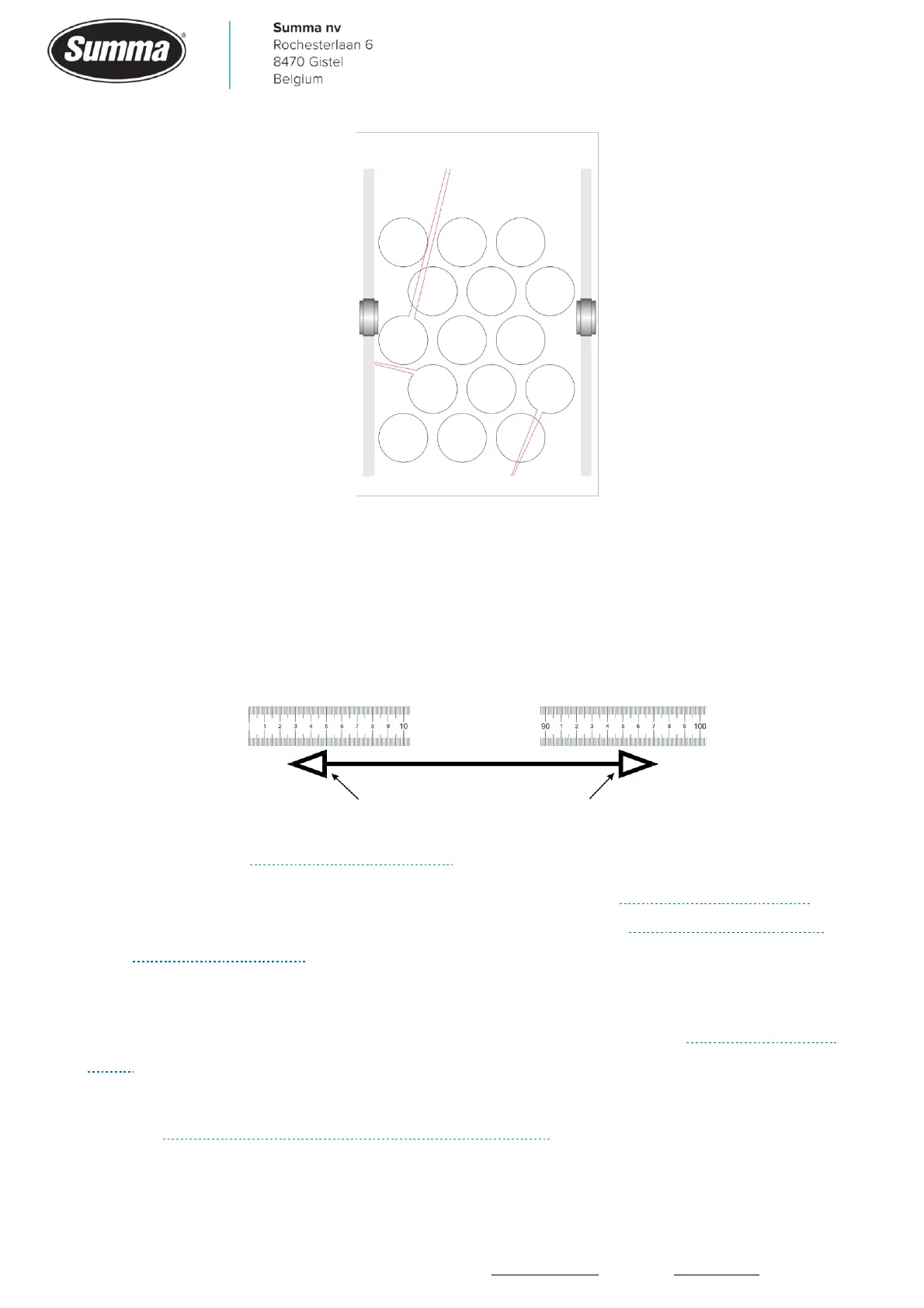
The amount of media fed by each revolution of the drive drum depends on the thickness of
the media. To compensate for this, the machine can be calibrated. Click [Settings] – [More]
– [Length Calibration]. Measure the length of the cut line (excluding triangles) and enter in
the machine (do not use the start of the ruler, use a shift of e.g. 5 cm, and use a magnifier to
increase accuracy of measurement).
The media length calibration is stored per user configuration. Change user configuration
before starting the media length calibration.
Make sure the machine has a good tracking performance (see “Media transport issues”), as
this may influence cutting length. Check also for bad belts (see “Horizontal shift (Y axis)”
and “Vertical shift (X axis)”).
6.16 Jobs are too small or too wide
In case jobs are too small or too wide, then check for a worn belt. See “Horizontal shift (Y
axis).
To be able to calibrate the cutting width, the machine has to be started in service mode,
then the length and width calibration can be performed.









 To Next Page