The information contained in this document is confidential, and only for the information of the intended recipient and may not be published or redistributed without the prior written consent of Summa NV.
Summa nv Tel +32 59 27 00 11 Fax +32 59 27 00 63 Email support@summa.com Website www.summa.com Page 65 of 76
9.3 Actions
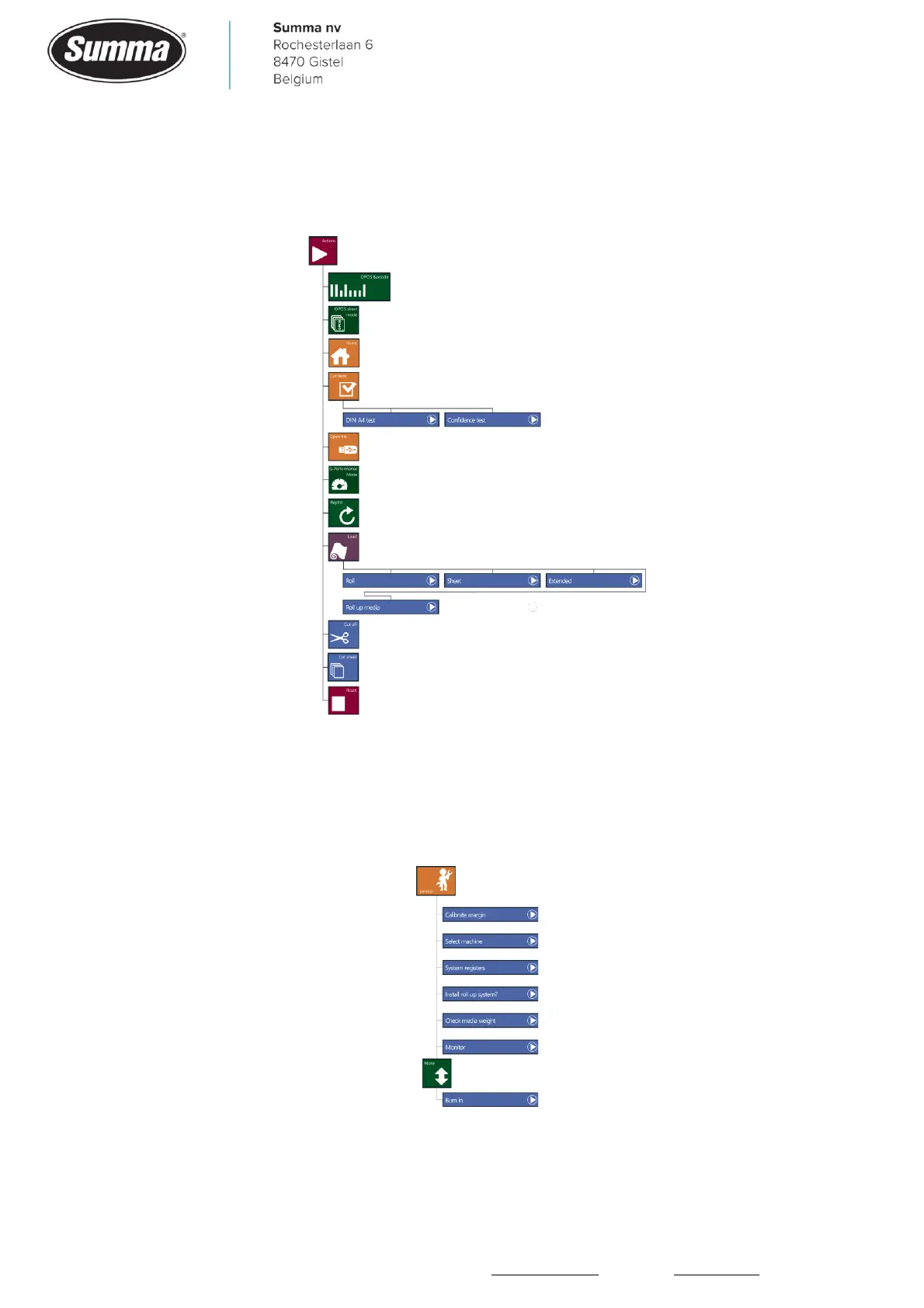
From the [Actions] button, an action can be initiated. See the user’s guide for a description
of the functionality.
9.4 Service
The [Service] button can be used to diagnose a problem ([Check media weight] and
[Monitor]), or when a hardware change has been made ([Calibrate margin], [Select
machine], [System registers] and [Install roll up system?]).









 To Next Page